
Listen to this Post
🎯 Introduction
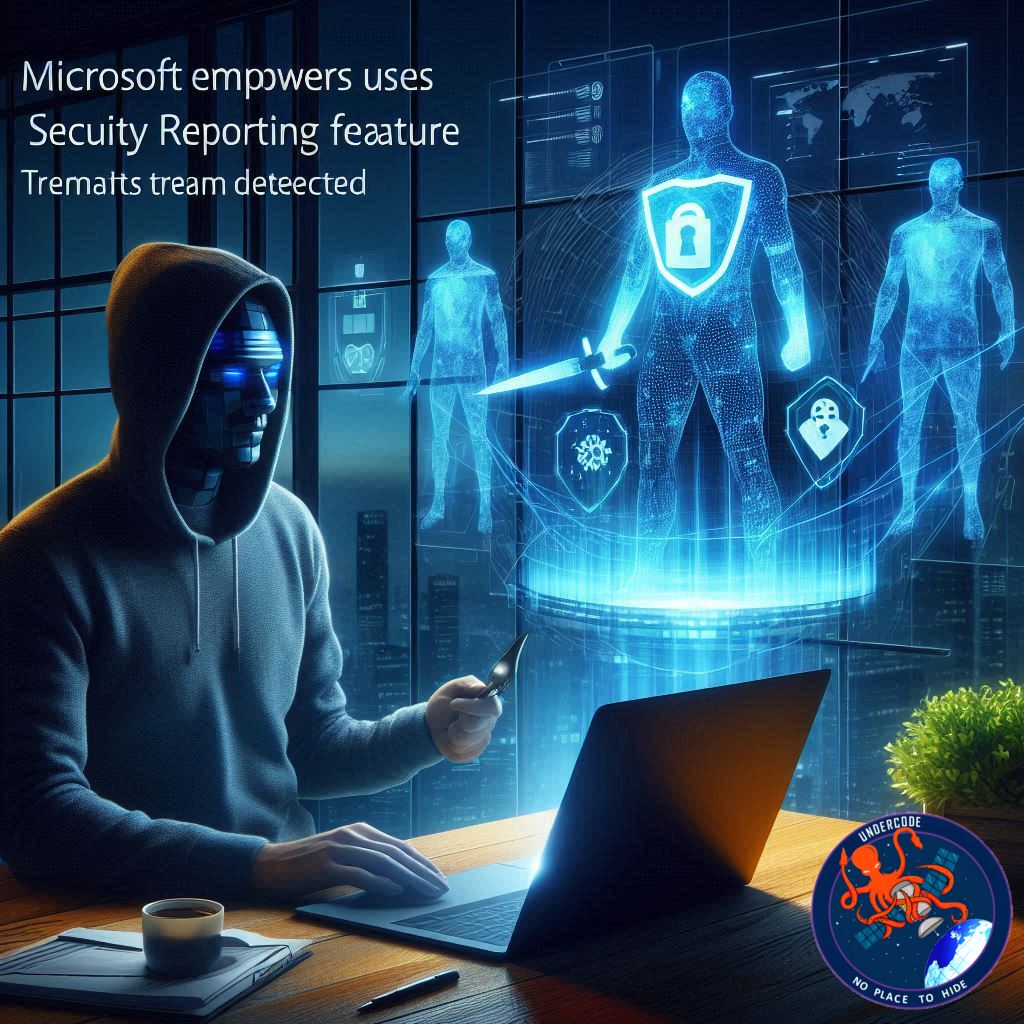
Microsoft is taking a bold step toward strengthening enterprise cybersecurity by shifting part of the detection power directly into the hands of everyday users. A new reporting feature inside Microsoft Teams will allow people to flag messages that were mistakenly labeled as security threats. Beyond improving accuracy, this move reinforces a crucial truth in modern defense: security is no longer a one-way street. It is a collaboration between technology, analysts, and the people using these tools every day. As this capability rolls out toward the end of November 2025, it signals Microsoft’s commitment to refining threat detection with real-world user feedback.
Main Summary
A New Era of User-Driven Threat Detection
Microsoft’s newly introduced reporting feature inside Teams gives users the power to identify when a legitimate message has been incorrectly flagged as a security threat. This improvement focuses on reducing false positives, a widespread challenge that often erodes user trust and slows down workflow inside corporate environments.
Turning Friction Into Actionable Intelligence
False positives create unnecessary interruptions, forcing employees to question whether blocked or flagged messages are actually harmful. Microsoft now converts that frustration into constructive feedback. With a simple action inside Teams, users can report that a message has been mislabeled. Instead of disappearing into the system, these reports flow into a dedicated User-reported tab inside the Microsoft Defender portal.
AI Models Trained by Real-World Behavior
Once submitted, each report helps security teams identify patterns and refine detection rules. More importantly, the data helps train Microsoft’s artificial intelligence and machine learning models, teaching them to better distinguish legitimate communication from genuine threats. Over time, this feedback loop strengthens the system’s accuracy while maintaining strong protection against evolving attack vectors.
Feature Rolling Out Across All Teams Platforms
The capability is launching broadly across Teams on Android, Desktop, iOS, Mac, and the Web. This inclusive rollout ensures employees can provide immediate feedback no matter where they work, expanding the pool of data that supports model improvement.
Administrators Get Full Control During Early Deployment
In the initial rollout, administrators can choose whether the feature appears in their environments. Once it reaches full general availability, it becomes enabled by default for organizations using Microsoft Defender for Office 365 Plan 2 or Microsoft Defender XDR. This default activation ensures that most organizations will participate without needing extra configuration.
Two Locations Must Be Enabled for Full Functionality
To turn the feature on completely, administrators must adjust settings in two different places:
The Teams admin center under Messaging settings > Messaging safety
The Microsoft Defender portal
For newly created tenants, the Defender setting enables automatically. Existing organizations must turn it on manually, ensuring they maintain control over their security landscape.
Controlled Access Through Entra ID
Organizations may also restrict access using Entra ID group membership. This allows phased rollouts, such as enabling the feature for IT teams or high-risk departments first. Gradual expansions help organizations evaluate user engagement and refine internal processes before applying the feature across the entire workforce.
A Collaborative Security Strategy
This initiative highlights Microsoft’s shift toward a more interactive security model. Rather than relying solely on backend detection algorithms, the company now emphasizes user involvement. Real-world feedback from employees sharpens the accuracy of threat detection models, reduces unnecessary alerts, and streamlines the overall security experience inside Microsoft 365.
Compliance Considerations Remain Crucial
Before enabling the feature, organizations should refer to Microsoft Learn documentation to ensure that all reporting workflows align with internal security policies and industry regulations. As cybersecurity evolves, proper governance remains just as important as reliable tools.
What Undercode Say:
A Strategic Pivot Toward Collective Defense
This new Teams reporting feature represents more than just an additional button. It signals a deliberate pivot toward a modern cybersecurity philosophy: collective defense. For years, enterprises relied heavily on automated filters and backend analytics, hoping that algorithms alone could accurately separate legitimate communication from cleverly disguised threats. But the rise of sophisticated phishing techniques and complex social engineering attacks has exposed a limitation. Machine learning models, although powerful, struggle when signals in the communication stream look too similar.
User Feedback as a High-Value Data Source
By adding user input, Microsoft introduces a new dimension of intelligence into its detection pipeline. Human context is something AI systems often lack. Employees immediately recognize when a flagged message is harmless, such as a legitimate invoice or internal announcement. Feeding this understanding into Microsoft’s AI models allows them to learn from real interactions rather than relying solely on static pattern recognition.
A Positive Shift for Security Teams
For security teams already drowning in alert noise, the User-reported tab inside the Defender portal becomes a treasure trove. Instead of guessing why certain alerts trigger or struggling to understand detection blind spots, analysts now receive contextual feedback from those interacting with the platform daily. These insights help refine heuristics and detection rules, reducing unnecessary workloads and sharpening defensive accuracy.
Adoption Strategy Matters
The requirement to enable settings in two locations may feel tedious for some administrators, but it serves a purpose. It gives organizations controlled flexibility. Newly created tenants benefit from automatic activation, while existing enterprises can roll out responsibly without disrupting team communication. The additional access restriction via Entra ID makes this even more strategic. It allows IT teams to test the feature internally, gather feedback, and fine-tune communication plans before exposing it to thousands of employees.
Broad Platform Support Expands Data Diversity
Launching the feature across all Teams platforms simultaneously is a critical decision. Security insights are most reliable when they come from diverse environments. Different devices, operating systems, and network conditions often influence detection behavior. Ensuring that every user can participate democratizes the training data and strengthens the robustness of Microsoft’s models.
Building Trust Back Into Security Tools
One of the most overlooked aspects of cybersecurity is user trust. When systems repeatedly flag safe content as malicious, users become skeptical of alerts and tools that are designed to protect them. Over time, this can lead to alert fatigue or even negligence. Microsoft’s new reporting capability acknowledges this psychological component. By giving users a role in shaping detection accuracy, the company restores confidence and strengthens the relationship between the workforce and the security ecosystem.
Regulatory Preparedness Is Essential
Organizations operating in regulated industries must ensure that user-submitted reports do not violate data retention, privacy, or audit requirements. Microsoft provides detailed guidance through its Learn documentation, but internal policy alignment remains the responsibility of each enterprise. Successful adoption hinges not only on functionality but also on compliance maturity.
The Bigger Picture: Security Becomes a Conversation
In many ways, this feature transforms security from a background process into a collaborative conversation. Users are no longer passive recipients of security decisions. They are active participants contributing insights that directly shape the intelligence of Microsoft’s defenses. This is the future of cybersecurity. Not isolation, but integration.
🔍 Fact Checker Results
The feature rolls out by end of November 2025. ✅
Requires Defender for Office 365 Plan 2 or Defender XDR. ✅
Two separate admin settings must be enabled for full functionality. ✅
📊 Prediction
Over the next 12 to 18 months, organizations adopting this feature will likely see a measurable reduction in false positives and improved accuracy across their threat detection pipelines. 📈
User trust in Teams security will increase as employees see their feedback influence real outcomes. 🌐
This model may expand to other Microsoft 365 services, evolving into a broader user-driven AI enhancement strategy. 🤖
🕵️📝✔️Let’s dive deep and fact‑check.
References:
Reported By: cyberpress.org
Extra Source Hub (Possible Sources for article):
https://www.medium.com
Wikipedia
OpenAi & Undercode AI
Image Source:
Unsplash
Undercode AI DI v2
Bing
🔐JOIN OUR CYBER WORLD [ CVE News • HackMonitor • UndercodeNews ]
📢 Follow UndercodeNews & Stay Tuned:
𝕏 formerly Twitter 🐦 | @ Threads | 🔗 Linkedin | 🦋BlueSky | 🐘Mastodon


