
Listen to this Post
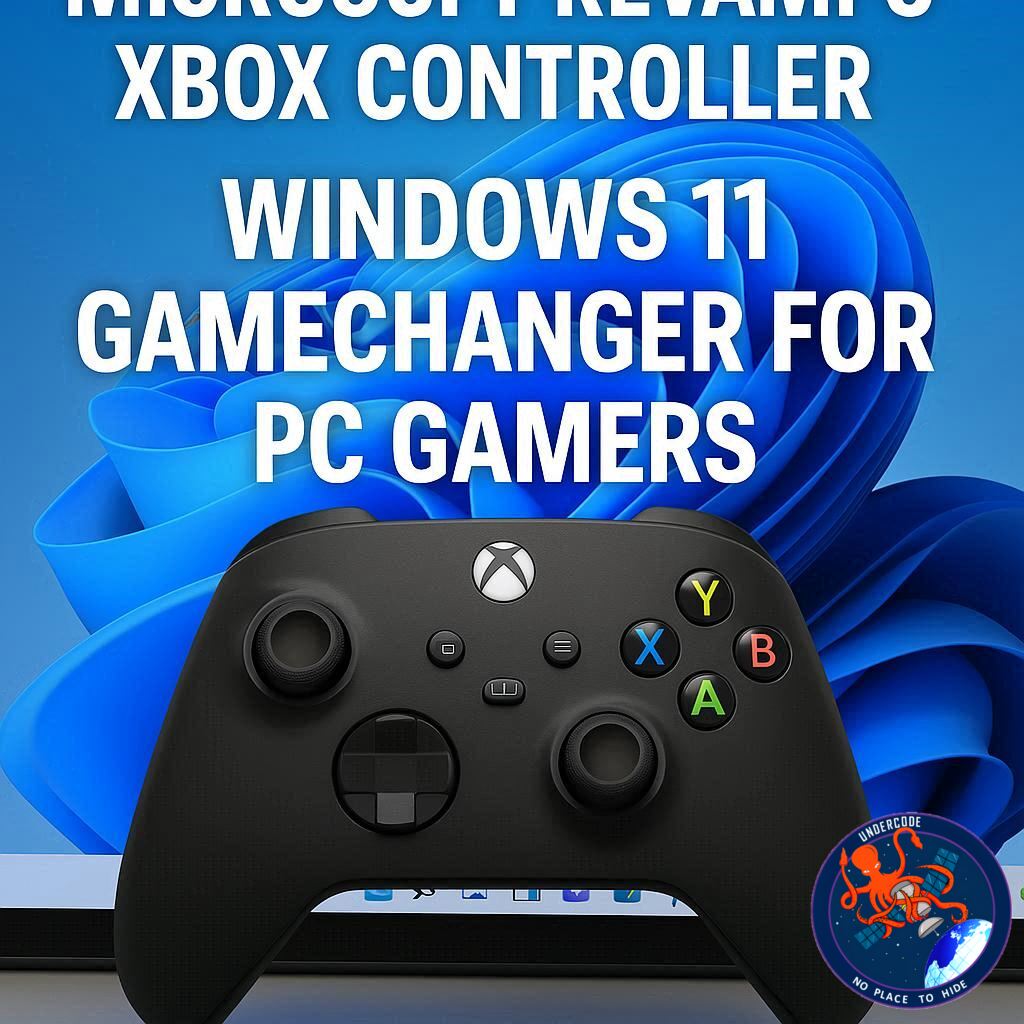
Microsoft is taking a bold step to make gaming on Windows 11 more fluid and intuitive. The tech giant has introduced a major update to Xbox controller functionality, allowing users to access the Task View switcher—a core Windows 11 navigation tool—with a long press of the Xbox button. This update, currently being tested by Windows Insiders, promises to streamline multitasking for gamers who juggle multiple apps and games on their PCs.
The update specifically changes how the Xbox button behaves on controllers connected to Windows 11. Now, a long press opens Task View, Microsoft’s built-in app and window switcher, enabling players to seamlessly switch between games, browsers, and productivity apps without leaving their controller. The traditional controller shutdown feature remains intact for users who hold the button even longer, preserving essential power functions.
This update also aligns with
By offering this dual-functionality, Microsoft is bridging the gap between system navigation and gaming-specific tools, ensuring that both casual users and hardcore gamers can enjoy smoother multitasking experiences. The update began testing with Windows Insiders in September 2025 and is expected to reach all Windows 11 users in the coming months as part of Microsoft’s ongoing effort to enhance the gaming ecosystem.
What Undercode Say:
Microsoft’s move to integrate Task View access into the Xbox controller is a subtle but significant improvement in PC gaming ergonomics. By reducing the friction of switching between apps, gamers can maintain immersion while managing multitasking needs—critical for streamers, content creators, and multitasking professionals. This update also reflects a broader trend where gaming hardware increasingly blends with productivity tools, especially as devices like Xbox Ally bring portable Windows 11 gaming into sharper focus.
Visually, the update hints at Microsoft’s desire to standardize a “controller-first” navigation approach across both desktop and handheld devices. While desktop gamers may not see all the handheld-specific animations, the foundation is laid for a more cohesive experience across device types. This could signal the beginning of a broader strategy to integrate gaming and system-level functions into a single, intuitive interface that reduces reliance on keyboards and mice for routine tasks.
Strategically, it positions Xbox controllers not just as peripherals for gaming, but as multifunctional tools for Windows 11 PCs. This could encourage adoption among casual PC users and enhance the appeal of Xbox controllers in productivity contexts, such as controlling media or switching between virtual desktops during work-from-home scenarios. It also highlights Microsoft’s continued investment in building a unified gaming ecosystem, where console-like convenience extends across all Windows devices.
For developers, this change opens doors for innovative uses of the Xbox button in apps, especially with potential API access that could allow third-party programs to respond to long presses differently. Gamers might soon see more context-sensitive controls that reduce menu diving and streamline workflows.
Overall, Microsoft is not just improving a controller—it is subtly reshaping how we think about interacting with Windows PCs. The Xbox button is evolving from a single-purpose gaming tool into a multifunctional interface for both gaming and productivity, hinting at a future where controllers may redefine desktop navigation norms.
🔍 Fact Checker Results
✅ Microsoft has begun testing Xbox controller Task View functionality with Windows Insiders in September 2025.
✅ The long press triggers Task View while the single press still opens the Game Bar.
❌ No confirmation yet that handheld animations will appear on desktop PCs.
📊 Prediction
Expect this feature to become standard across Windows 11 PCs within the next 6–8 months. Its success could lead Microsoft to further integrate gaming controllers with system-level navigation, possibly inspiring developers to create apps that leverage controller input for productivity and multitasking, not just gaming. This might also influence competitors to adopt similar dual-function controller approaches.
🕵️📝✔️Let’s dive deep and fact‑check.
References:
Reported By: timesofindia.indiatimes.com
Extra Source Hub:
https://www.medium.com
Wikipedia
OpenAi & Undercode AI
Image Source:
Unsplash
Undercode AI DI v2
🔐JOIN OUR CYBER WORLD [ CVE News • HackMonitor • UndercodeNews ]
📢 Follow UndercodeNews & Stay Tuned:
𝕏 formerly Twitter 🐦 | @ Threads | 🔗 Linkedin | 🦋BlueSky | 🐘Mastodon


