
Listen to this Post
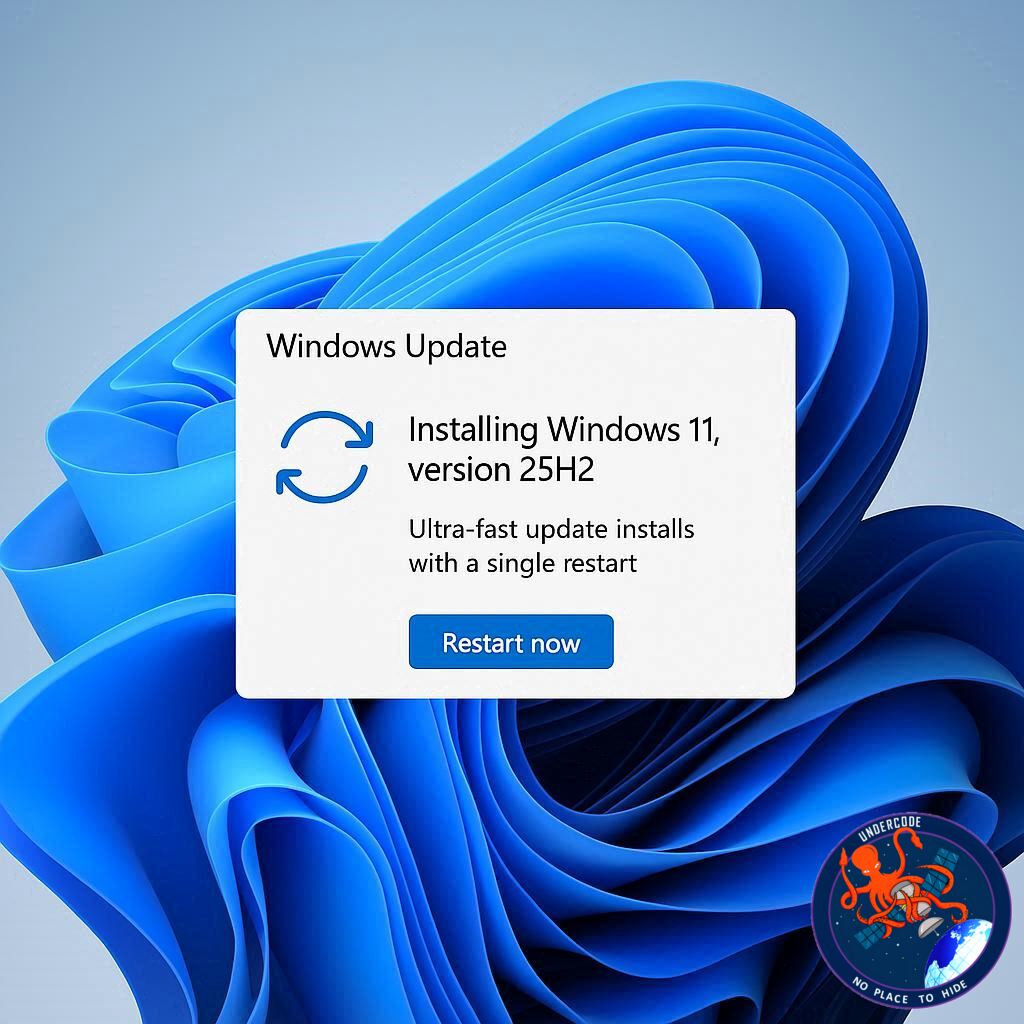
Introduction: A Smarter, Leaner Windows Upgrade
Microsoft has officially rolled out Windows 11 25H2, the 2025 version of its flagship operating system. This update promises faster installation, enhanced security, and a smoother overall experience. Unlike previous annual updates that replaced countless system files, 25H2 focuses on efficiency by updating only what’s necessary. For users tired of long reboot cycles and buggy updates, this release may finally offer a clean, reliable experience with minimal downtime.
What Windows 11 25H2 Brings to the Table
Windows 11 25H2 represents a significant shift in how Microsoft delivers its major updates. By adopting the incremental update system used in regular Windows updates, this version requires only a single restart. This approach drastically reduces downtime and installation frustration. Additionally, 25H2 shares the same code base as 24H2, meaning it benefits from an already tested foundation but activates previously disabled features. Users can expect improved stability, fewer glitches, and a more consistent user experience.
Security has been a core focus for this release. Microsoft’s Secure Future Initiative drives enhancements in vulnerability detection and AI-assisted secure coding. 25H2 is designed to proactively mitigate security threats while adhering to strict development lifecycle standards, giving users confidence in both personal and enterprise environments.
Beyond security, 25H2 consolidates features gradually introduced in 24H2. These include support for Wi-Fi 7, Quick Machine Recovery for boot issues, Taskbar tweaks, and improvements to File Explorer and Task Manager. With all features ready out of the box, users no longer need to wait for incremental rollouts to enjoy the full Windows 11 experience.
The update also extends support longevity. While 24H2 support ends in October 2026, 25H2 will receive updates until October 2027. This extra year of support ensures that businesses and individual users can rely on the system for a longer period without forced upgrades.
Finally, Microsoft has learned from past mistakes. 24H2 faced numerous bugs that required multiple patches to stabilize. With 25H2, the company has applied lessons from the previous cycle to avoid repeating these errors, aiming for a more polished and dependable release from day one.
How to Install Windows 11 25H2
Users have several ways to install the update. First, ensure your PC is running 24H2. Navigate to Settings > Windows Update and check for updates. If 25H2 is available, you can download and install it directly.
If the update hasn’t yet appeared, manual installation options exist. Microsoft offers the Windows Installation Assistant for on-device upgrades, Installation Media for creating a bootable USB or DVD, and Disk Image (ISO) files for flexible installation on any machine. The ISO method is typically the fastest and simplest. Once installed, a single reboot completes the update, and users can verify the version in Settings > System > About.
What Undercode Say:
Windows 11 25H2 is a clear example of Microsoft responding to user frustration with bloated, error-prone updates. By limiting changes to only essential files, this release reduces the risk of installation failures while dramatically shortening downtime. In essence, Microsoft is moving towards a modular, agile update model similar to what mobile operating systems have used for years, which signals a major shift in desktop OS strategy.
Security enhancements are particularly noteworthy. AI-assisted secure coding and runtime vulnerability detection suggest Microsoft is leveraging machine learning not just for features but for proactive defense. Enterprises and security-conscious users will appreciate this emphasis, as modern cyber threats require constant evolution rather than reactive patching.
Feature parity with 24H2 ensures consistency across deployments. For IT administrators, this reduces complexity when managing large fleets of devices. The ability to activate previously disabled features means organizations can adopt new capabilities without rearchitecting their workflows.
From a usability standpoint, single-restart installation is a game changer. Long update processes were historically one of the most common complaints about Windows. This update addresses that pain point directly, improving productivity and user satisfaction.
Moreover, Windows 11 25H2 demonstrates Microsoft’s learning curve from the 24H2 cycle. The previous version’s instability highlighted the dangers of rushed feature rollouts. By consolidating fixes and enabling features only when the code is stable, Microsoft reduces the risk of post-update disruption—a subtle but critical improvement.
The extended support window also has strategic implications. Users and businesses gain more breathing room for planning future upgrades, reducing forced migration pressure. This could improve adoption rates and customer trust, especially in enterprise environments where system stability is paramount.
For home users, the 25H2 update is attractive for its speed, reliability, and new features like Wi-Fi 7 and Quick Machine Recovery. Even casual users who previously delayed updates due to downtime concerns may find this release appealing. The update process itself is more transparent and user-friendly, further lowering barriers to adoption.
Microsoft’s incremental rollout strategy—gradually exposing the update to users—also demonstrates an understanding of risk management. By staggering releases, the company can catch unforeseen issues early and minimize widespread disruption, a lesson clearly learned from previous annual update experiences.
In essence, Windows 11 25H2 is less about flashy features and more about refinement, security, and usability. It prioritizes practical improvements that enhance stability, productivity, and protection. For users who experienced headaches with past updates, this edition signals a much-needed change in philosophy.
Fact Checker Results:
✅ Security enhancements include AI-assisted coding and vulnerability detection.
✅ Update requires only a single restart due to incremental installation.
✅ Windows 11 25H2 extends support until October 2027.
Prediction:
Windows 11 25H2 is likely to accelerate adoption among both home users and enterprises. Its compact installation, security upgrades, and feature consolidation will make it a preferred choice over 24H2. Over the next year, we may see Microsoft fully embrace modular updates as standard, potentially reshaping how major Windows updates are delivered in the future.
🕵️📝✔️Let’s dive deep and fact‑check.
References:
Reported By: www.zdnet.com
Extra Source Hub:
https://www.medium.com
Wikipedia
OpenAi & Undercode AI
Image Source:
Unsplash
Undercode AI DI v2
🔐JOIN OUR CYBER WORLD [ CVE News • HackMonitor • UndercodeNews ]
📢 Follow UndercodeNews & Stay Tuned:
𝕏 formerly Twitter 🐦 | @ Threads | 🔗 Linkedin | 🦋BlueSky | 🐘Mastodon


