
Listen to this Post
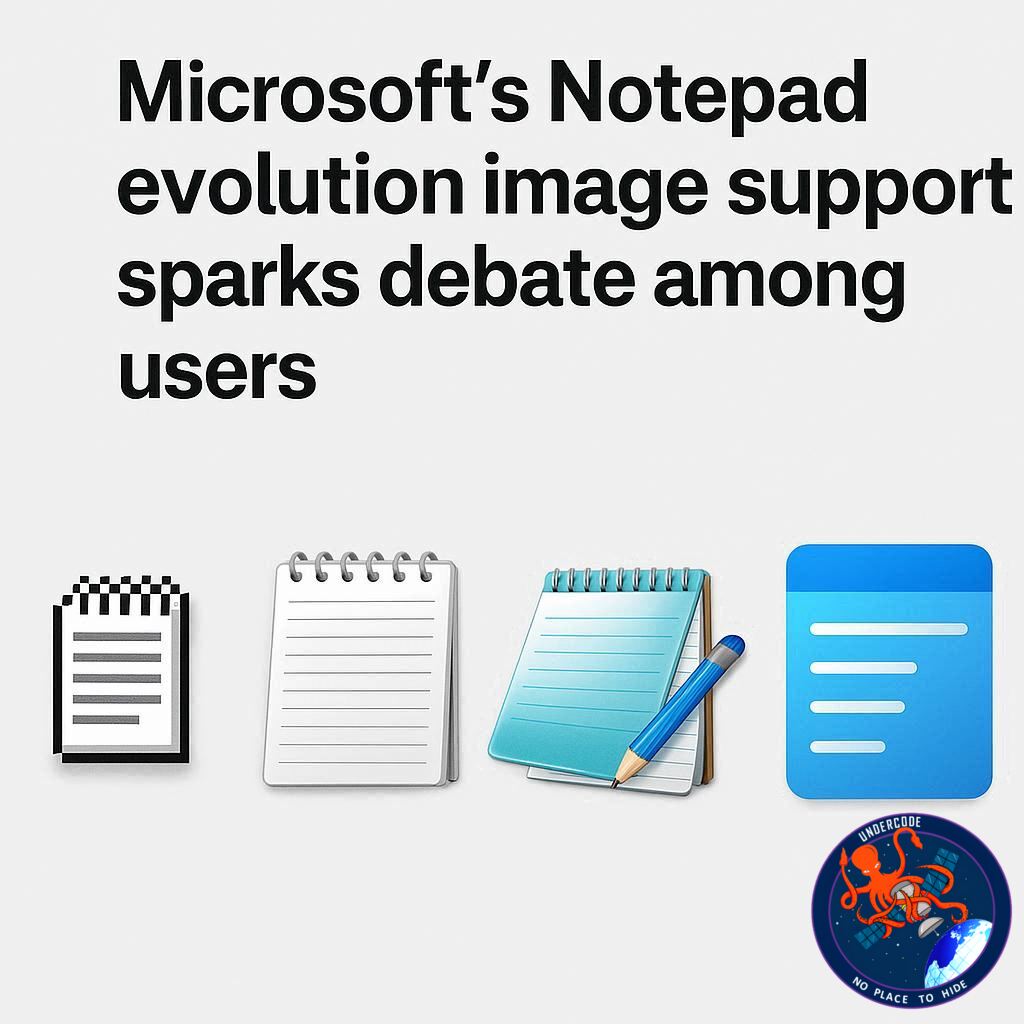
Windows 11’s humble Notepad, long celebrated for its simplicity and lightning-fast performance, may soon be stepping into new territory. Rumors suggest Microsoft is preparing to add image support to the app, a feature that could transform the traditionally minimalist tool into a more multimedia-capable environment. While some users may welcome this addition, others fear it could undermine the core appeal of Notepad, raising questions about whether Microsoft is overcomplicating one of Windows’ oldest utilities.
Notepad Set to Embed Images
According to reports from Windows Latest, insiders indicate that Microsoft is testing a feature allowing users to embed images directly into Notepad. Evidence for this development appeared in the Windows Insiders program, where preview builds show an ‘insert image’ button in the toolbar. While this button currently resides in the ‘what’s new’ panel rather than the live app, it signals Microsoft’s intention to integrate this functionality in upcoming releases.
Minimal Performance Impact Claimed
Sources familiar with the testing process have noted that the new feature is expected to have a minimal impact on system performance. Users who prefer Notepad’s classic simplicity will reportedly be able to disable the image functionality in settings. Nonetheless, these incremental changes feed into a broader trend of Notepad evolving beyond its lightweight roots.
Expanding Markdown Support
The image embedding feature will likely tie into Notepad’s existing markdown support, which already introduced bullet points, text formatting, hyperlinks, and other enhanced options. This evolution indicates Microsoft’s ambition to make Notepad more versatile, though it simultaneously raises concerns about feature creep in an app historically valued for its minimalism.
Concerns Over Complexity
Longtime Notepad users may view these additions with skepticism. Each new feature, even if individually harmless, accumulates and could gradually affect responsiveness. The simplicity and performance of Notepad have been key reasons for its enduring popularity, and there’s worry that Microsoft’s ongoing updates could dilute these strengths.
Security Implications
Expanding Notepad’s capabilities also carries potential security risks. Previous vulnerabilities linked to markdown formatting suggest that additional features could introduce new exploits or hacking opportunities. As Microsoft layers multimedia functionality on top of a traditionally simple app, the risk of unforeseen security issues grows.
Notepad Versus WordPad
Interestingly, Microsoft’s approach contrasts with the discontinuation of WordPad in Windows 11. WordPad historically served as a middle ground between Notepad and Microsoft Word. With WordPad gone, Notepad seems to be absorbing features that blur the line between simplicity and functionality, leaving users to navigate a shifting landscape of text editing tools within Windows.
What Undercode Say: Notepad’s Risky Transformation
Microsoft’s strategy to incrementally enhance Notepad reflects a tension between innovation and preservation. On one hand, adding multimedia capabilities aligns with user demands for more versatile tools in a single application. On the other, Notepad’s core identity is rooted in simplicity, speed, and reliability.
Embedding images, expanding markdown support, and other new features could appeal to casual users seeking lightweight document creation without opening Word. However, each incremental update subtly changes user expectations. Notepad is moving from a purely functional text editor to a hybrid utility, a path that invites both excitement and criticism.
From an analytical standpoint, the evolution of Notepad illustrates a broader trend in software design: feature creep in legacy applications. While Microsoft may argue that the performance impact is negligible, there’s a psychological and operational cost to users accustomed to minimal interfaces. Small changes accumulate, creating cognitive load, potential configuration conflicts, and longer learning curves.
Security remains a subtle yet significant concern. Each new formatting or multimedia capability increases the attack surface of the application. While Microsoft is likely implementing safeguards, history shows that even minor expansions of functionality can introduce vulnerabilities. Users who rely on Notepad for quick text editing may now have to consider safety implications previously irrelevant in a lightweight environment.
The discontinuation of WordPad underscores Microsoft’s strategic consolidation of editing tools. Notepad is effectively inheriting responsibilities that were once delegated to a separate application, positioning it as a default intermediary between simple text files and full-fledged document editing. This may increase Notepad’s utility, but it also risks alienating purists who value speed and simplicity over additional features.
Microsoft’s challenge is balancing innovation with user expectations. They must ensure that the addition of image embedding and enhanced markdown capabilities does not disrupt the user experience for those who rely on Notepad for efficiency. Feature toggles and opt-out options may mitigate some concerns, but the fundamental question remains: can Notepad evolve without losing its defining characteristics?
Looking ahead, Notepad’s trajectory may serve as a case study in software evolution: how a legacy tool adapts to modern demands without compromising its original identity. For enterprise environments and power users, a feature-rich Notepad could increase adoption, but for casual users, the addition of multimedia elements might feel like unnecessary bloat. The company’s approach will likely influence user sentiment and adoption trends significantly.
Fact Checker Results
✅ Rumors of image embedding in Notepad are supported by Windows Insiders builds.
✅ Feature is expected to have minimal performance impact according to sources.
❌ No official release date for the image feature has been confirmed by Microsoft.
Prediction
📊 Notepad’s evolution could polarize users: tech enthusiasts may embrace multimedia integration, while purists could migrate to alternative lightweight editors. Expect Microsoft to roll out toggles and customization to appease both camps. Over the next year, we may see Notepad gradually become a hybrid tool, balancing minimalism with moderate multimedia capabilities.
▶️ Related Video (90% Match):
🕵️📝✔️Let’s dive deep and fact‑check.
References:
Reported By: www.techradar.com
Extra Source Hub (Possible Sources for article):
https://www.github.com
Wikipedia
OpenAi & Undercode AI
Image Source:
Unsplash
Undercode AI DI v2
Bing
🔐JOIN OUR CYBER WORLD [ CVE News • HackMonitor • UndercodeNews ]
📢 Follow UndercodeNews & Stay Tuned:
𝕏 formerly Twitter 🐦 | @ Threads | 🔗 Linkedin | 🦋BlueSky | 🐘Mastodon


