
Listen to this Post
Introduction
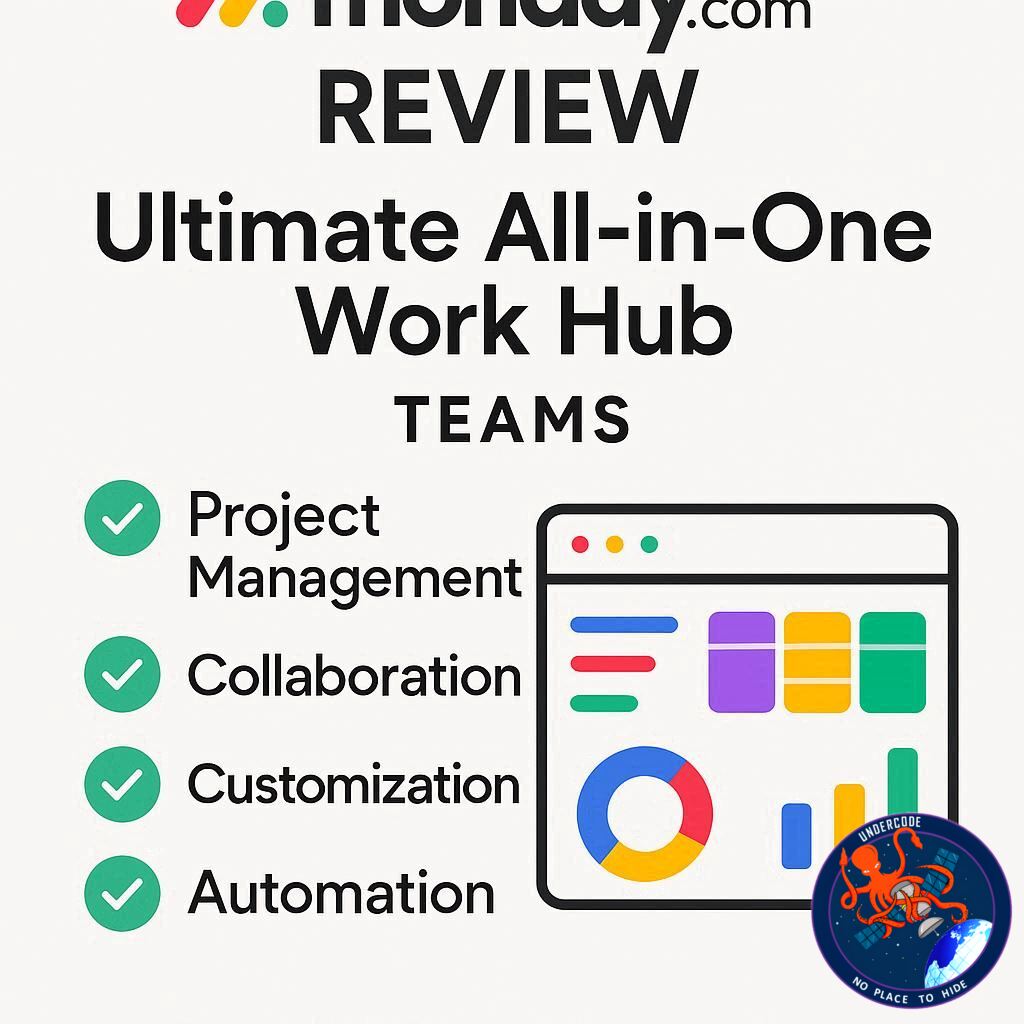
In today’s fast-moving business world, teams often find themselves scattered across endless email threads, chaotic spreadsheets, and sticky notes. monday.com steps in as a powerful, cloud-based work hub designed to bring order to that chaos. Whether you’re running projects, managing sales pipelines, supporting clients, or coordinating product development, monday.com puts everything in one place—making collaboration seamless, transparent, and efficient.
This article explores what monday.com is, its features, pricing, and security, while also diving into how small businesses can set it up for maximum productivity.
monday.com at a Glance
monday.com is a flexible online workspace that helps teams manage projects, tasks, files, and communications in one place. Its key strength lies in boards—customizable tables that track everything from sales leads to engineering bugs.
The platform has multiple specialized products:
monday Work Management: Plan projects, assign tasks, set deadlines, and track workloads.
monday CRM: Manage leads, deals, and follow-ups without the heavy complexity of traditional CRMs.
monday Dev: Perfect for tech teams, handling sprints, backlogs, bugs, and roadmaps.
monday Service: Simplify IT support with request tracking, prioritization, and response monitoring.
All these products connect seamlessly, ensuring smooth data flow across teams. For example, a won deal in CRM can automatically generate a project in Work Management, or a bug in Dev can create a ticket in Service.
Features that Transform Workflow
monday.com is more than just project tracking—it’s a hub of productivity-enhancing tools:
Customizable Views: Switch between Kanban, Gantt, Calendar, or Table views depending on your needs.
Automations: Trigger task updates, reminders, and hand-offs automatically.
Integrations: Connect tools like Slack, Teams, Gmail, Google Drive, and OneDrive for smoother workflows.
Dashboards: Give leadership a clear overview of progress, deadlines, and team workload in real time.
Client Collaboration: Invite clients as Guests so they can track progress without accessing sensitive data.
Pricing Structure
monday.com uses a per-seat pricing model with tiers:
Free Plan: Up to two seats.
Basic, Standard, Pro: Incremental features for growing teams.
Enterprise: Tailored for large organizations.
Pricing varies regionally, so businesses should always confirm on their local monday.com pricing page.
Security and Risk Management
Security is a top concern for any business platform. monday.com provides:
Two-Factor Authentication (2FA) for all accounts.
Private Boards for HR, finance, and legal teams.
Audit Logs to monitor activity.
Integration Controls to limit risky connections.
Since most breaches come from phishing, pairing monday.com’s settings with tools like Bitdefender Small Business Security can help block fake login pages, ransomware, and phishing attempts.
Benefits for Teams
Fewer Meetings: Dashboards and boards replace unnecessary status check-ins.
Faster Collaboration: Status changes automatically trigger next steps.
Better Transparency: Everyone sees what’s on track, overdue, or at risk.
Sales + Delivery Alignment: CRM and projects connect so promises match reality.
What Undercode Say:
monday.com isn’t just another productivity app—it’s an ecosystem designed to scale with your team. Let’s break down its deeper implications and why it’s gaining traction worldwide.
A Shift from Chaos to Clarity
Small teams often drown in email, while larger teams suffer from tool overload. monday.com fixes both problems by centralizing information in a single source of truth. This reduces duplication and helps managers make faster decisions.
The Automation Advantage
Manual reminders, hand-offs, and follow-ups kill efficiency. By setting rules like “notify next owner when status changes,” teams avoid delays and reduce errors. Automation is not just convenience—it’s a competitive edge.
CRM Without the Bloat
Traditional CRMs like Salesforce can overwhelm small businesses. monday.com’s CRM is light, customizable, and visually intuitive. For startups, this means less training, faster adoption, and higher productivity.
Developers and Non-Tech Teams Aligned
monday Dev bridges the communication gap between engineers and managers. Non-technical stakeholders see readable progress dashboards, while developers track bugs and sprints efficiently. This cross-team clarity reduces conflicts and keeps projects moving smoothly.
Security as a Growth Enabler
Many startups skip security early on, only to regret it later. By enabling built-in features like 2FA and private boards, teams can protect sensitive data without needing a dedicated IT department. Adding third-party solutions like Bitdefender makes monday.com part of a secure, resilient digital environment.
Cost vs. Value
While some users hesitate at per-seat pricing, the cost is justified when teams replace multiple apps (task managers, CRMs, chat tools, spreadsheets) with one platform. The ROI becomes clear when fewer meetings, fewer delays, and better collaboration save both time and money.
The Competitive Landscape
monday.com stands shoulder-to-shoulder with Asana, ClickUp, Smartsheet, Wrike, and Trello. The difference lies in its modular flexibility—it adapts to a company’s unique workflow rather than forcing teams to adapt to the tool.
The Future of Work
Work hubs like monday.com are shaping the future of digital teamwork. As businesses rely more on remote and hybrid work, platforms that unify communication, task management, and data visibility will dominate. monday.com is positioning itself as a leader in this space.
✅ Fact Checker Results
monday.com does indeed offer Work Management, CRM, Dev, and Service products. Pricing follows a per-seat model with multiple tiers. Security features like 2FA and audit logs are officially documented.
🔮 Prediction
Within the next 3–5 years, monday.com will expand further into AI-powered automations, offering predictive workload balancing and smart project insights. This will allow businesses not only to manage work but also to anticipate bottlenecks before they happen, making it a true intelligent work hub.
🕵️📝✔️Let’s dive deep and fact‑check.
References:
Reported By: www.bitdefender.com
Extra Source Hub:
https://www.instagram.com
Wikipedia
OpenAi & Undercode AI
Image Source:
Unsplash
Undercode AI DI v2
🔐JOIN OUR CYBER WORLD [ CVE News • HackMonitor • UndercodeNews ]
📢 Follow UndercodeNews & Stay Tuned:
𝕏 formerly Twitter 🐦 | @ Threads | 🔗 Linkedin | 🦋BlueSky | 🐘Mastodon


