
Listen to this Post
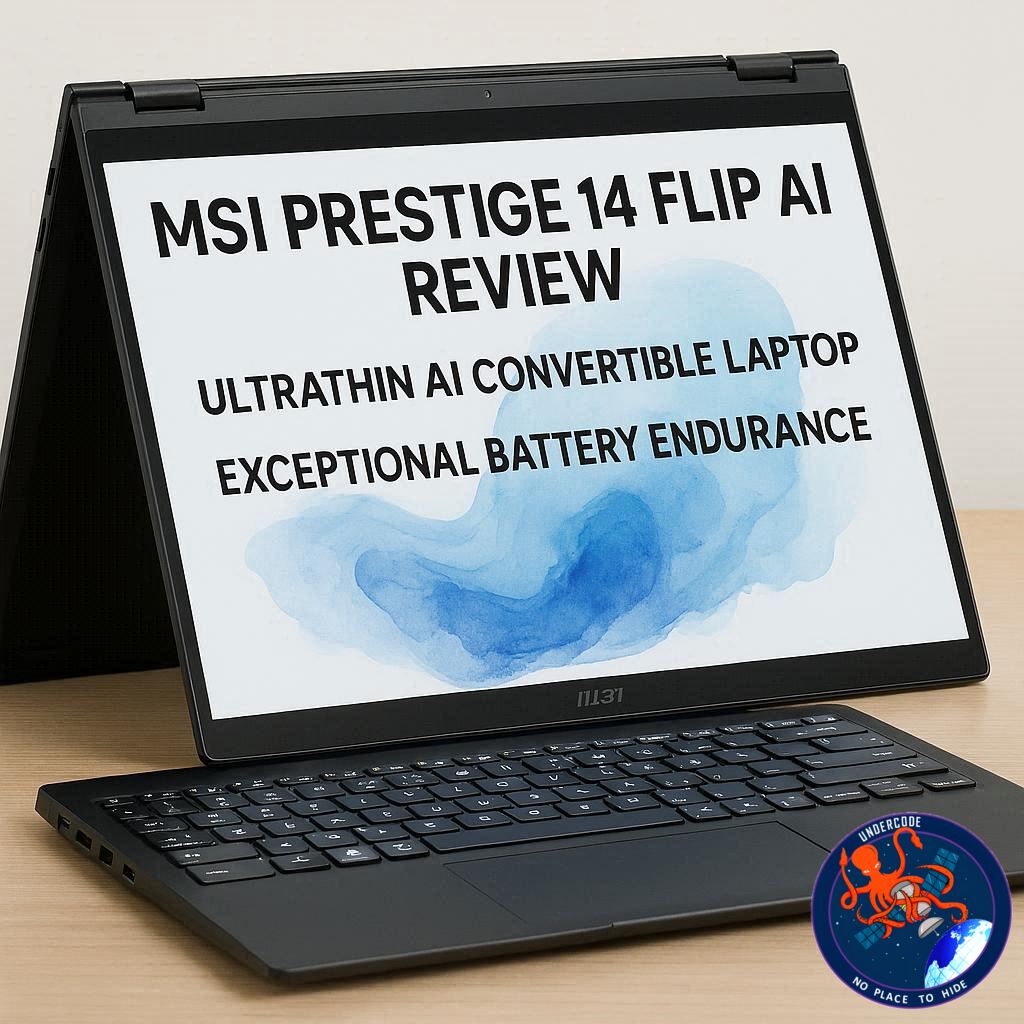 Introduction: A Premium Convertible Designed for the Modern Productivity Era
Convertible laptops have evolved dramatically over the last few years. What was once a niche category has now become one of the most competitive segments in the mobile computing market. Professionals, students, and creators increasingly want a device that blends laptop power with tablet flexibility. The MSI Prestige 14 Flip AI+ enters this landscape as a premium 2-in-1 machine built around portability, AI-ready hardware, and productivity-focused features.
Positioned as a high-end business laptop, the device combines a thin aluminum design, Intel’s latest Core Ultra processors, an OLED touchscreen, and a stylus designed for creative input. On paper, it promises a balance between power, mobility, and long battery life. However, real-world use often reveals details that specifications alone cannot show. Performance quirks, thermal behavior, and usability issues can make the difference between a great device and a merely good one.
The MSI Prestige 14 Flip AI+ is a laptop that clearly aims to deliver an elegant user experience while remaining powerful enough for demanding workloads. Its sleek aesthetic, convertible hinge, and AI-ready chipset suggest a machine built for modern professionals who move frequently between workspaces. Yet the real question remains whether this ambitious combination of design, performance, and flexibility truly delivers a premium experience.
Complete Overview of the MSI Prestige 14 Flip AI+
The MSI Prestige 14 Flip AI+ is a premium convertible laptop designed primarily for professionals who require portability, flexibility, and reliable productivity performance. Featuring a sleek dark grey aluminum chassis, the laptop emphasizes minimalism and sophistication while maintaining an ultra-thin profile that makes it easy to carry in a backpack or briefcase.
The device incorporates a 14-inch OLED touchscreen with a resolution of 1920 x 1200 and a 16:10 aspect ratio, offering sharp visuals and strong contrast typical of OLED panels. The touchscreen works seamlessly with MSI’s included Nano Pen stylus, enabling precise input for drawing, note-taking, and navigation. The stylus itself is compact and cleverly stored beneath the front edge of the laptop where it charges wirelessly, although reinserting it into its magnetic slot can sometimes be awkward due to the pen’s tendency to rotate in the wrong orientation.
Build quality is one of the strongest aspects of the laptop. The materials used throughout the chassis feel premium, and the construction resembles the sturdy feel typically associated with high-end ultrabooks. The hinge mechanism allows the screen to rotate smoothly into tablet mode, making the device versatile for presentations, creative tasks, or casual media consumption.
Port selection is surprisingly generous considering the thin design. The laptop includes two USB-A ports, two USB-C ports with Thunderbolt 4 support, an HDMI port, and a headset jack. This range of connectivity options allows users to connect multiple accessories without relying heavily on adapters. However, the absence of an SD card reader is a notable omission for creators who frequently transfer photos or videos from cameras.
Performance is driven by Intel Core Ultra processors, depending on the region and configuration. The review unit featuring the Intel Core Ultra 7 processor paired with 32GB of LPDDR5x RAM handled productivity tasks and multitasking with ease. Activities such as web browsing, office work, and streaming 4K content ran smoothly without slowdowns. The laptop even managed to run some modern games at playable settings despite relying only on integrated Intel graphics.
However, the absence of a dedicated GPU becomes more noticeable in creative workloads. Video editing benchmarks that rely heavily on GPU acceleration struggled to run properly, highlighting that the device is not intended for heavy professional rendering or advanced content creation workflows.
Thermal behavior is another characteristic worth noting. Even during moderate workloads, the laptop’s cooling system produces noticeable fan noise. Heat can also be felt near the rear of the device and around the top row of the keyboard. While temperatures remain within comfortable limits, the increased noise may be distracting in quiet environments such as offices or libraries.
The keyboard provides responsive typing with short key travel, making it suitable for fast typing sessions. However, the keys feel slightly heavier than average laptop keyboards, which occasionally leads to missed keystrokes. The touchpad introduces an innovative feature called the Action Touchpad, which allows users to control settings like brightness and volume through gesture-based quick controls.
While the concept is clever, its implementation can sometimes be frustrating. The brightness slider on the right edge of the touchpad often activates unintentionally when typing, leading to sudden brightness changes. Additionally, occasional cursor freezes and jumps can disrupt navigation.
Despite these usability quirks, the laptop excels in one critical area: battery life. With an 81Wh battery, the device delivered more than 30 hours of video playback in testing. This level of endurance places it among the longest-lasting laptops currently available, making it particularly appealing for travelers or professionals who work away from power outlets for extended periods.
Charging performance is also efficient, allowing the battery to replenish from empty in roughly two hours. Combined with its lightweight design of around 3 pounds (1.37 kg), the laptop becomes an extremely practical travel companion.
At a price of approximately $1,699.99, the MSI Prestige 14 Flip AI+ sits firmly in the premium ultrabook category. While cheaper convertible laptops exist, few combine this level of build quality, memory capacity, and battery endurance in such a compact package. Ultimately, the device delivers a balanced productivity experience, though a few design quirks and the absence of a dedicated GPU prevent it from becoming a category-leading machine.
What Undercode Say: The Strategic Position of the Prestige 14 Flip AI+ in the AI Laptop Era
The MSI Prestige 14 Flip AI+ reflects a broader transformation occurring in the laptop industry. Manufacturers are increasingly prioritizing portability, AI acceleration, and long battery life rather than raw graphical power. This shift is largely driven by how professionals now work. Cloud computing, browser-based productivity tools, and AI-assisted software are replacing many traditionally heavy desktop workloads.
From that perspective, MSI’s design decisions make strategic sense. By focusing on Intel Core Ultra processors and a large memory configuration, the company ensures that the laptop can handle AI-assisted productivity tasks, complex multitasking, and modern applications without relying on a dedicated GPU. For the majority of business users, this trade-off is acceptable because their work rarely involves GPU-intensive rendering.
However, the absence of discrete graphics does create a clear boundary between this device and laptops designed for creators. Video editors, 3D designers, and motion graphics professionals will likely find the integrated GPU limiting, especially when dealing with software like Premiere Pro or Blender. This limitation highlights the ongoing divide between productivity laptops and creator workstations.
Another notable aspect is MSI’s focus on battery life. Achieving more than 30 hours of endurance represents a significant engineering accomplishment. In a world where hybrid work and travel are common, battery longevity can be more valuable than raw performance. A laptop that lasts an entire workday, or even multiple days, fundamentally changes how users interact with their devices.
The Action Touchpad feature also illustrates an emerging trend in laptop interface experimentation. Manufacturers are exploring new ways to expand touchpad functionality beyond simple cursor control. While MSI’s implementation shows promise, the accidental activation issues suggest that this technology still requires refinement before it becomes a widely adopted standard.
The Nano Pen integration is another subtle but meaningful design decision. Instead of treating stylus input as an optional accessory, MSI embeds the stylus directly into the laptop ecosystem. Wireless charging and dedicated storage ensure the pen is always ready when needed, which enhances the device’s value for note-taking professionals and digital artists.
Thermal noise, however, reveals a common challenge faced by ultra-thin laptops. As devices become thinner and more powerful, cooling systems must work harder to maintain safe temperatures. The result is often increased fan noise, which can compromise the premium feel that manufacturers aim to deliver.
From a market perspective, the MSI Prestige 14 Flip AI+ competes directly with high-end ultrabooks from brands like Dell, Lenovo, and HP. Its strongest competitive advantages are battery life, memory capacity, and the convertible design with stylus support. These elements make it particularly appealing for mobile professionals, consultants, and students who require flexibility in how they use their computers.
Ultimately, the Prestige 14 Flip AI+ represents a device designed for the evolving nature of modern work. It prioritizes mobility, endurance, and versatility rather than extreme computing power. For users whose daily workflow revolves around productivity software, digital communication, and light creative tasks, the laptop offers a compelling package.
Fact Checker Results
✅ The MSI Prestige 14 Flip AI+ delivers over 30 hours of video playback in testing, placing it among the longest-lasting laptops available.
✅ The laptop relies on integrated Intel graphics and does not include a dedicated GPU, limiting heavy creative workloads.
❌ The device is not optimized for professional video rendering despite strong multitasking performance.
Prediction
🔮 AI-focused ultrabooks like the MSI Prestige 14 Flip AI+ will dominate the professional laptop market over the next five years.
📈 Battery endurance and AI acceleration will become more important than raw graphics performance for productivity devices.
⚡ Future versions of this laptop series will likely include improved touchpad interfaces and more efficient cooling systems.
▶️ Related Video (80% Match):
🕵️📝✔️Let’s dive deep and fact‑check.
References:
Reported By: www.techradar.com
Extra Source Hub (Possible Sources for article):
https://www.facebook.com
Wikipedia
OpenAi & Undercode AI
Image Source:
Unsplash
Undercode AI DI v2
Bing
🔐JOIN OUR CYBER WORLD [ CVE News • HackMonitor • UndercodeNews ]
📢 Follow UndercodeNews & Stay Tuned:
𝕏 formerly Twitter 🐦 | @ Threads | 🔗 Linkedin | 🦋BlueSky | 🐘Mastodon


