
Listen to this Post
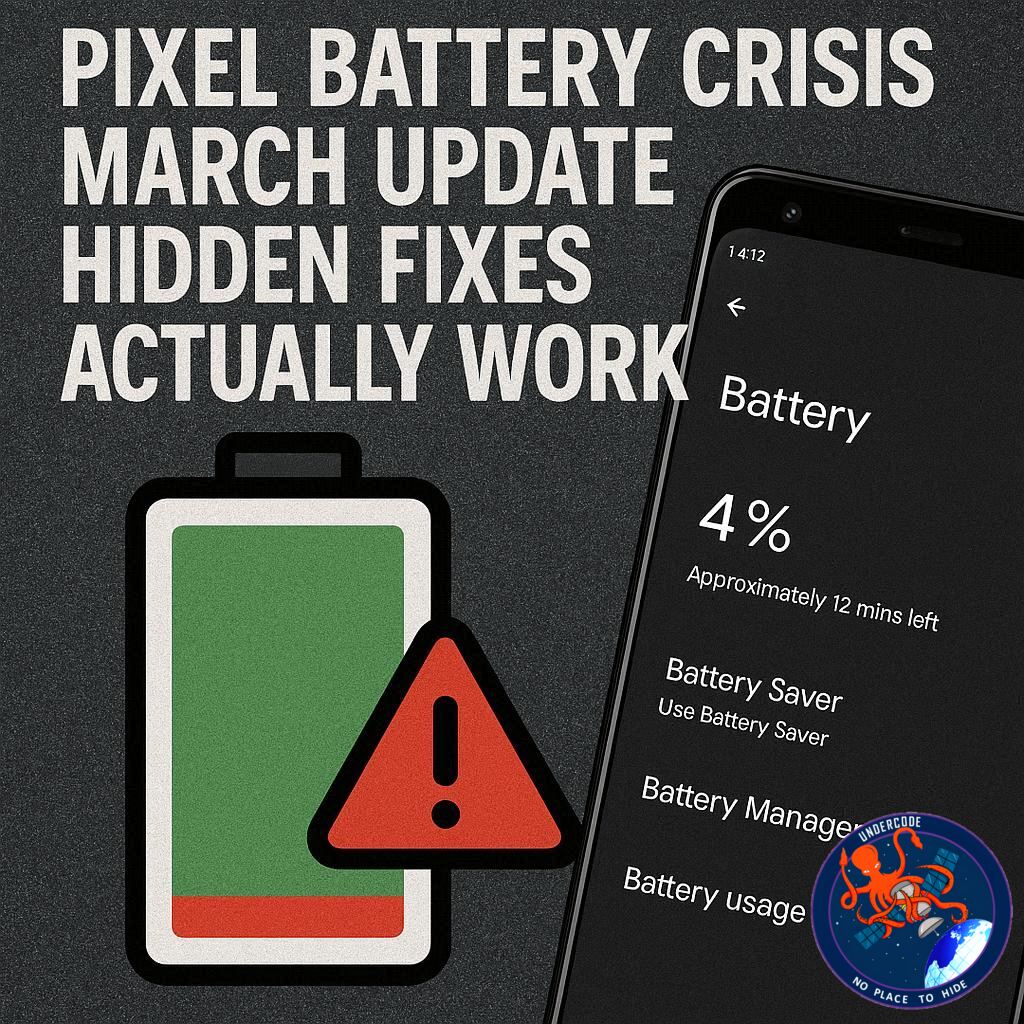
🎯 Introduction: A Promising Update That Backfired
The latest March update for Google Pixel devices was supposed to enhance the user experience with fresh features and performance improvements. Instead, it quietly introduced a frustrating problem that many users didn’t see coming. Across forums and user communities, complaints began surfacing almost immediately, pointing to one common issue: battery life that suddenly couldn’t keep up with daily usage. What should have been a routine software refresh has turned into a widespread inconvenience, leaving users scrambling for temporary solutions while waiting for an official response.
🔍 Summary: Sudden Battery Drain Leaves Pixel Users Searching for Answers
The March Pixel Drop delivered several useful features, including live location sharing in messaging, but it also appears to have triggered unexpected battery performance issues. Many users reported that their devices, which previously lasted a full day, now struggle to maintain charge beyond a few hours. This issue has been widely discussed on platforms like Reddit and official support forums, yet there has been no formal acknowledgment or explanation from Google.
One user experience highlights the severity of the problem. A Pixel 9 Pro XL that typically lasted an entire day began requiring a recharge by mid-afternoon. In one instance, the battery dropped to nearly 50% before noon with minimal screen usage, suggesting abnormal background activity or inefficient power management. Battery consumption appeared to increase to roughly 10% per hour under light usage, which is significantly higher than expected.
Despite investigating battery usage settings, no unusual app behavior or excessive consumption patterns were identified. This lack of clear indicators has made the issue more frustrating, as users cannot pinpoint a specific cause. Speculation has ranged from background processes introduced by the update to potential software optimization failures, but nothing has been confirmed.
In the absence of an official fix, users have begun experimenting with temporary solutions to extend battery life. Some of these methods, while not specifically designed to address the bug, have shown noticeable improvements. For example, enabling Battery Saver mode reduces background activity, lowers brightness, and limits CPU performance, resulting in longer battery life without significantly affecting usability.
Adaptive Battery has also proven useful. This feature learns user behavior over time and prioritizes power allocation to frequently used apps, restricting background usage for less important ones. Although it does not provide immediate relief, it contributes to better long-term battery efficiency.
Another effective adjustment involves managing screen brightness. Since the display is one of the largest power consumers, using Adaptive Brightness or manually lowering brightness levels can significantly reduce battery drain. Even small adjustments in brightness can lead to noticeable improvements in battery longevity.
Additionally, disabling the “Mobile Data Always Active” setting has helped some users. This feature keeps mobile data running in the background even when connected to Wi-Fi, ensuring seamless switching between networks. However, for users who primarily stay on Wi-Fi, turning it off can conserve battery without major downsides.
By applying these changes, users have reported improved performance. In one case, battery drain was reduced to approximately 5% per hour under similar usage conditions, effectively doubling efficiency compared to post-update behavior. While these are not permanent fixes, they provide temporary relief until a proper solution is released.
🧩 What Undercode Say: A Deeper Look Into
⚙️ Software Updates and Hidden Trade-offs
Software updates often promise optimization, but they can also introduce unintended inefficiencies. In this case, the March update likely altered background processes or system-level behaviors that are not visible to users. The absence of abnormal app usage suggests the issue lies deeper within system services rather than third-party applications.
🔋 Battery Drain Without Clear Culprits Signals System-Level Faults
When battery usage statistics show nothing unusual, it usually indicates that the problem is not app-specific. Instead, it points toward system services running inefficiently or failing to enter low-power states. This could involve synchronization services, network polling, or AI-driven features consuming more power than intended.
🧠 Adaptive Features: Helpful but Not Immediate Fixes
Google’s reliance on adaptive technologies like Adaptive Battery and Adaptive Brightness introduces a delay in effectiveness. These systems require time to learn user habits, which means they cannot immediately counteract sudden inefficiencies introduced by an update. This creates a temporary gap where users experience degraded performance.
📡 Connectivity Settings: An Overlooked Power Drain
The “Mobile Data Always Active” feature reveals how modern smartphones prioritize seamless connectivity over efficiency. While convenient, it keeps radios active unnecessarily for users who rely heavily on Wi-Fi. This design choice highlights a broader trend in smartphone engineering, where user experience sometimes outweighs power optimization.
🔍 Lack of Official Response Raises Concerns
One of the most concerning aspects of this situation is the lack of acknowledgment from Google. Even a confirmation of the issue would reassure users and signal that a fix is in progress. Silence, on the other hand, creates uncertainty and forces users to rely on community-driven solutions.
📊 Temporary Fixes vs. Real Solutions
The current fixes are essentially workarounds. They reduce power consumption by limiting functionality rather than addressing the root cause. This is an important distinction. True optimization would allow users to maintain full functionality without sacrificing battery life.
⚡ Performance vs. Efficiency Imbalance
Battery Saver mode improves longevity by throttling performance, which suggests that the update may have increased power demands beyond what the system can efficiently handle. This imbalance indicates a possible miscalibration in resource management introduced by the update.
🧪 A Pattern Seen Across Tech Ecosystems
This situation is not unique to Pixel devices. Many tech companies face similar challenges where updates introduce regressions. The difference lies in response speed and transparency. Companies that quickly acknowledge and patch issues maintain user trust, while delays can damage reputation.
📉 User Trust at Risk
Battery life is one of the most critical aspects of smartphone usability. When it becomes unreliable, it directly impacts daily routines. If such issues persist without communication, it can erode user confidence in future updates.
🔄 The Role of Community Troubleshooting
Interestingly, the community has become the primary source of solutions. This highlights both the strength and weakness of modern tech ecosystems. While user collaboration can uncover effective fixes, it also exposes gaps in official support.
🔍 Fact Checker Results
✅ Reports of increased battery drain after the March update are widely documented across user forums.
❌ There is no confirmed official explanation from Google regarding the root cause.
✅ Temporary fixes like Battery Saver and disabling background features demonstrably reduce battery usage.
📊 Prediction
📉 Short-term: Users will continue relying on workaround settings to manage battery drain.
⚙️ Mid-term: Google is likely to release a patch once the issue gains enough traction.
📈 Long-term: Increased focus on transparency and update testing may emerge to prevent similar backlash.
▶️ Related Video (84% Match):
🕵️📝✔️Let’s dive deep and fact‑check.
References:
Reported By: www.zdnet.com
Extra Source Hub (Possible Sources for article):
https://www.facebook.com
Wikipedia
OpenAi & Undercode AI
Image Source:
Unsplash
Undercode AI DI v2
Bing
🔐JOIN OUR CYBER WORLD [ CVE News • HackMonitor • UndercodeNews ]
📢 Follow UndercodeNews & Stay Tuned:
𝕏 formerly Twitter 🐦 | @ Threads | 🔗 Linkedin | 🦋BlueSky | 🐘Mastodon


