
Listen to this Post
Introduction
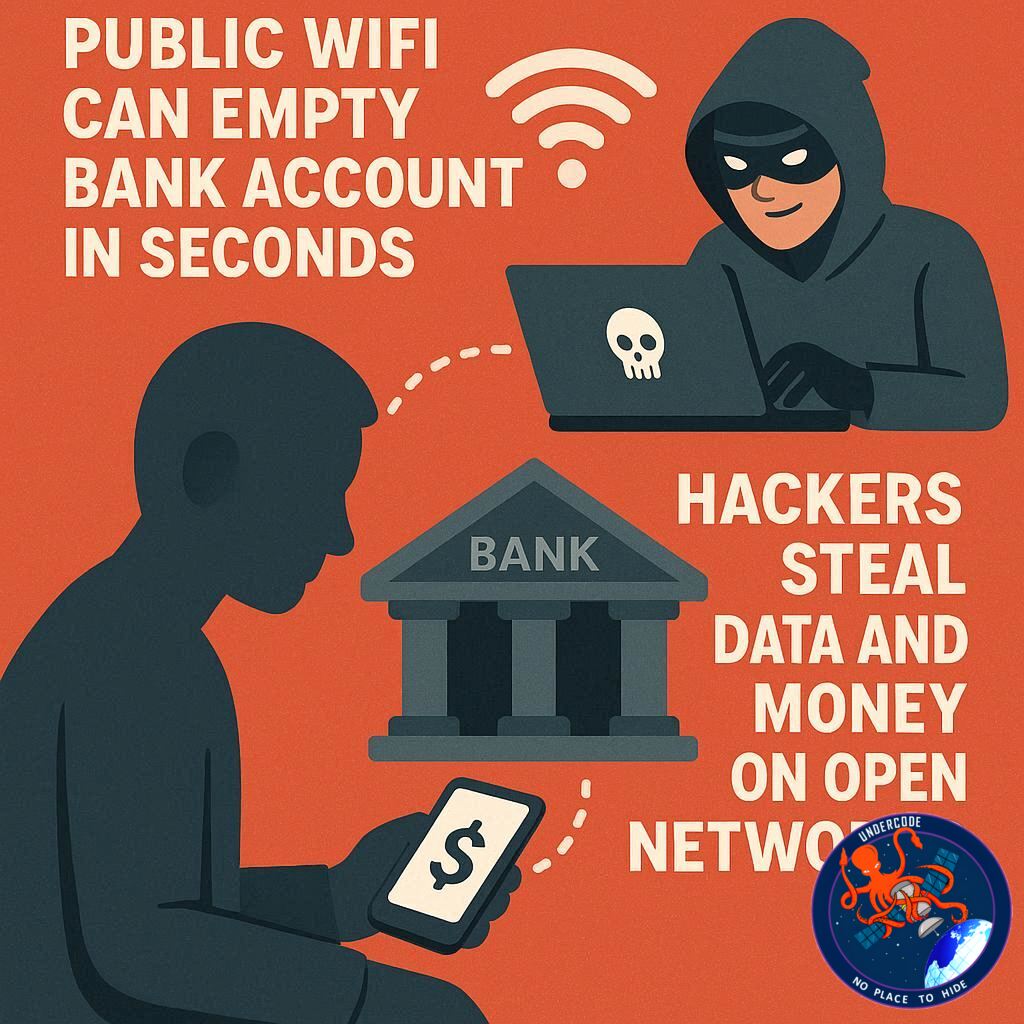
Free public Wi-Fi has become part of everyday life. People connect at airports, cafés, malls, railway stations, hotels, and waiting areas without thinking twice. It feels convenient, fast, and harmless. But behind that convenience is one of the easiest hunting grounds for cybercriminals.
As digital payments, mobile wallets, online banking, and instant transfers continue to dominate daily life in 2026, a single unsafe Wi-Fi connection can expose passwords, banking credentials, private messages, and even your financial accounts.
Many users still believe hacking requires advanced tools and complicated attacks. In reality, unsecured public networks can give criminals opportunities within seconds. Understanding how these risks work is now essential for anyone using a smartphone or laptop outside home.
What Happens When You Use Public Wi-Fi
When you connect to a free public hotspot, your device often joins a shared network used by many strangers at the same time. If that network lacks proper encryption or security controls, data moving between your device and the internet may be visible to attackers nearby.
Hackers commonly use a technique called a man-in-the-middle attack. This means they secretly place themselves between you and the website or app you are using. While you think you are talking directly to your bank, social media app, or email service, your information may first pass through the attacker.
This can expose usernames, passwords, OTP codes, browsing activity, emails, and login sessions.
Another growing danger is fake hotspot traps. Criminals create Wi-Fi names that look legitimate, such as “Airport Free WiFi” or “Cafe Guest Internet.” Many users connect without verifying the network owner.
Once connected, attackers may monitor traffic, redirect websites, or attempt to collect sensitive information.
Public Wi-Fi Risks Everyone Should Know
One of the biggest risks is identity theft. If attackers capture your email login, social accounts, or cloud storage credentials, they may impersonate you or access personal files.
Financial fraud is another major threat. If you open a banking app, payment wallet, or shopping platform while on unsafe Wi-Fi, attackers may attempt to steal credentials or session tokens.
Session hijacking is especially dangerous. In some cases, hackers do not need your password. They can steal an active session and take over an account that is already logged in.
Malware delivery is also common. Some rogue networks or compromised pages may push malicious downloads onto your device. Once installed, spyware can continue tracking activity long after you leave the hotspot.
For ordinary users, this may lead to drained wallets, UPI fraud, stolen photos, private chat leaks, or unauthorized purchases.
Why Public Wi-Fi Is More Dangerous in 2026
Today, smartphones hold nearly every part of modern life. Banking apps, crypto wallets, payment apps, identity documents, work emails, cloud backups, and personal photos all live in one device.
Years ago, losing a password was serious. In 2026, losing access to a smartphone account can mean losing money, personal identity, business information, and private memories all at once.
Cybercriminals know this. They no longer focus only on corporations. Everyday people using weak networks are now valuable targets because they are easier to exploit.
How to Protect Yourself on Public Wi-Fi
Avoid logging into banking apps or making payments while connected to open networks. Wait until you switch to mobile data or a trusted private connection.
Always check that websites begin with HTTPS. This adds encryption between your browser and the website.
Disable auto-connect settings on your phone, tablet, or laptop. Devices that automatically join known or open networks are easier to trap.
Use a reputable VPN. A Virtual Private Network encrypts traffic, making it much harder for attackers to inspect what you are doing.
Turn on two-factor authentication for important accounts. Even if someone gets your password, they still need another verification step.
Keep your device updated. Security patches often close vulnerabilities criminals actively exploit.
Use mobile data for sensitive actions. A personal cellular connection is usually safer than random public Wi-Fi.
Forget networks after use so your device does not reconnect automatically later.
Why This Matters in Daily Life
Public Wi-Fi now exists almost everywhere. Railway stations, shopping centers, food courts, hotels, public transport hubs, and waiting lounges all offer internet access.
That means the risk is no longer occasional. It is part of normal daily movement.
Someone checking a bank balance while waiting for coffee, paying a bill at the airport, or logging into work email at a mall may unknowingly expose critical data.
Convenience often makes people careless. Attackers rely on that habit.
What Undercode Say:
Public Wi-Fi security is not really a technology problem. It is a behavior problem. Most users assume if a network appears in their phone list, it must be safe. That assumption is exactly what criminals exploit.
The future of cybercrime is increasingly low-effort and high-volume. Instead of targeting one rich victim, attackers can sit near busy locations and wait for hundreds of careless users each day.
Many people think strong passwords alone are enough. They are not. If your session token is stolen or you approve a fake login page, a strong password may not save you.
The most effective defense is layered security. VPN use, 2FA, software updates, cautious browsing, and avoiding sensitive tasks on public Wi-Fi together create real protection.
Governments and businesses also need responsibility. Offering public Wi-Fi without modern security standards creates avoidable risks for citizens and customers.
There is also a false sense of safety because many modern apps use encryption. While that helps, phishing pages, fake captive portals, malicious redirects, and rogue hotspots still remain highly effective.
In the coming years, AI-powered phishing systems may make fake login portals look identical to real ones. That will increase danger on open networks.
Users should treat public Wi-Fi like public transportation. Useful and convenient, but you should watch your belongings at all times.
The smartest mindset is simple: if the action involves money, identity, passwords, or private files, do not do it on public Wi-Fi.
Cybersecurity awareness must become as normal as locking your door before leaving home.
Fact Checker Results
✅ Public Wi-Fi networks can expose users to interception risks, especially if poorly secured.
✅ VPNs, HTTPS, and 2FA significantly reduce common attack risks.
❌ Public Wi-Fi does not automatically mean you will be hacked, but careless usage greatly increases exposure.
Prediction
🔮 Public hotspots will increasingly add stronger encryption and identity verification systems.
🔮 Cybercriminals will shift toward fake Wi-Fi names and phishing portals rather than basic interception attacks.
🔮 Users who rely on password-only security will face growing risks in the next few years.
🕵️📝Let’s dive deep and fact‑check.
References:
Reported By: zeenews.india.com
Extra Source Hub (Possible Sources for article):
https://www.quora.com
Wikipedia
OpenAi & Undercode AI
Image Source:
Unsplash
Undercode AI DI v2
Bing
🔐JOIN OUR CYBER WORLD [ CVE News • HackMonitor • UndercodeNews ]
📢 Follow UndercodeNews & Stay Tuned:
𝕏 formerly Twitter 🐦 | @ Threads | 🔗 Linkedin | 🦋BlueSky | 🐘Mastodon


