
Listen to this Post
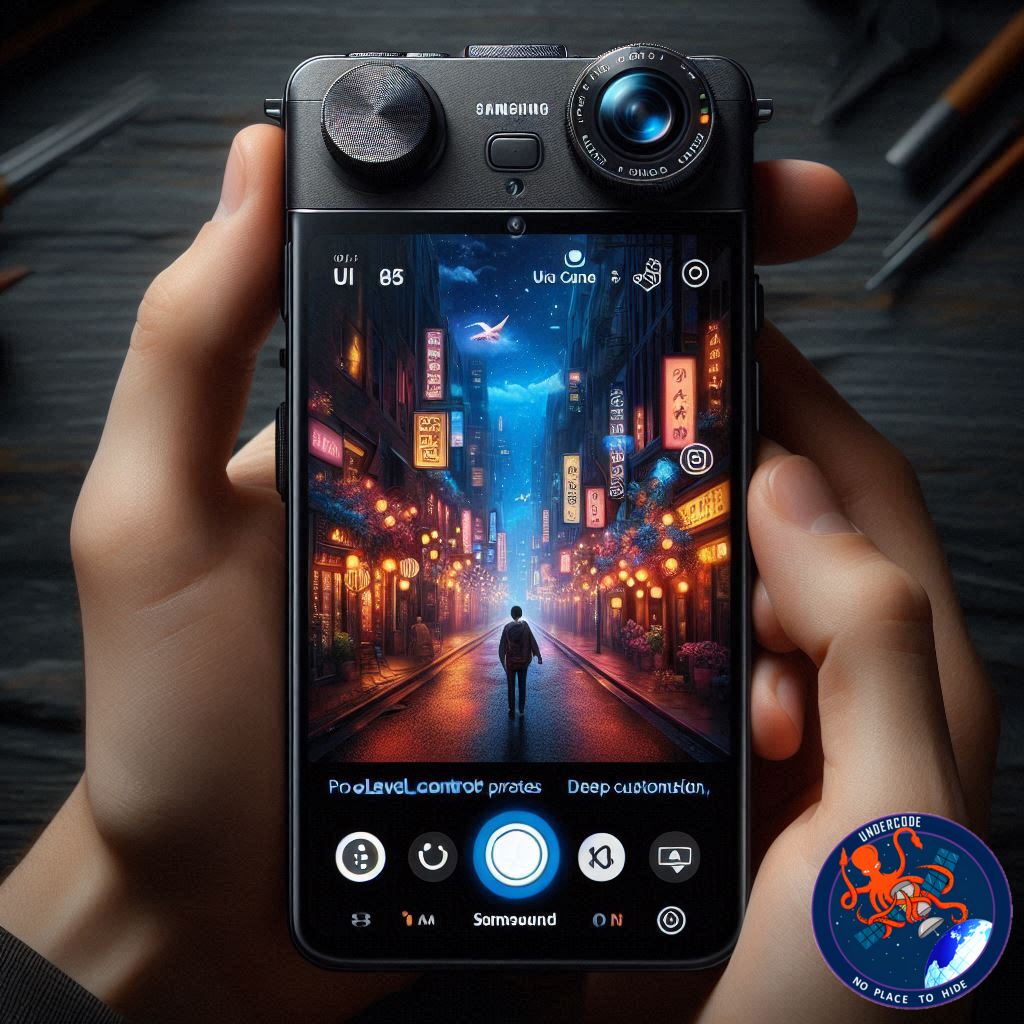
A Holiday Update That Quietly Changes How Galaxy Cameras Are Used
Just days before Christmas, Samsung slipped out an update that didn’t arrive wrapped in flashy marketing or headline-grabbing slogans. Instead, it came with something far more valuable for serious users: control. The latest Camera Assistant update for Galaxy devices running One UI 8.5 fundamentally reshapes how Samsung phones handle photography and video, especially for users who rely on Pro modes.
This update isn’t about filters or gimmicks. It’s about workflow, precision, and removing long-standing friction points that slowed down creative shooting. From saving full Pro mode presets to disabling optical stabilization entirely, Samsung is clearly speaking to photographers and videographers who want their phone to behave more like a real camera.
Below is a clear, human-readable breakdown of what the update delivers, why it matters, and what it signals about Samsung’s broader camera strategy.
A Major Camera Assistant Update Arrives Quietly on One UI 8.5
Samsung has released version 4.5.00.13 of its Camera Assistant app for Galaxy devices running One UI 8.5. While the update flew under the radar for many users, it introduces one of the most feature-rich upgrades the app has ever received. The focus is squarely on Pro photo and Pro video users, but even casual shooters will notice meaningful improvements.
Camera Assistant has always acted as Samsung’s hidden control panel for advanced camera behavior. With this release, it becomes far more powerful and flexible, offering new tools that reduce setup time, improve manual accuracy, and clean up the camera interface.
Pro Mode Presets Finally Become a Reality
One of the most requested features among Galaxy power users has finally arrived: Pro mode presets.
Users can now save complete Pro photo configurations and recall them instantly. Each preset stores ISO, shutter speed, exposure value, focus mode, and white balance. Even more importantly, the preset remembers which camera lens was used when it was created. Switching presets automatically switches lenses as well.
This eliminates the repetitive process of rebuilding settings every time lighting conditions or shooting styles change. Samsung has also added the ability to create presets from existing photos in the Gallery, allowing users to reverse-engineer settings from shots they already like.
Focus Peaking Becomes Fully Customizable
Manual focus just became significantly easier and more flexible.
Focus peaking, which highlights in-focus areas with an overlay, can now be customized in One UI 8.5. Users can change the color of the overlay, adjust the thickness of the outline, and decide whether focus peaking stays permanently visible or only appears while adjusting focus.
These options may sound minor, but they make a real difference when shooting video, macro photos, or scenes with shallow depth of field. Different lighting conditions and subjects benefit from different peaking styles, and Samsung is now letting users tailor it to their workflow.
Pro Controls Expand Into Standard Photo Mode
Samsung has also blurred the line between Pro mode and standard Photo mode.
Users can now add Pro-style controls such as white balance and exposure value directly into the normal Photo mode interface. While ISO and shutter speed remain automatic, users can set limits on maximum ISO and minimum shutter speed.
This gives photographers more control over noise and motion blur without forcing them into full manual mode. It’s a practical middle ground that many users have been asking for, especially for low-light photography where automation often pushes ISO too far.
Smarter Autofocus and Autoexposure Control in Pro Video
Video creators get meaningful upgrades as well.
Camera Assistant now allows users to define how autofocus and autoexposure behave once Pro video recording begins. Users can choose whether both focus and exposure remain adjustable during recording, or whether only autofocus can be changed after hitting record.
This solves a long-standing frustration where adjusting exposure mid-shot could cause visible jumps or shifts. By locking down specific behaviors, Samsung gives creators more predictable and professional results.
Optical Image Stabilization Can Now Be Disabled Completely
For the first time, Samsung is allowing users to fully disable optical image stabilization.
Previously, Galaxy phones only allowed video stabilization to be turned off, which mainly affected electronic stabilization. Optical stabilization remained active in the background. With this update, users can now disable OIS entirely.
This matters for tripod-mounted shots, gimbal use, and certain cinematic techniques where stabilization can introduce unwanted micro-movements or warping. It’s a small toggle with big implications for serious video work.
Support for Tilta Wireless Lens Controllers
In a move clearly aimed at professional creators, Samsung has added support for Tilta wireless lens controllers.
These controllers allow users to adjust focus and zoom using a physical dial instead of on-screen sliders. This is especially useful when a phone is mounted on a rig, tripod, or gimbal. It also signals Samsung’s growing interest in integrating mobile devices into professional video setups.
This feature won’t matter to casual users, but for filmmakers experimenting with smartphone rigs, it’s a notable addition.
A Cleaner, More Customizable Camera Interface
The update also addresses a common complaint: visual clutter.
Users can now control which indicators appear at the top of the camera interface in Photo and Video modes. Icons for flash, timer, resolution, exposure, and Motion Photo can be set to always visible or only appear when actively in use.
This creates a cleaner viewfinder and helps users focus on composition instead of icons. For those who prefer minimal interfaces, this change alone improves the shooting experience significantly.
Control Over Dual Rec and Single Take Visibility
Lastly, Samsung allows users to hide or show Dual Rec and Single Take modes in the camera’s Modes selection screen.
This doesn’t change how the features work, but it lets users streamline the camera UI to match their habits. If you never use these modes, they no longer have to occupy space in the mode carousel.
Availability and Installation Details
Camera Assistant version 4.5.00.13 is rolling out via the Galaxy Store for devices running One UI 8.5. Users who don’t see the update immediately can manually install the APK using Samsung’s My Files app.
As with all Camera Assistant features, availability depends on device compatibility and software version.
What Undercode Say:
Samsung’s Camera Assistant update on One UI 8.5 is less about flashy innovation and more about maturity. This is Samsung acknowledging that smartphone cameras have reached a point where hardware gains alone are no longer enough. Control, predictability, and workflow efficiency now matter just as much as megapixels.
The introduction of Pro mode presets alone dramatically changes how Galaxy devices can be used in real-world shooting scenarios. It removes friction, encourages experimentation, and rewards users who take the time to understand manual settings. This is the kind of feature that quietly turns a phone into a reliable creative tool.
Customizable focus peaking and full stabilization control further reinforce that Samsung is listening to advanced users rather than chasing casual trends. These features don’t sell phones on store shelves, but they build loyalty among creators who push devices beyond point-and-shoot use.
Expanding Pro controls into standard Photo mode is arguably the smartest move in the update. It acknowledges that most users don’t want full manual control all the time, but they do want boundaries. Letting users cap ISO and shutter speed bridges that gap elegantly.
Support for Tilta controllers is a subtle but strategic signal. Samsung isn’t just improving its camera app; it’s positioning Galaxy phones as legitimate components in professional and semi-professional video workflows. That’s a long-term play, not a marketing stunt.
The interface cleanup options reflect a broader philosophy shift. Instead of forcing a one-size-fits-all UI, Samsung is letting users shape their own experience. That’s rare in mobile photography apps and sets a strong precedent.
Taken together, this update doesn’t revolutionize mobile photography overnight. Instead, it strengthens trust. It tells users that Samsung is serious about long-term camera usability, not just spec-sheet battles. In a market crowded with computational tricks, that restraint feels deliberate and refreshing.
Fact Checker Results:
✅ Camera Assistant version 4.5.00.13 introduces Pro mode presets on One UI 8.5
✅ Optical image stabilization can now be fully disabled
❌ Features are not available on devices running older One UI versions
Prediction:
Samsung will continue expanding Camera Assistant as a semi-professional tool 🟢
Expect deeper third-party accessory support in future updates 🔧
One UI camera development is shifting from features to workflow mastery 📸
🕵️📝✔️Let’s dive deep and fact‑check.
References:
Reported By: www.sammobile.com
Extra Source Hub (Possible Sources for article):
https://www.twitter.com
Wikipedia
OpenAi & Undercode AI
Image Source:
Unsplash
Undercode AI DI v2
Bing
🔐JOIN OUR CYBER WORLD [ CVE News • HackMonitor • UndercodeNews ]
📢 Follow UndercodeNews & Stay Tuned:
𝕏 formerly Twitter 🐦 | @ Threads | 🔗 Linkedin | 🦋BlueSky | 🐘Mastodon


