
Listen to this Post
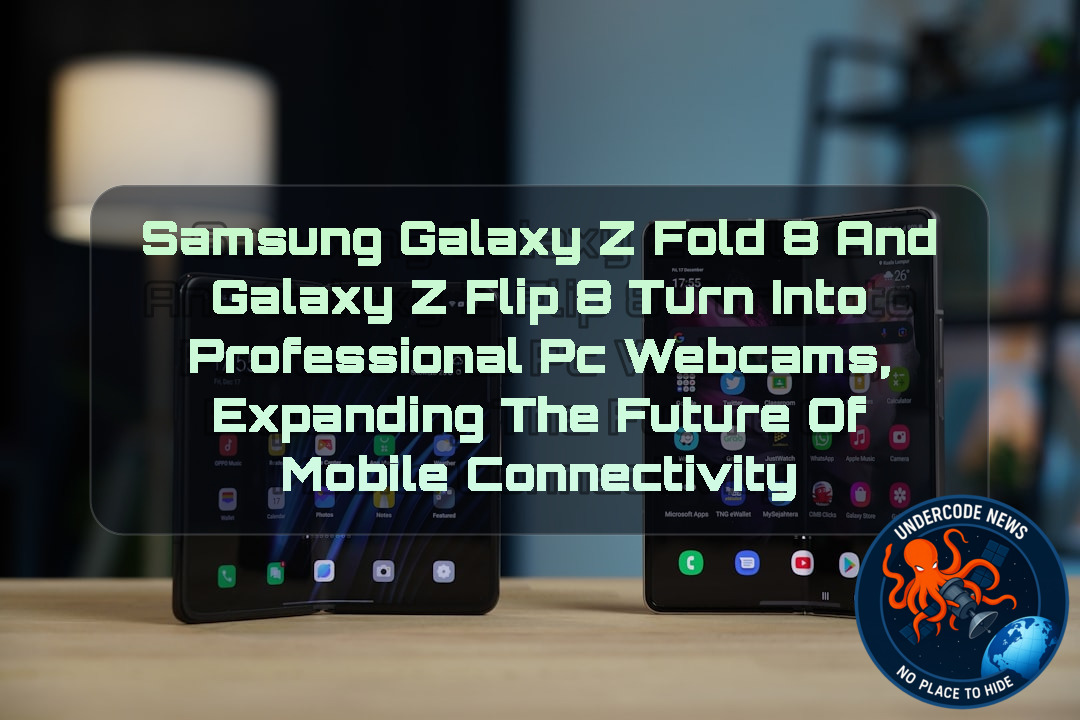 Introduction: Samsung Bridges the Gap Between Smartphones and Computers
The smartphone industry is moving toward a future where mobile devices are no longer just communication tools, but complete productivity platforms. Samsung is pushing this evolution further by expanding one of its most practical One UI features, allowing Galaxy smartphones to work as high-quality webcams for computers.
Originally introduced with the Galaxy S26 series through One UI 8.5, the camera-as-webcam capability has now reached Samsung’s latest foldable lineup. The Galaxy Z Fold 8, Galaxy Z Fold 8 Ultra, and Galaxy Z Flip 8, running One UI 9.0 out of the box, now allow users to transform their phone cameras into PC webcams without purchasing extra hardware or installing additional software.
This move highlights Samsung’s broader strategy of making Galaxy devices smarter, more connected, and more useful across different platforms. As remote work, online meetings, content creation, and live streaming continue to grow, having a powerful camera already in a user’s pocket becomes a major advantage.
Samsung Expands Galaxy Webcam Feature Beyond Galaxy S26 Series
Samsung first introduced the ability to use a Galaxy smartphone’s camera as a webcam with the Galaxy S26 series. The feature arrived with One UI 8.5 and immediately attracted attention because it provided a simple solution for users who wanted better video quality during PC calls.
However, the rollout initially remained limited. Even Galaxy S25 models that received the One UI 8.5 update did not gain access to the webcam functionality, leaving questions about whether Samsung planned to expand the feature to other devices.
The uncertainty has now ended. Samsung confirmed that the Galaxy Z Fold 8, Galaxy Z Fold 8 Ultra, and Galaxy Z Flip 8 also support camera webcam functionality, giving foldable phone owners access to the same productivity enhancement.
Galaxy Z Fold 8 Series Brings Premium Cameras to Desktop Communication
The Galaxy Z Fold 8 and Galaxy Z Fold 8 Ultra are designed as productivity-focused smartphones. Their large foldable displays already provide a tablet-like experience, allowing users to multitask, edit documents, manage businesses, and consume content more efficiently.
Adding webcam functionality strengthens their role as professional devices.
Instead of relying on traditional laptop cameras, which often produce lower-quality video, users can connect their foldable phone and take advantage of Samsung’s advanced camera systems. This creates sharper video calls, improved lighting performance, and more flexible camera positioning.
For business professionals, creators, and remote workers, the feature provides another reason to use a Galaxy Fold device as a central productivity tool.
Galaxy Z Flip 8 Makes Compact Design More Powerful
The Galaxy Z Flip 8 also receives the webcam feature, proving that Samsung is not limiting advanced productivity tools only to its largest devices.
The compact foldable design creates interesting possibilities. Users can place the phone in different positions using the flexible hinge, allowing creative camera angles without needing a separate stand.
For video conferences, online classes, and social media creators, the ability to position the device naturally could become one of the Flip series’ most useful advantages.
No Extra Accessories Required, USB-C Connection Is Enough
One of the strongest aspects of Samsung’s webcam implementation is its simplicity.
Users do not need dedicated webcam accessories, special adapters, or third-party applications. A standard USB-C cable is enough to connect the Galaxy foldable device to a compatible computer.
The cable included inside the phone’s box can already perform the connection.
This approach removes many traditional barriers. Instead of searching for drivers, installing software, or troubleshooting compatibility problems, users can simply connect their smartphone and start using the camera.
Samsung Creates a More Connected Galaxy Ecosystem
The webcam feature represents a larger trend in Samsung’s ecosystem strategy.
Modern users increasingly move between smartphones, tablets, laptops, and desktop computers. Companies are competing to create seamless experiences where devices communicate naturally with each other.
Samsung’s One UI ecosystem is becoming more focused on continuity, similar to how other major technology companies connect their hardware products.
By allowing Galaxy phones to become PC webcams, Samsung increases the practical value of owning multiple Galaxy devices.
Why Smartphone Cameras Are Replacing Traditional Webcams
Traditional computer webcams have improved slowly compared with smartphone cameras.
Modern smartphones include:
Larger camera sensors
Advanced image processing
Artificial intelligence enhancement
Better low-light performance
Multiple camera lenses
Real-time stabilization
Using a smartphone camera as a webcam allows users to benefit from technology that has received billions of dollars in research investment.
The Galaxy Z Fold 8 and Galaxy Z Flip 8 are examples of this transition, where smartphones are becoming external accessories for computers rather than separate devices.
Deep Analysis: Using Galaxy Devices as Professional Webcams
Understanding the Technical Connection
Samsung’s webcam feature depends on a simple USB-C communication process between the smartphone and computer.
The phone acts as a camera input device while the computer recognizes it as a webcam source.
A simplified Linux system check could look like:
lsusb
This command displays connected USB devices and helps verify whether the smartphone is detected.
Users can check available video devices with:
v4l2-ctl --list-devices
This identifies camera sources recognized by the operating system.
For troubleshooting USB connections:
dmesg | grep usb
This command displays recent USB-related system messages.
Network and device diagnostics can also be reviewed using:
journalctl -xe
Advanced users can monitor hardware events with:
udevadm monitor
These tools demonstrate how modern operating systems interact with mobile hardware.
What Undercode Say:
Samsung’s decision to expand webcam functionality to its latest foldables represents more than a simple software update.
It shows how smartphones are becoming central computing devices.
The traditional relationship between phones and computers is changing.
Previously, users connected accessories to improve their smartphones.
Now, smartphones themselves are becoming accessories that improve computers.
The Galaxy Z Fold 8 series is particularly interesting because its design already targets productivity users.
A foldable phone with a large display, powerful processor, and advanced camera system can now participate directly in desktop workflows.
This feature could benefit remote workers who need reliable video communication.
It could help creators who want higher-quality streaming setups without buying expensive equipment.
It could also support students, freelancers, and businesses that depend on online meetings.
Samsung is using hardware that already exists instead of forcing consumers to buy additional products.
This reduces costs and creates a smoother user experience.
The biggest advantage is convenience.
A user already owns a premium smartphone camera.
Turning it into a webcam requires only a cable connection.
This approach also shows the importance of software ecosystems.
Hardware alone is no longer enough.
Companies must create intelligent connections between devices.
Samsung’s One UI platform is becoming a bridge between mobile and desktop environments.
However, Samsung must consider wider compatibility.
Many users with older Galaxy models may expect similar functionality after software updates.
Keeping features exclusive to newer devices could encourage upgrades, but it may also frustrate existing customers.
The future of computing will likely involve more hybrid devices.
Phones, tablets, and computers will continue sharing capabilities.
Camera technology will become one of the strongest examples of this transformation.
The Galaxy Z Fold 8 and Z Flip 8 webcam feature is a small step toward a future where devices work together without boundaries.
Samsung is effectively turning the smartphone camera into a universal productivity tool.
✅ Samsung introduced Galaxy smartphone webcam functionality with One UI 8.5 on the Galaxy S26 series.
✅ Galaxy Z Fold 8, Galaxy Z Fold 8 Ultra, and Galaxy Z Flip 8 support the feature with One UI 9.0.
✅ The feature works through USB-C without requiring additional webcam hardware or companion software.
Prediction
(+1) Samsung will likely expand smartphone-to-PC integration further as competition between mobile ecosystems increases.
More Galaxy devices may receive advanced connectivity features in future One UI updates.
Smartphone cameras will continue replacing traditional webcams for professional communication.
Foldable phones could become increasingly attractive for business users because of their productivity features.
Older Galaxy models may remain excluded from some advanced features to encourage hardware upgrades.
Compatibility limitations could create frustration among long-term Samsung customers.
The Future of Galaxy Devices: Smartphones Becoming Complete Workstations
Samsung’s expansion of webcam functionality shows how the smartphone market is entering a new phase.
The Galaxy Z Fold 8, Galaxy Z Fold 8 Ultra, and Galaxy Z Flip 8 are not only communication devices. They are becoming productivity platforms capable of improving the entire digital workflow.
As artificial intelligence, better cameras, and stronger device integration continue developing, smartphones may eventually replace many traditional computer accessories.
The future computer setup may not begin with a webcam attached to a monitor.
It may begin with a smartphone already sitting on the desk.
▶️ Related Video (66% Match):
🕵️📝Let’s dive deep and fact‑check.
🎓 Live Courses & Certifications:
Join Undercode Academy for Verified Certifications
🚀 Request a Custom Project:
Secure, high-velocity infrastructure and disruptive technological engineering. Contact our engineering team for high-tier development and proprietary systems:
[email protected]
💎 Smart Architecture | 🛡️ Secure by Design | ⭐ Trusted by Thousands
References:
Reported By: www.sammobile.com
Extra Source Hub (Possible Sources for article):
https://www.reddit.com/r/AskReddit
Wikipedia
OpenAi & Undercode AI
Image Source:
Unsplash
Undercode AI DI v2
🔐JOIN OUR CYBER WORLD [ CVE News • HackMonitor • UndercodeNews ]
📢 Follow UndercodeNews & Stay Tuned:
𝕏 formerly Twitter 🐦 | @ Threads | 🔗 Linkedin | 🦋BlueSky | 🐘Mastodon | 📺Youtube


