
Listen to this Post
Introduction
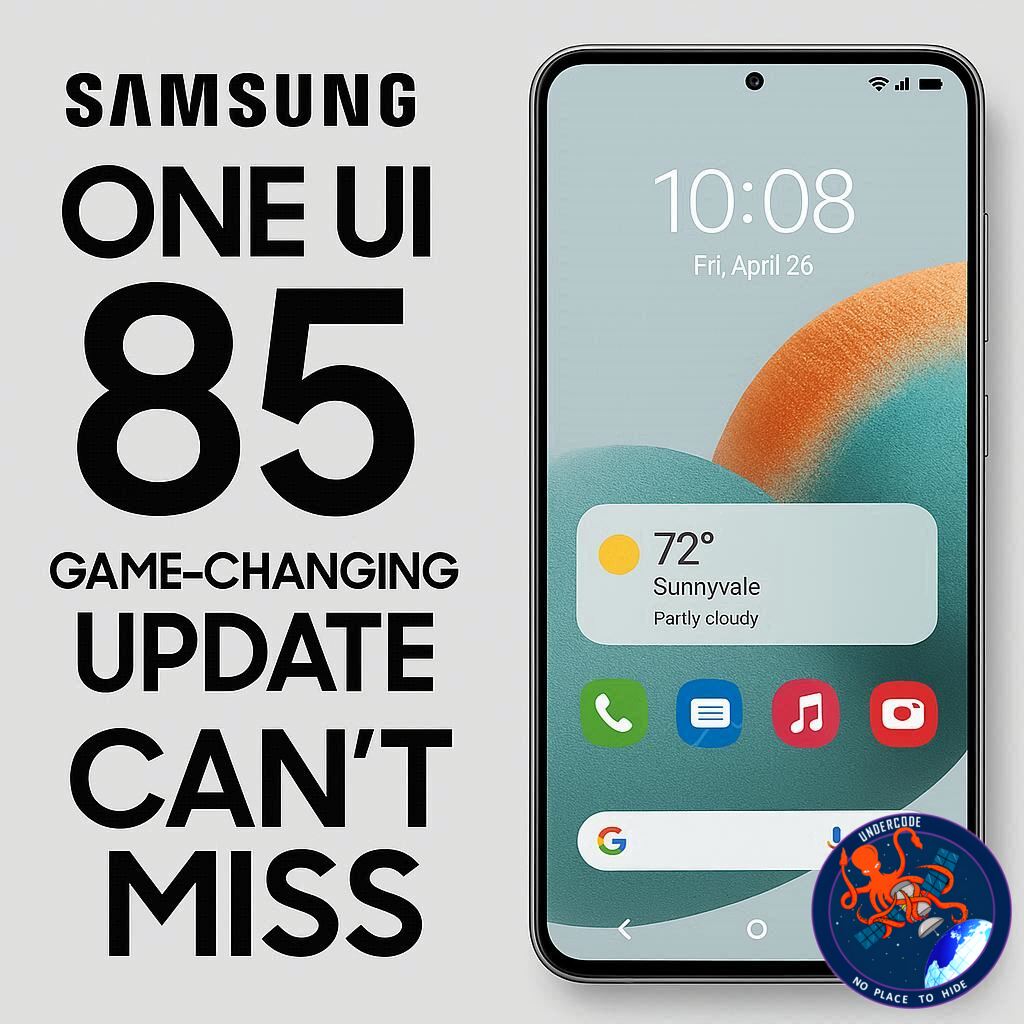
Samsung is gearing up to transform the user experience with its latest software upgrade, One UI 8.5. While previous iterations focused on minor tweaks, this update promises significant enhancements that aim to make your Galaxy devices more intuitive, customizable, and visually appealing. From a fully revampable Quick Panel to redesigned stock apps, One UI 8.5 shows that Samsung is listening to its users and redefining what a smartphone interface can feel like.
Major Upgrades in One UI 8.5
Fully Customizable Quick Panel ⚡
The highlight of One UI 8.5 is the Quick Panel. Users can now remove any toggles they rarely use, add as many as needed, and resize them according to preference. Brightness and volume sliders can be oriented vertically or horizontally, giving unparalleled flexibility.
Refined Stock App Design 🎨
Samsung has streamlined core apps like Gallery, My Files, and Phone. Tab bars are now smaller with labels removed, offering more screen space for content. Shortcuts in apps like My Files occupy less space, minimizing scrolling and boosting efficiency.
Bottom Search Bar Revival 🔍
Taking inspiration from One UI 1.0, Samsung has reintroduced a bottom search bar in stock apps. Currently seen in apps like My Files and Settings, this feature is expected to expand, enhancing ease of access and usability.
Other Notable Improvements 🌟
NFC-based Quick Share for faster file transfers.
Removal of OneDrive backup option from the Gallery app.
Updated software update screen with prominent One UI branding.
Redesigned, more compact battery icon for a cleaner status bar.
What Undercode Say: In-Depth Analysis 📊
One UI 8.5 represents a significant step forward in Samsung’s software evolution. The customizable Quick Panel is a major win for users who want control over their interface, offering both aesthetic and functional improvements. By addressing the clutter in stock apps, Samsung is responding directly to user feedback for a cleaner, more navigable experience.
The compact design elements in My Files and Gallery suggest a broader focus on maximizing screen real estate, especially on larger devices like the Galaxy S25 Ultra and Fold 7. Users will likely appreciate the combination of minimalism and functionality.
Reintroducing the bottom search bar reflects Samsung’s understanding of one-handed usability, particularly on devices with larger screens. This is a subtle but impactful change that prioritizes accessibility without compromising design.
The NFC-based Quick Share can revolutionize how users transfer files between devices, streamlining what was previously a multi-step process. Meanwhile, removing rarely used features like OneDrive backup in Gallery indicates a shift toward simplicity and faster system performance.
Visually, the redesigns across apps maintain a sense of familiarity while modernizing the interface. Samsung’s attention to spacing, compact icons, and reorganized shortcuts reveals a meticulous approach to UI that balances aesthetics with user efficiency.
Software updates are also given a clearer identity with prominent One UI branding, reinforcing Samsung’s commitment to a cohesive ecosystem experience. Overall, One UI 8.5 demonstrates Samsung’s ability to integrate functionality, user feedback, and design trends seamlessly.
Fact Checker Results ✅❌
✅ Quick Panel customization is confirmed and fully functional in beta releases.
✅ Bottom search bar reintroduced in stock apps like My Files and Settings.
❌ There are no reports yet of NFC Quick Share fully replacing all older sharing methods.
Prediction 🔮
One UI 8.5 could redefine the standard for Samsung smartphones in 2025. With its customizable interface and compact app designs, it may significantly boost user satisfaction and engagement. The Fold 7 and S25 Ultra users are likely to experience a more fluid and visually pleasing interface, setting the stage for Samsung to maintain its edge in the premium smartphone market. Expect third-party developers to quickly adapt their apps to leverage these UI improvements, creating a more cohesive ecosystem.
The combination of aesthetic refinement, usability enhancements, and functional upgrades could also influence competitors to rethink their approach to mobile UI, potentially sparking a new wave of smartphone design innovation. 🌟
🕵️📝✔️Let’s dive deep and fact‑check.
References:
Reported By: www.sammobile.com
Extra Source Hub:
https://www.digitaltrends.com
Wikipedia
OpenAi & Undercode AI
Image Source:
Unsplash
Undercode AI DI v2
🔐JOIN OUR CYBER WORLD [ CVE News • HackMonitor • UndercodeNews ]
📢 Follow UndercodeNews & Stay Tuned:
𝕏 formerly Twitter 🐦 | @ Threads | 🔗 Linkedin | 🦋BlueSky | 🐘Mastodon


