Listen to this Post
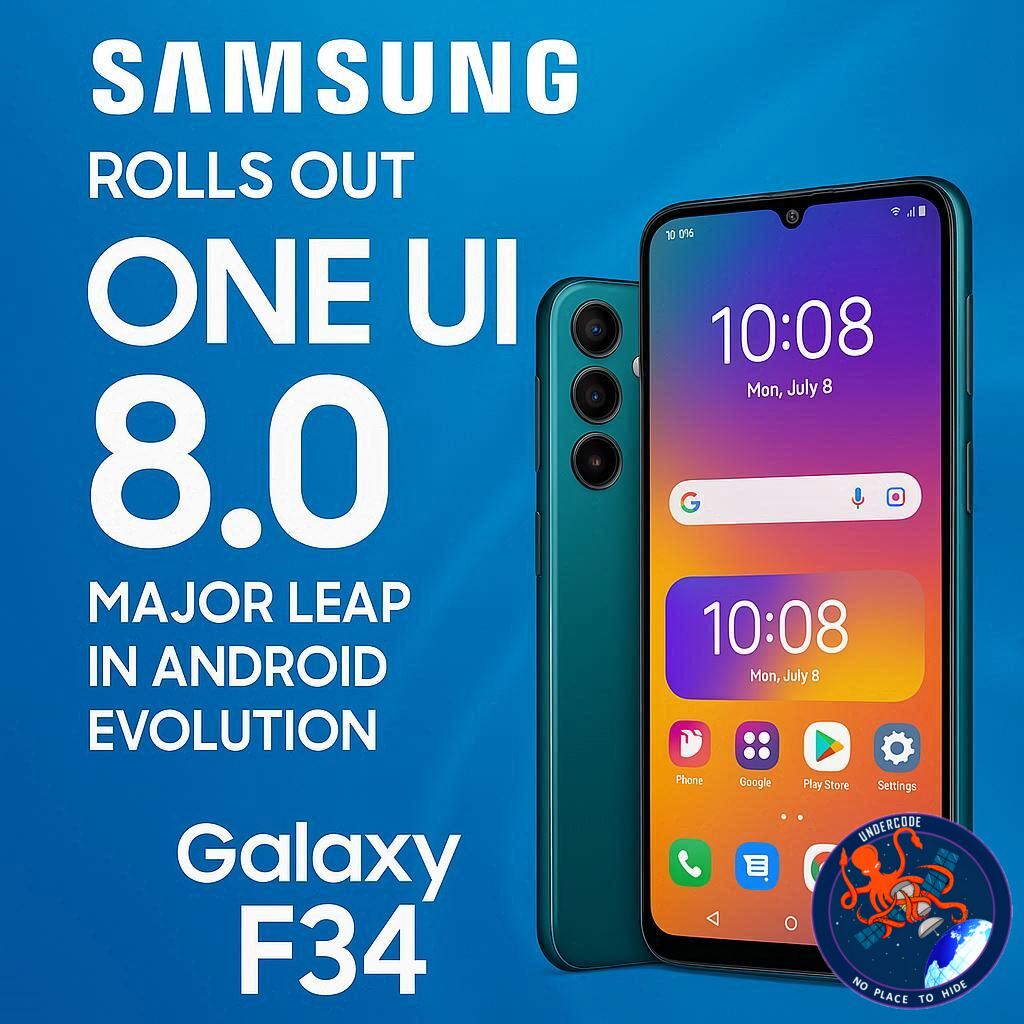
Samsung continues to accelerate its software innovation pace, this time focusing on one of its mid-range heroes — the Galaxy F34. Just a week after the rollout for the Galaxy A34 and two days after the M34, Samsung has officially released the Android 16-based One UI 8.0 update for Indian users of the Galaxy F34. The update, weighing over 2GB, marks the third major Android OS upgrade since the phone’s debut, signaling Samsung’s commitment to long-term device support and a consistent software ecosystem.
A Transformative Update with Smarter, Sleeker, and More Secure Features
The One UI 8.0 update for Galaxy F34 (firmware version E346BXXU8EYI8) introduces a host of new features aimed at improving performance, usability, and personalization. While the September 2025 security patch might disappoint those expecting the latest October release, the improvements packed inside more than make up for it.
Downloading the update is simple: head to Settings > Software Update > Download and Install, and once the installation completes, your device will reboot into a noticeably refreshed interface.
Samsung’s Quick Share now flaunts a redesigned, full-screen UI divided into two tabs—one for sending and another for receiving files—streamlining how users share content. The Now Bar introduces real-time stock price tracking, while Samsung Notes gets a creative boost with Sticky Notes that can float over existing notes for quick referencing. File management also sees refinement, allowing faster access to downloaded items.
Aesthetic and functional improvements extend to the Samsung Internet Browser, offering a more customizable menu layout and faster access to favorite features. Even the Calculator app becomes more intuitive with Scientific Mode support in portrait orientation, a small but thoughtful enhancement for students and professionals alike.
Productivity takes center stage with enhanced split-screen multitasking — users can now resize apps so that one occupies 90% of the display, offering better control for reading, writing, or comparing content simultaneously.
Samsung also pays attention to day-to-day essentials:
Calendar, Clock, and Reminders apps receive better alarm management and voice-enabled event creation.
Samsung Health gains an impressive lineup of new metrics, such as Antioxidant Index, Bedtime Guidance, Food Logging Reminders, Running Coach, and Vascular Load, ensuring users stay in tune with their wellbeing.
Modes and Routines expands automation options, tailoring device behavior to different times, moods, or environments.
The Camera app receives gesture-based controls for toggling quick options, while the Settings app now integrates Galaxy Buds controls, letting users manage their earbuds without diving into submenus. Profile Cards get cleaner visuals, and recorded calls are now visible directly within the Contacts app, making call tracking more practical.
Security also takes a major step forward. Secure Folder is now powered by Google’s Private Space, while Knox Matrix further tightens the system’s overall protection. Users can even hide notification content on the lock screen, ensuring privacy remains intact.
Overall, the One UI 8.0 rollout for Galaxy F34 represents not just an interface polish but a holistic evolution—bridging aesthetic, utility, and protection into a more connected ecosystem.
What Undercode Say:
Samsung’s One UI 8.0 marks more than another version bump — it’s a statement of maturity. With this update, Samsung underscores its ability to balance premium features with mid-range hardware, demonstrating that meaningful software evolution doesn’t have to be limited to flagship devices.
The Galaxy F34, originally positioned as a value-driven smartphone, now stands as proof of how software can extend a device’s lifecycle beyond hardware expectations. Android 16 brings a smoother foundation, but it’s Samsung’s interface logic and user-experience refinements that make this release feel polished and intentional.
From a user behavior standpoint, the redesigned Quick Share and improved file management highlight how Samsung is responding to the modern, multitasking digital lifestyle — where speed, clarity, and control define good UX. The division of share tabs and refined file browsing directly address user friction that earlier versions suffered from.
The One UI 8.0’s integration of Galaxy Buds controls inside the Settings menu is a subtle but strategic move — it brings ecosystem cohesion without forcing users into separate apps. This aligns perfectly with Samsung’s ambition to mirror Apple’s seamless device interconnectivity but in an Android-friendly, open model.
The focus on wellness and routine automation is another significant signal. Features like Bedtime Guidance and Food Logging Reminders represent Samsung’s transition toward a habit-centered ecosystem — where technology not only informs users but also guides behavior. It’s less about tracking data and more about shaping habits, a smart move given the global health tech boom.
On the privacy front, Google’s Private Space integration within Secure Folder strengthens Samsung’s hybrid security model: a blend of Android’s backbone with Samsung’s Knox Matrix, ensuring enterprise-level protection on consumer-grade devices. It’s a layered approach, demonstrating that security can coexist with convenience.
However, there’s one minor critique — the use of the September security patch. While most won’t notice, tech-savvy users expect the newest security layers with each update. This lag could be perceived as a misstep in communication rather than execution. Still, considering the rollout speed and complexity, it’s a forgivable oversight.
Looking forward, One UI 8.0 feels like a preview of Samsung’s broader direction — converging AI-driven customization, ecosystem synchronization, and wellness features into a cohesive whole. If the Galaxy F34, a mid-tier device, can run this version smoothly, it sets a bold expectation for what Galaxy S25 Ultra and Fold 7 users will experience next.
Samsung’s software ecosystem is evolving from a skin over Android into a philosophy of use — personalized, adaptive, and secure. One UI 8.0 is the latest evidence that Samsung isn’t just keeping up with Android; it’s redefining how Android should feel.
Fact Checker Results:
✅ One UI 8.0 is confirmed to be based on Android 16.
✅ The update rollout has started in India for Galaxy F34 users.
❌ The October 2025 security patch is not included; it ships with September’s patch.
Prediction 🌐
Samsung’s One UI 8.0 will likely serve as the foundation for its 2026 lineup, with One UI 8.1 or 9.0 introducing deeper AI-driven personalization and tighter Galaxy ecosystem integration. Expect real-time translation tools, cross-device task continuity, and adaptive health insights powered by on-device intelligence. The Galaxy F34’s update today is just the beginning of Samsung’s next software revolution.
🕵️📝✔️Let’s dive deep and fact‑check.
References:
Reported By: www.sammobile.com
Extra Source Hub (Possible Sources for article):
https://www.quora.com
Wikipedia
OpenAi & Undercode AI
Image Source:
Unsplash
Undercode AI DI v2
Bing
🔐JOIN OUR CYBER WORLD [ CVE News • HackMonitor • UndercodeNews ]
📢 Follow UndercodeNews & Stay Tuned:
𝕏 formerly Twitter 🐦 | @ Threads | 🔗 Linkedin | 🦋BlueSky | 🐘Mastodon