
Listen to this Post
Hooked Introduction
Every modern device hides a silent language that most people never learn to read. It sits on the edge of your laptop, your game console, your charger. Tiny rectangles of plastic and metal, each tinted with a specific color. Blue, red, yellow. At first glance, they look like simple design choices. Yet behind each shade lies a coded message about speed, power, and capability. The truth is far more dramatic than it appears. USB colors are not cosmetic. They reveal the technological evolution of the universal port that changed the way humans move data. Once you understand what each color means, you start noticing a hidden architecture that has been speaking to you all along.
the Original
A Hidden Standard in Everyday Tech
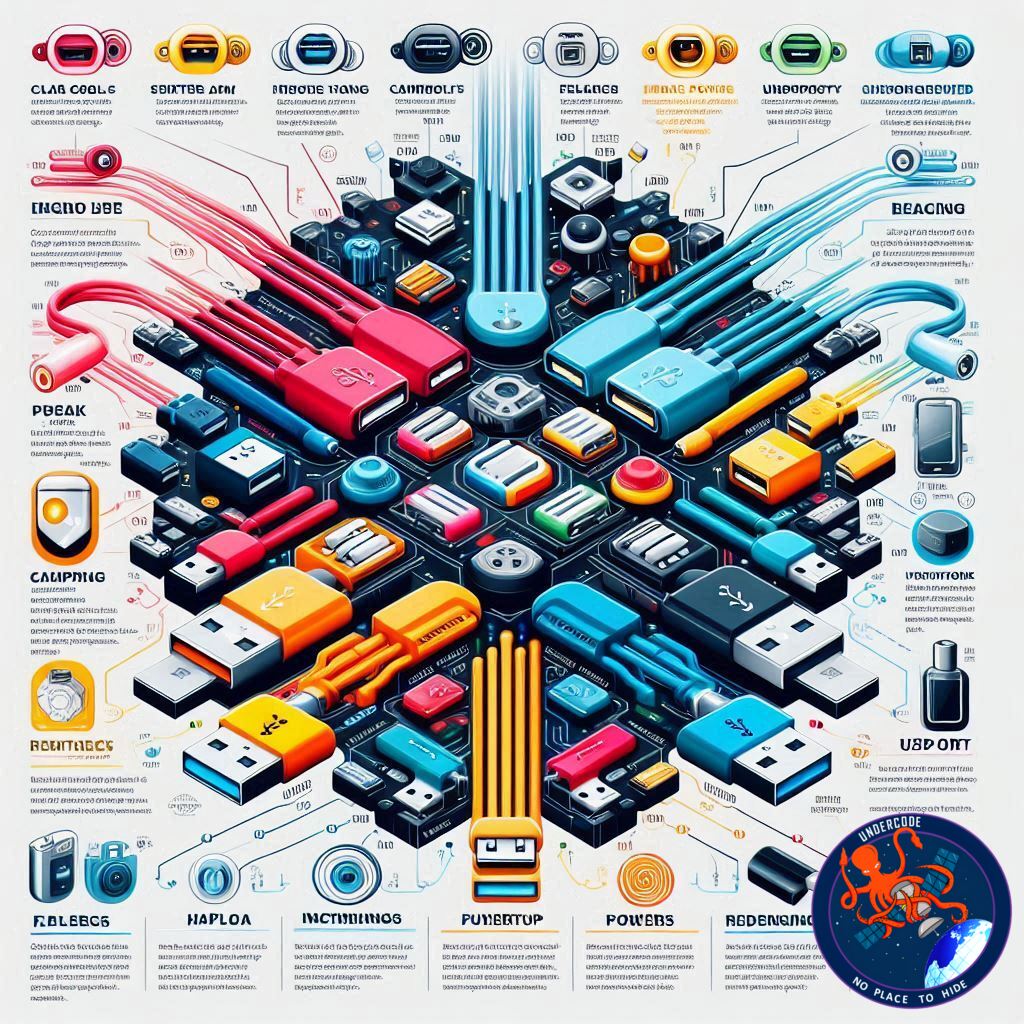
USB ports come in multiple colors, and these colors follow a loose standard that reveals the capabilities of each port. Many people never notice them, even though the differences can dramatically affect how fast devices transfer data or how efficiently they draw power.
Why Colors Matter
Even devices with identical shapes may not share the same speed or power delivery. This explains why plugging a mouse into one port feels smoother than another. Laptops can include multiple USB ports with different bandwidths, even if they sit next to each other.
Black for USB 2.0
Black ports typically represent USB 2.0. They max out at 480 Mbps and are still found on many devices because they are reliable and inexpensive.
White for USB 1.x
White ports are the earliest generation, offering slow transfer speeds around 12 Mbps. These ports are often used on devices that don’t need speed or significant power.
Yellow Always On Power
Yellow ports may support USB 2.0 or 3.0 and are known for being always on. They deliver power even when the host device is off, which makes them useful for charging accessories.
Orange Always On with USB 3.0
Orange ports are similar to yellow but specifically tied to USB 3.0. You often find them on headphones and accessories that charge independently.
Blue for USB 3.0 SuperSpeed
Blue is the iconic color for USB 3.0. These ports can transfer data up to 5 Gbps, a massive leap from earlier versions. They commonly appear on external drives, laptops, and high-speed peripherals.
Teal for USB 3.1
Teal ports identify USB 3.1 devices capable of even faster speeds, pushing up to 10 Gbps.
Red for USB 3.1 Gen 2 and USB 3.2
Red ports represent the latest high-speed tiers, reaching 10 to 20 Gbps. These are also always on, providing power even when the device sleeps.
Colorless Ports Still Count
Some laptops omit the color coding for aesthetics or cost reasons. In those cases, checking the manufacturer’s specifications is the only way to confirm performance.
Why It Matters When You Buy a Laptop
Cheaper or older machines may include slower ports. Newer devices often shift toward USB-C for its compact design and higher performance ceiling.
USB-C, Thunderbolt, and USB4
USB-C ports also come in variants with different speeds. Standard USB-C can use USB 2.0 or the faster 3.x family. Thunderbolt ports, often marked by an icon, deliver up to 40 Gbps. USB4, found on modern laptops like the MacBook Pro M4, climbs as high as 120 Gbps while staying backward compatible.
Bottom Line
Check your device’s specs. Some ports are dramatically faster than others, and matching the right accessory to the right port can unlock better performance instantly.
What Undercode Say:
A Silent System You Use Every Day
USB port colors are a reminder that technology often hides its complexity beneath simple shapes. The visual coding creates an easy way for manufacturers to communicate performance, though few users ever take advantage of it.
Ecosystem Driven by Backward Compatibility
The USB standard prioritizes compatibility before anything else. This is why a blue port can run an ancient USB 1.x keyboard and a modern 5 Gbps SSD without complaining. The color coding becomes a map of evolutionary layering, not replacement.
Rapid Acceleration of Data Standards
USB advancements follow a pattern of exponential growth. From 12 Mbps to 480 Mbps to 5 Gbps and beyond, the leaps mirror the acceleration curve seen in storage technology and networking. Each color highlights a new phase in this growth.
Power Delivery as a New Battleground
Older USB ports transmitted modest power meant only for peripherals. Modern ports are mini power stations. Yellow, orange, and red ports represent a shift toward energy autonomy, allowing laptops to become universal chargers even when powered down.
The USB-C Revolution
USB-C represents a pivot from shape-based legacy design toward unified functionality. One port can handle charging, data, display output, and peripheral management. Yet its internal differences mean color coding is less common and more symbolic.
Thunderbolt’s Premium Divide
Thunderbolt ports show how the market divides between everyday hardware and high-performance systems. The presence of a lightning icon is essentially a badge of premium throughput. In professional environments, Thunderbolt speed can save hours in data-dense workflows.
USB4 Signals the Next Frontier
USB4 reaching 120 Gbps marks a monumental jump. This is not just incremental marketing. It moves the standard into the domain of external GPUs, 8K workflows, high-end audio interfaces, and complex peripherals that once required proprietary connectors.
A Shift in Consumer Awareness
Most users still treat USB ports as interchangeable. Once color decoding becomes common knowledge, performance expectations will shift. It might influence buying decisions, accessory compatibility, and even how laptops are designed.
Manufacturers Use Colors Strategically
Color decisions can be aesthetic, but sometimes they are strategic. Leaving ports uncolored forces tech-savvy consumers to read the fine print. Using bright colors signals capability across the surface of the device.
The Coming Era of Portless Devices
USB might eventually shrink as wireless standards and magnetic connectors evolve. Yet for the foreseeable future, its versatility, reliability, and backward compatibility make it irreplaceable. The color system remains one of its clearest windows into technological progression.
Fact Checker Results
USB port colors loosely correspond to recognized speed categories, and these associations are widely supported. ✅
Not every manufacturer follows color standards consistently, especially on premium or minimalist devices. ❌
USB-C speeds vary significantly, so checking specifications is essential for identifying performance tiers. ✅
Prediction
USB technology will continue merging data, power, and display functions into unified high-bandwidth standards. 🔧
Color indicators may fade as USB-C and USB4 dominate, replaced by icons or software-defined labeling. 📈
Future laptops could use adaptive ports that automatically reconfigure for maximum speed and power depending on the connected device. ⚡
🕵️📝✔️Let’s dive deep and fact‑check.
References:
Reported By: www.zdnet.com
Extra Source Hub (Possible Sources for article):
https://www.discord.com
Wikipedia
OpenAi & Undercode AI
Image Source:
Unsplash
Undercode AI DI v2
Bing
🔐JOIN OUR CYBER WORLD [ CVE News • HackMonitor • UndercodeNews ]
📢 Follow UndercodeNews & Stay Tuned:
𝕏 formerly Twitter 🐦 | @ Threads | 🔗 Linkedin | 🦋BlueSky | 🐘Mastodon


