
Listen to this Post
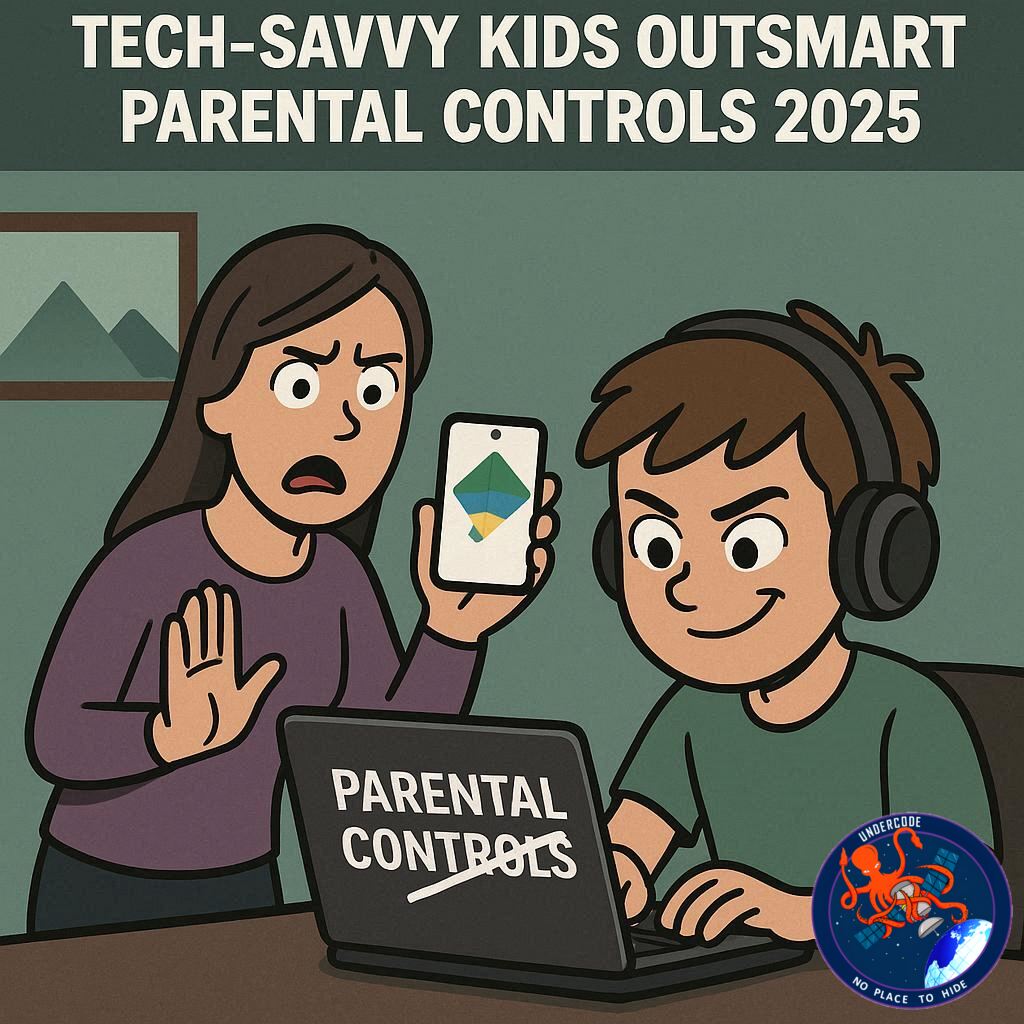
Introduction: The Digital Tug-of-War Between Parents and Kids
In today’s connected world, managing a child’s digital behavior has become a modern-day battle. Parents rely heavily on Google Family Link — a built-in parental control tool for Android devices — to regulate screen time, app usage, and online access. Yet, in 2025, tech-savvy kids are proving that no system is foolproof. Across Reddit, YouTube, and GitHub, young users are sharing clever ways to bypass these restrictions — turning Family Link into a cat-and-mouse game of digital control.
📱 Summary: Inside the Battle Against Family Link Bypasses
Google Family Link was created to help parents monitor their children’s Android activity — from setting time limits to restricting app downloads and tracking location. However, clever loopholes and overlooked Android settings have made it possible for kids to slip through.
In many cases, these exploits arise because Family Link enforces most of its settings locally, on the child’s device, instead of relying on Google’s servers. This local enforcement gives children opportunities to tinker with the system, exploiting features built into Android phones — or even manufacturer add-ons like Samsung’s Secure Folder or Dual Apps.
Online communities such as Reddit, GitHub, and XDA forums are filled with tutorials teaching kids how to remove time limits, reopen blocked apps, and reset screen time counters. Some even use open-source tools like Chronolink, which exploits ADB commands to remove time limits — but only if Developer Options are enabled.
Others discover hidden browsers within Google Play Services or “Help” pages that bypass Family Link’s filters entirely. Meanwhile, phone features like App Cloning, Secure Folder, or Private Space create hidden zones where apps can run without detection.
Some exploits are surprisingly simple — like changing the phone’s clock, rebooting during downtime, or using “Always Allowed” apps like Gmail or Messages to access hidden web links. Even older Android phones, with outdated software, are more prone to these loopholes.
The ultimate defense, according to experts, is a layered one. Combining Family Link with Bitdefender Parental Control offers network-level filtering, cross-device monitoring, and stricter enforcement that can’t be undone locally. Parents are also advised to disable Developer Options, keep systems updated, and restrict Secure Folder or app cloning features.
In essence, Family Link is powerful — but only when used as part of a broader digital strategy. The war for digital control continues, and kids are becoming more sophisticated every year.
💡 What Undercode Say:
The rise of Family Link bypasses reflects a larger issue — the adaptability of younger generations to evolving technology. Kids today aren’t just consumers of digital tools; they’re learning how systems function and how to manipulate them.
From a cybersecurity standpoint, the local enforcement flaw is Google’s Achilles’ heel. When security policies rely too heavily on device-side control, they become vulnerable to user tampering. Android’s openness — once its greatest strength — now serves as a double-edged sword.
The GitHub project Chronolink reveals a fascinating pattern: while children initially seek to bypass restrictions, they inadvertently gain technical knowledge in the process. It’s a crash course in command-line operations, ADB commands, and debugging — skills typically taught in IT training environments.
Meanwhile, manufacturer-level tools like Samsung’s Secure Folder highlight the fragmentation issue within Android’s ecosystem. Each brand modifies the OS differently, leading to inconsistent results for Family Link enforcement. This inconsistency opens doors for creative exploits.
Psychologically, children’s motivation to bypass parental controls often stems from curiosity and autonomy, not just rebellion. The more restrictive the system, the stronger the drive to outsmart it — a phenomenon well-documented in behavioral studies.
Parents, therefore, face a dilemma: tightening control may only push children to find more inventive ways around it. The real solution might be education-based digital literacy, not just enforcement. Teaching kids why restrictions exist could encourage responsible device usage rather than outright defiance.
Still, the addition of Bitdefender Parental Control represents a smart tactical move. It creates a second enforcement layer — DNS-level filtering and network monitoring — beyond the child’s reach. Even if the device itself is compromised, the connection remains protected.
Statistically, over 65% of children between 10–16 years old in 2025 reportedly know at least one method to bypass parental restrictions. Yet, only 30% of parents actively review device settings weekly. This gap explains why exploits persist.
In conclusion, Family Link remains a cornerstone of parental control but isn’t a silver bullet. The battle is dynamic — as Google patches one loophole, online communities discover another. Continuous updates, combined with open dialogue between parents and kids, will remain the true defense in this digital age.
✅ Fact Checker Results
✔️ True: Kids can bypass Family Link using developer tools, hidden browsers, or cloning apps.
✔️ True: Local enforcement increases vulnerability in Android’s ecosystem.
❌ False: Family Link alone provides total protection — it must be paired with other tools like Bitdefender for full coverage.
🔮 Prediction: The Future of Parental Controls
By 2026, parental control systems like Family Link will evolve to use AI-driven behavioral monitoring, capable of detecting unusual device activity or bypass attempts in real-time. However, children’s adaptability will also rise — making the next digital generation both the most secure and the most hacker-like in history. Parents who blend trust, conversation, and technology will be the ones to truly succeed in managing digital boundaries.
🕵️📝✔️Let’s dive deep and fact‑check.
References:
Reported By: www.bitdefender.com
Extra Source Hub:
https://www.digitaltrends.com
Wikipedia
OpenAi & Undercode AI
Image Source:
Unsplash
Undercode AI DI v2
🔐JOIN OUR CYBER WORLD [ CVE News • HackMonitor • UndercodeNews ]
📢 Follow UndercodeNews & Stay Tuned:
𝕏 formerly Twitter 🐦 | @ Threads | 🔗 Linkedin | 🦋BlueSky | 🐘Mastodon


