
Listen to this Post
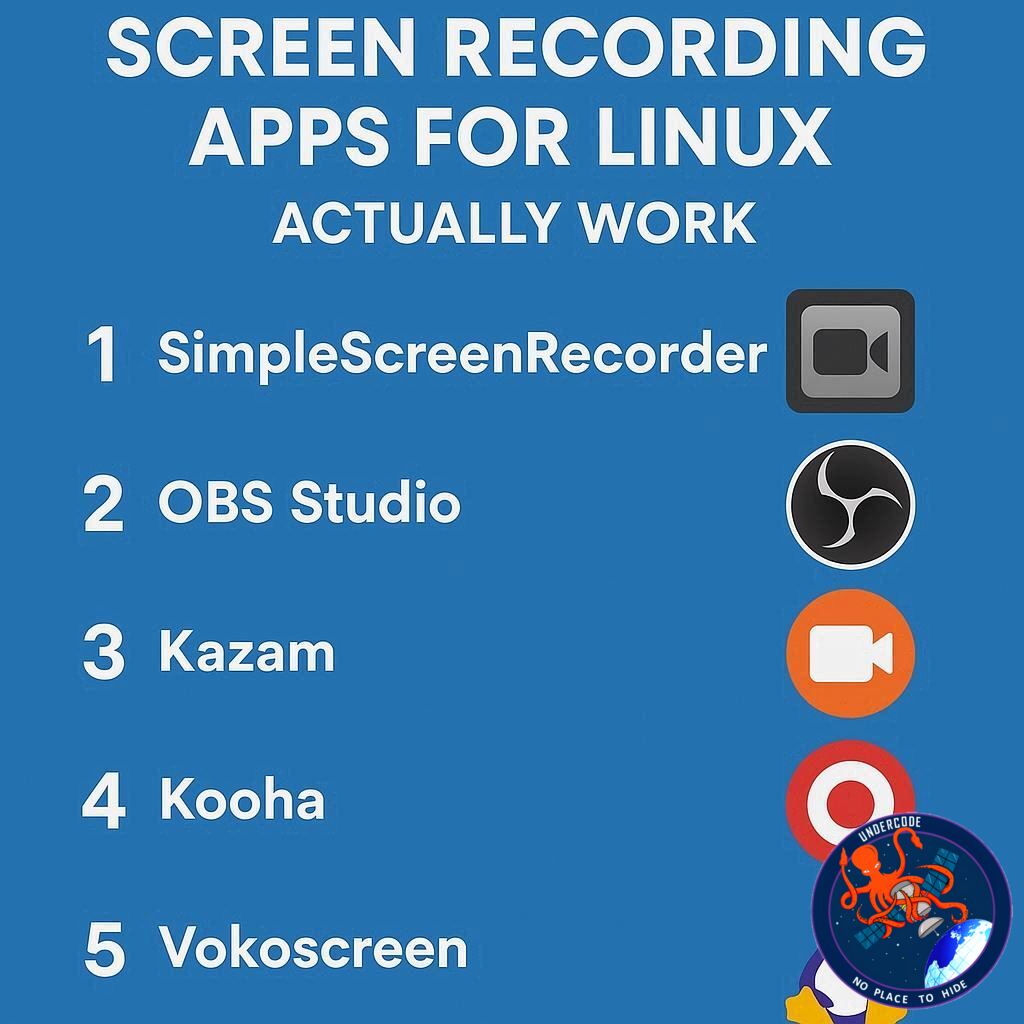 Linux users often face a challenge when it comes to capturing their desktop activity. Whether you’re a PC support professional, a content creator, or a gamer wanting to showcase your skills, having reliable screen-recording software is essential. While some Linux distributions offer built-in screenshot and recording tools, they frequently lack the flexibility, features, or compatibility that power users need. Fortunately, there are several free, easy-to-install third-party applications that fill this gap, offering everything from simple recordings to highly customizable video setups. Here’s a rundown of my top five picks for Linux screen-recording software, all free and highly capable.
1. Simple Screen Recorder: Power Meets Precision
Simple Screen Recorder has been my go-to for years. Its interface might seem daunting at first due to numerous options, but its flexibility makes it worth the learning curve. Users can select specific areas or windows to record, capture the cursor, scale videos, and even tweak audio settings. From output profiles to codecs, timestamps, and constant rate factors, this app allows granular control over every recording aspect. While full Wayland support is limited, it generally works fine across environments. Installation is straightforward via standard repositories.
2. Kooha: Minimalism With Modern Compatibility
Kooha stands out for its minimalist design, making it incredibly simple to use. Despite its simplicity, Kooha supports Wayland fully and even hardware acceleration. Users can record a monitor or a window, choose formats like MP4, WebM, Matroska, or GIF, and set framerates from 10 to 60 fps. You can also toggle desktop audio, microphone input, and cursor visibility. Development is slower compared to other apps, but its ease of use and modern support make it a solid choice.
3. OBS Studio: Professional-Grade Flexibility
OBS (Open Broadcast Software) is arguably overkill for basic recordings but shines in complex setups. Originally designed for streaming, OBS allows for powerful customization with sources, scenes, and multiple recording profiles. It supports Wayland, webcams, and a wide range of formats. The learning curve can be steep, but mastering OBS pays off for anyone seeking top-tier flexibility and professional-quality recordings. Installation is simple via most distribution repositories.
4. vokoscreenNG: Old-School Interface, Modern Functionality
VokoscreenNG may look dated, but it’s a surprisingly robust option. It allows full-screen, window, or custom-area recording, offers framerate and codec selection, and even includes format conversion from MKV to MP4, GIF, or WebM. It also features a repair function for MKV files. Wayland support exists, though performance can vary depending on your environment. Despite its retro interface, it’s a reliable tool for both beginners and advanced users.
5. Blue Recorder: Balanced Simplicity
Blue Recorder strikes a balance between simplicity and feature depth. Users can record windows, areas, or full screens, capture multiple audio sources, display or hide the mouse, and set autohide or start delay options. Supported formats include MP4, MKV, WebM, GIF, AVI, WMV, and NUT. Blue Recorder is easy to install via standard repositories, making it an approachable yet versatile option.
What Undercode Say:
Choosing a screen-recording app for Linux depends heavily on your specific needs and workflow. For instance, if you’re looking for precision and granular control, Simple Screen Recorder dominates due to its configurability, despite the minor Wayland caveats. Its ability to tailor output profiles, codecs, and recording regions is unmatched for users who need fine-tuned recordings.
On the other hand, minimalists or casual users will appreciate Kooha. Its uncluttered interface and native Wayland support make it almost frictionless for everyday tasks. The tradeoff is fewer advanced features, but that simplicity can be a strength rather than a limitation.
Professional content creators or streamers might naturally gravitate toward OBS Studio. It’s overpowered for simple screen capture, but the versatility and breadth of options make it the default choice for anyone who plans to scale into more complex production workflows. Understanding its full potential requires patience, but the payoff in quality and flexibility is substantial.
VokoscreenNG shows that even older-looking software can remain highly functional. Its unique feature set, including format conversion and MKV repair, caters to users who require post-processing capabilities without relying on multiple external tools. However, the UI might deter beginners at first glance.
Finally, Blue Recorder is an elegant middle ground, blending usability with moderate flexibility. Its support for multiple video formats and audio sources gives it an edge over extremely minimalist apps while avoiding the steep learning curve of OBS.
An overarching observation is that Linux screen-recording apps are evolving rapidly, particularly with growing Wayland adoption. Many apps now embrace hardware acceleration, modern video formats, and simplified installation processes, making high-quality recording accessible even to casual users.
In practice, most Linux users benefit from keeping a small toolkit of these apps. Simple Screen Recorder for detailed captures, Kooha for quick tasks, and OBS for high-production needs can cover almost any scenario. This versatility is crucial, given Linux’s diverse desktop environments and hardware variations. Overall, free screen-recording tools on Linux are no longer niche utilities; they’re essential instruments for anyone wanting to share, document, or teach effectively.
Fact Checker Results:
✅ Simple Screen Recorder is free and widely available via standard repositories.
✅ Kooha supports Wayland and hardware acceleration.
❌ OBS is not primarily designed for casual screen recordings; its focus is streaming.
Prediction:
📊 As Wayland continues to mature, we can expect more Linux screen-recording apps to fully embrace it, eliminating compatibility issues. Minimalist apps like Kooha may gain popularity among casual users, while power users will continue relying on OBS and Simple Screen Recorder for advanced workflows. The next few years could see a convergence of simplicity and professional-grade features in a single app, making Linux screen recording more intuitive and powerful than ever.
🕵️📝✔️Let’s dive deep and fact‑check.
References:
Reported By: www.zdnet.com
Extra Source Hub (Possible Sources for article):
https://www.digitaltrends.com
Wikipedia
OpenAi & Undercode AI
Image Source:
Unsplash
Undercode AI DI v2
Bing
🔐JOIN OUR CYBER WORLD [ CVE News • HackMonitor • UndercodeNews ]
📢 Follow UndercodeNews & Stay Tuned:
𝕏 formerly Twitter 🐦 | @ Threads | 🔗 Linkedin | 🦋BlueSky | 🐘Mastodon


