
Listen to this Post
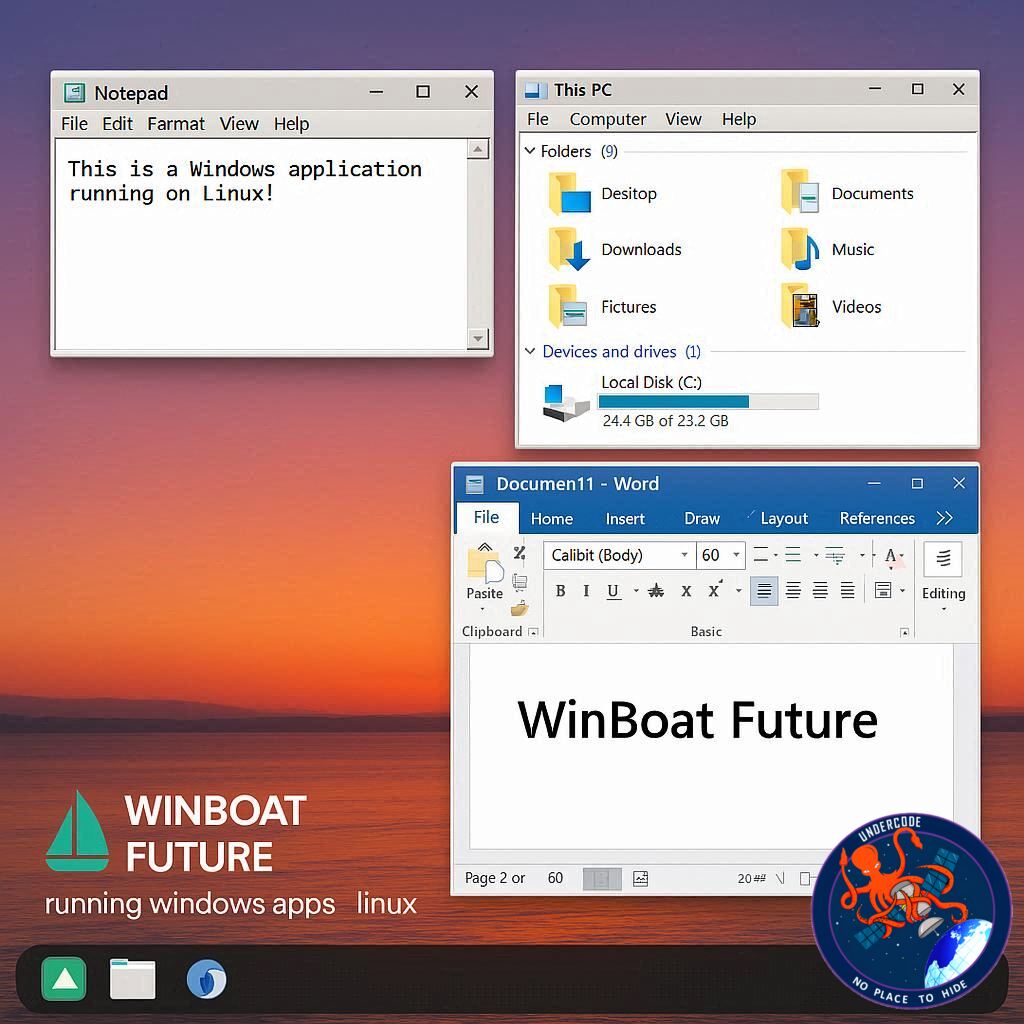
For decades, Linux users have faced a persistent challenge: running Windows applications natively without rebooting into a separate OS or relying on convoluted compatibility layers. Traditional solutions like Wine, PlayOnLinux, Steam’s Proton, and others offered partial fixes, but often demanded technical know-how that deterred casual users. Enter Winboat, a new beta application poised to redefine the Linux experience by allowing Windows apps to run seamlessly in a containerized environment.
Introducing Winboat: A Modern Solution for Linux Users
Winboat takes a radically different approach from its predecessors. Rather than simply bridging Windows and Linux through compatibility layers, Winboat runs a containerized version of Windows beneath the Linux interface. This enables users to install and use Windows apps on their native platform while still enjoying the Linux ecosystem. The interface is elegant, setup offers automated app installation, and users can access the full Windows desktop environment with filesystem integration—all from a Linux machine.
The feature set currently includes:
User-friendly GUI for Windows app management
Automated installation and updates of Windows apps
Full access to the Windows desktop
Integration with Linux filesystems for seamless file access
Getting Started with Winboat: Beta Challenges
Since Winboat is still in beta, installation isn’t entirely straightforward. It requires Docker and Docker Compose v2, enabling a containerized Windows environment. Users must also meet minimum system requirements, including:
4GB RAM
2+ CPU threads
32GB free space
KVM enabled in BIOS/UEFI
Docker group membership and various kernel modules
The initial setup involves running the AppImage, walking through the setup wizard, and occasionally editing the docker-compose.yaml file for conflicts such as port usage. While this may be daunting for beginners, experienced Linux users will find the installation manageable with minor adjustments.
Real-World Performance
In practice, launching the Windows container via Docker and running the Winboat GUI allows users to install Windows apps with minimal effort. Although some hiccups were observed—like connection failures and apps not running initially—the overall experience impressed early testers. Switching from Windows 10 to Windows 11 within the container improved stability, suggesting further refinements will enhance the beta’s performance.
What Undercode Say:
Winboat represents a significant evolution in cross-platform computing, particularly for Linux enthusiasts who need Windows applications without dual-booting. Its containerized approach solves many limitations of traditional compatibility layers, promising higher stability and compatibility. However, current hurdles—complex setup, Docker dependencies, and port conflicts—highlight the need for simplification before public adoption.
The potential impact is enormous. If the developers streamline installation and improve reliability, Linux could finally host Windows applications with near-native performance, making it more attractive for enterprise and creative workflows. This could accelerate Linux adoption among users previously reliant on Windows software. Furthermore, Winboat’s container-based architecture may pave the way for secure and isolated environments, reducing system crashes or conflicts between Linux and Windows apps.
Early impressions suggest a user experience akin to running Windows natively on Linux while maintaining system performance and security. It may also trigger a resurgence of interest in Linux desktops for gamers, developers, and hybrid users who traditionally avoided Linux due to software limitations. In a broader sense, Winboat could become a catalyst for a new era of cross-platform interoperability, redefining what it means to operate multiple operating systems simultaneously without friction.
🔍 Fact Checker Results:
✅ Winboat uses a containerized Windows instance to run apps on Linux.
✅ The app is currently in beta and requires Docker and KVM-enabled BIOS.
❌ Some early beta reports mention occasional connection failures and installation quirks.
📊 Prediction:
Winboat has the potential to transform Linux desktop usage within the next 2–3 years. Once installation is simplified and the beta matures, it could become the go-to solution for running Windows apps on Linux, attracting a new wave of users and increasing enterprise adoption. Linux may finally break free from its niche status in desktop computing, offering a practical alternative to Windows without compromise.
If you want, I can also create a step-by-step guide with screenshots on how to install Winboat on Linux to make the article even more actionable and engaging. Do you want me to do that next?
🕵️📝✔️Let’s dive deep and fact‑check.
References:
Reported By: www.zdnet.com
Extra Source Hub:
https://www.discord.com
Wikipedia
OpenAi & Undercode AI
Image Source:
Unsplash
Undercode AI DI v2
🔐JOIN OUR CYBER WORLD [ CVE News • HackMonitor • UndercodeNews ]
📢 Follow UndercodeNews & Stay Tuned:
𝕏 formerly Twitter 🐦 | @ Threads | 🔗 Linkedin | 🦋BlueSky | 🐘Mastodon


