
Listen to this Post
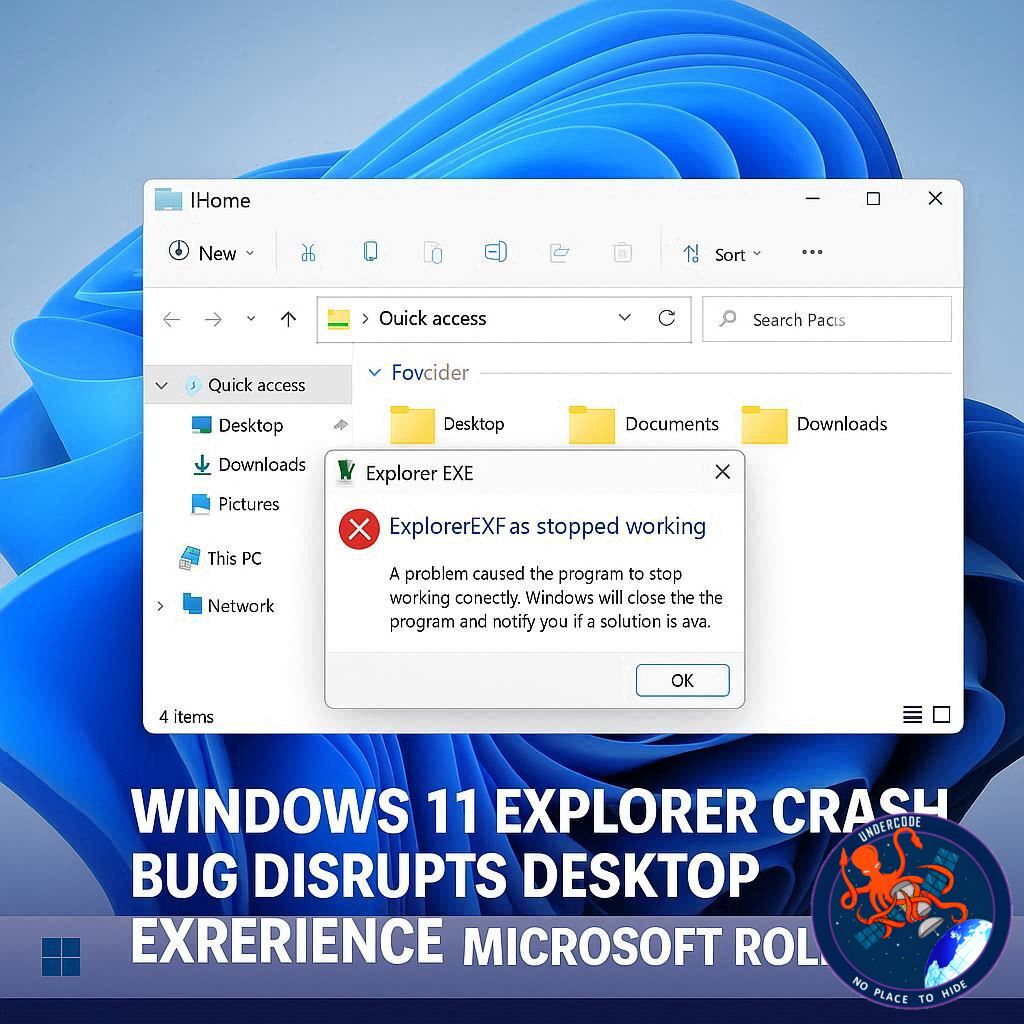 A Troubling Start for Windows 11 Users in Early 2026
Windows 11 has stumbled into 2026 with a serious usability issue that left many users staring at an empty screen instead of their familiar desktop. A bug tied to recent system updates caused Windows Explorer, the backbone of the Windows interface, to crash unexpectedly. When Explorer.exe fails, the consequences are immediate and dramatic. The taskbar disappears, the Start menu becomes inaccessible, system tray icons vanish, and even desktop folders refuse to load. For affected users, Windows 11 effectively loses its identity as a functional desktop operating system.
the Original Report and Known Details
Reports indicate that this bug was introduced with the January update, though evidence suggests similar behavior may have existed in earlier monthly patches. The core issue lies in Explorer.exe hanging or crashing during the first sign-in after boot. Once that happens, the entire graphical shell collapses, leaving users without basic navigation tools. While restarting Explorer through Task Manager or rebooting the system can temporarily restore functionality, these workarounds are unreliable and disruptive.
Impact on Systems With Specific Startup Applications
Microsoft acknowledged the problem in an official support document, explaining that the crash occurs when certain applications are configured to launch at startup. During the initial login process, these apps appear to conflict with Explorer.exe, causing it to freeze or stop responding. The company has not disclosed which applications trigger the issue, adding to user frustration and uncertainty. This lack of transparency makes troubleshooting difficult for both casual users and IT professionals.
Temporary Workarounds and User Frustration
For many, the bug turned everyday computing into an exercise in patience. Losing access to the Start menu and taskbar means users cannot easily open programs, switch tasks, or access system settings. Restarting Explorer through Task Manager requires technical familiarity, and repeatedly rebooting a PC is not a sustainable solution. The situation highlighted how fragile the Windows interface can become when its core process fails.
Microsoft’s Optional Update Brings Relief
Microsoft has now delivered a fix through an optional update identified as KB5074105. This preview patch addresses the Explorer.exe crash and restores normal desktop behavior for affected systems. Users can find the update by manually checking Windows Update in the Settings app. While optional updates are typically not recommended for everyone due to their testing status, this one offers a clear benefit for users already impacted by the bug.
The Risk and Reward of Installing Preview Patches
Installing preview updates always carries some degree of risk, as they have not undergone the full validation process of mandatory patches. However, in cases where a severe bug disrupts daily use, the trade-off can be worthwhile. Microsoft is gradually rolling out the fix, so not all users may see it immediately. Still, availability is expected to expand quickly.
A Difficult Month for Windows 11 Stability
January 2026 has been a rough period for Microsoft’s desktop operating system. This Explorer crash bug joined a growing list of update-related issues that damaged user trust. Microsoft has publicly stated that improving stability and performance is a priority this year. Whether those promises translate into smoother updates remains to be seen, but expectations are now firmly set.
What Undercode Say:
The Explorer.exe crash exposes a recurring weakness in Windows 11’s update strategy. The operating system relies heavily on a single process to deliver its entire desktop experience. When that process fails, Windows does not degrade gracefully, it collapses. This raises questions about architectural resilience and whether Microsoft should further modularize core interface components.
Another concern is the vague explanation around startup applications. By not identifying problematic apps, Microsoft leaves users guessing. In enterprise environments, where dozens of background tools load at login, this kind of uncertainty can translate into lost productivity and support overhead. Transparency here would have reduced frustration significantly.
Optional updates fixing critical bugs also signal a deeper issue. When stability patches are placed behind preview releases, many users remain exposed for longer than necessary. While cautious rollout is understandable, bugs that erase the desktop experience arguably deserve immediate mandatory attention.
This incident also reinforces a long-standing pattern with Windows updates. New patches frequently resolve old issues while introducing new ones. For power users and professionals, the safest path increasingly involves delaying updates, which contradicts Microsoft’s push for rapid adoption.
On a broader level, Microsoft’s promise to make 2026 a year of refinement will be judged harshly if similar problems persist. Stability is no longer a luxury feature, it is the baseline expectation. Windows 11 cannot afford repeated missteps that affect core usability, especially as alternatives continue to mature.
Fact Checker Results
✅ Explorer.exe crashes can remove the taskbar and Start menu entirely
✅ Microsoft released KB5074105 as an optional fix for the issue
❌ Microsoft has not specified which startup apps trigger the bug
Prediction
📊 Microsoft will accelerate stability-focused updates throughout 2026
📊 Optional fixes like KB5074105 may become mandatory in future patches
📊 User tolerance for disruptive Windows updates will continue to decline
▶️ Related Video (84% Match):
🕵️📝✔️Let’s dive deep and fact‑check.
References:
Reported By: www.techradar.com
Extra Source Hub (Possible Sources for article):
https://www.medium.com
Wikipedia
OpenAi & Undercode AI
Image Source:
Unsplash
Undercode AI DI v2
Bing
🔐JOIN OUR CYBER WORLD [ CVE News • HackMonitor • UndercodeNews ]
📢 Follow UndercodeNews & Stay Tuned:
𝕏 formerly Twitter 🐦 | @ Threads | 🔗 Linkedin | 🦋BlueSky | 🐘Mastodon


