
Listen to this Post
Introduction: A Quiet Update With Real Impact
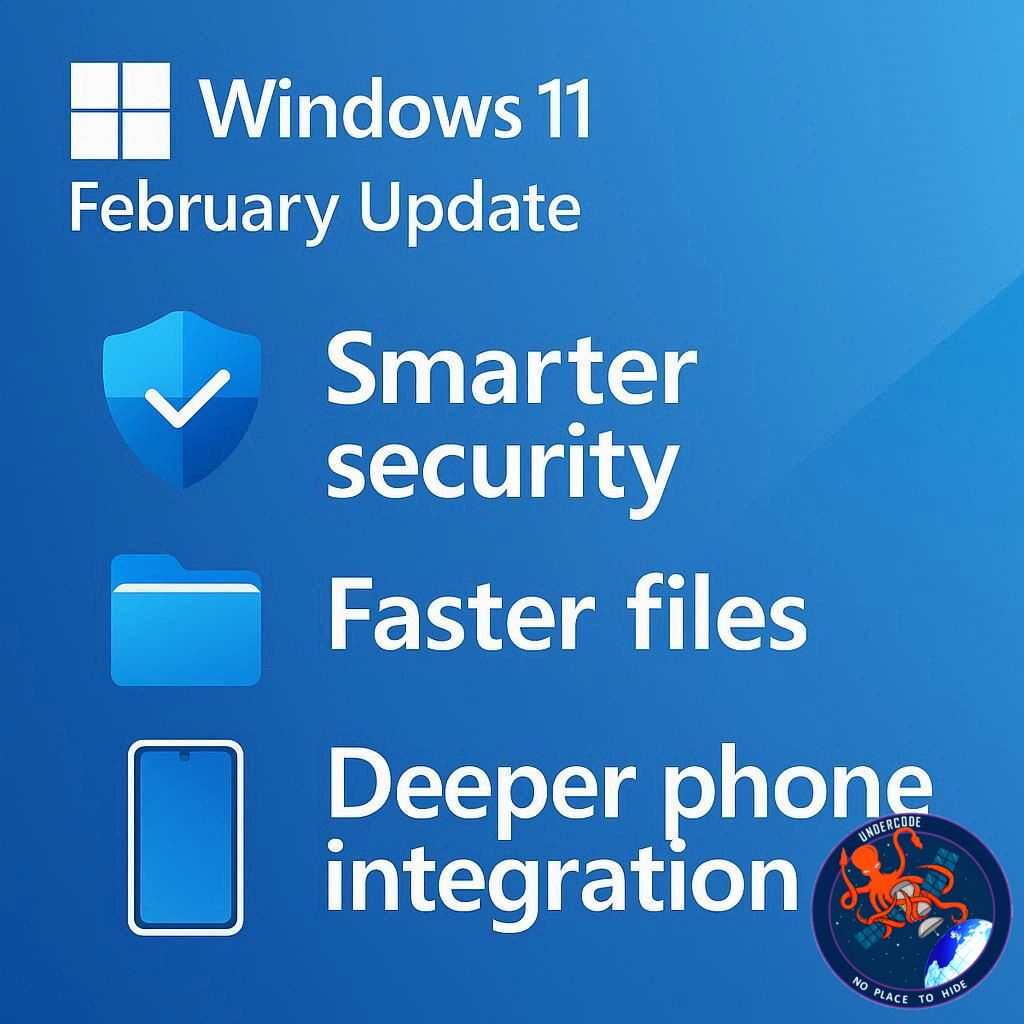
Microsoft’s February update for Windows 11 may look modest at first glance, but beneath the surface it introduces changes that directly affect how secure, connected, and responsive the operating system feels day to day. Scheduled to roll out in mid-February, this update focuses less on flashy redesigns and more on fixing long-standing limitations, expanding cross-device continuity, and refining performance in areas where users have been asking for improvements. From long-overdue fixes to Smart App Control to subtle speed gains in File Explorer, this release shows Microsoft doubling down on polish rather than reinvention.
the February Windows 11 Update
The upcoming Windows 11 February update delivers a collection of refinements that aim to make the operating system more practical and dependable. One of the most significant changes is the overhaul of Smart App Control, a security feature that checks newly installed applications against Microsoft’s threat intelligence. Previously, disabling this feature even once meant it could not be reactivated without reinstalling Windows. The February update removes that restriction, allowing users to toggle Smart App Control on or off freely, restoring confidence in a feature designed to protect against malware without punishing cautious experimentation.
Cross-device resume is another area receiving attention. Windows 11 already allows users to continue tasks started on Android apps like Spotify, Microsoft Office, and certain browsers. This update expands support to additional browsers and improves integration with the Copilot app for users on supported Android devices, including Samsung, Honor, Oppo, Vivo, and Xiaomi phones. The goal is to blur the line between phone and PC workflows, letting users resume files and activities without friction.
Accessibility and input also see meaningful upgrades. Voice Access gains a new setup wizard, lowering the barrier for users unfamiliar with voice-controlled computing. Voice typing becomes more customizable, allowing users to adjust how quickly spoken commands are executed, making the feature more responsive or more forgiving depending on preference.
Performance improvements arrive in a quieter form through File Explorer. While not a full overhaul, Microsoft has optimized network folder access, reducing delays when browsing files over a network. For users who rely on shared drives or older hardware, even incremental gains here can noticeably improve daily workflows.
Beyond these highlights, the update introduces device information cards in the Settings app, offering quick access to hardware specifications like CPU, GPU, RAM, and storage. Musicians and audio professionals also benefit from expanded MIDI support, including better app-to-app communication and modernized MIDI handling. While not every feature may appear immediately due to staged rollouts, the February update represents a steady step forward in usability and reliability.
What Undercode Say:
Smart App Control Finally Becomes Trustworthy
Smart App Control was always a good idea executed with a baffling limitation. A security feature that permanently disables itself after one toggle undermines user trust. By allowing re-enablement, Microsoft turns Smart App Control from a fragile experiment into a dependable layer of defense. This change alone makes Windows 11 safer for less technical users who might disable protections temporarily without understanding long-term consequences.
Cross-Device Continuity Is Microsoft’s Long Game
The expansion of cross-device resume is not about convenience alone, it is about ecosystem gravity. Apple has dominated this space for years, and Microsoft is clearly responding by tightening Windows and Android integration. Supporting more device brands and apps suggests Microsoft wants Windows to remain central even as mobile usage grows, positioning the PC as the natural continuation point rather than a separate island.
Accessibility Improvements Signal Maturity
Voice Access and voice typing updates may not generate headlines, but they reflect a maturing operating system. These tools are no longer experimental add-ons, they are becoming first-class input methods. Customizable command timing shows attention to real user behavior, particularly for accessibility users who need flexibility rather than rigid command execution.
File Explorer Performance Still Matters
File Explorer has long been a weak point in Windows 11, especially on older machines or networked environments. While this update does not solve every performance issue, improving network folder access is a strategic choice. Enterprise users and home offices rely heavily on shared storage, and even niche optimizations can significantly improve perceived system speed.
Settings and MIDI Changes Show Broader Focus
The new device info cards in Settings reflect Microsoft’s push toward clarity and transparency. Users no longer need to dig through menus to understand their hardware. Meanwhile, the MIDI improvements suggest Windows is reclaiming relevance in creative and professional audio spaces, an area where consistency and low-level support matter more than visual polish.
A Pattern of Incremental Repair
Taken together, the February update continues a pattern seen throughout recent Windows 11 releases. Microsoft is no longer rushing to redefine the interface. Instead, it is repairing trust by fixing half-finished ideas, strengthening core tools, and slowly closing gaps with competing ecosystems. This approach may feel less exciting, but it is arguably more important for long-term stability.
Fact Checker Results
✅ Smart App Control re-enablement resolves a long-standing Windows 11 limitation
✅ Cross-device resume expansion aligns with documented Microsoft feature rollouts
❌ Not all features are guaranteed to appear immediately due to staged deployment
Prediction
📊 Microsoft will continue prioritizing ecosystem integration over visual redesigns
📊 Cross-device features are likely to expand to more third-party apps in 2026
📊 Incremental performance fixes will gradually redefine Windows 11’s reputation for stability
▶️ Related Video (80% Match):
🕵️📝✔️Let’s dive deep and fact‑check.
References:
Reported By: www.techradar.com
Extra Source Hub (Possible Sources for article):
https://www.pinterest.com
Wikipedia
OpenAi & Undercode AI
Image Source:
Unsplash
Undercode AI DI v2
Bing
🔐JOIN OUR CYBER WORLD [ CVE News • HackMonitor • UndercodeNews ]
📢 Follow UndercodeNews & Stay Tuned:
𝕏 formerly Twitter 🐦 | @ Threads | 🔗 Linkedin | 🦋BlueSky | 🐘Mastodon


