
Listen to this Post
Introduction
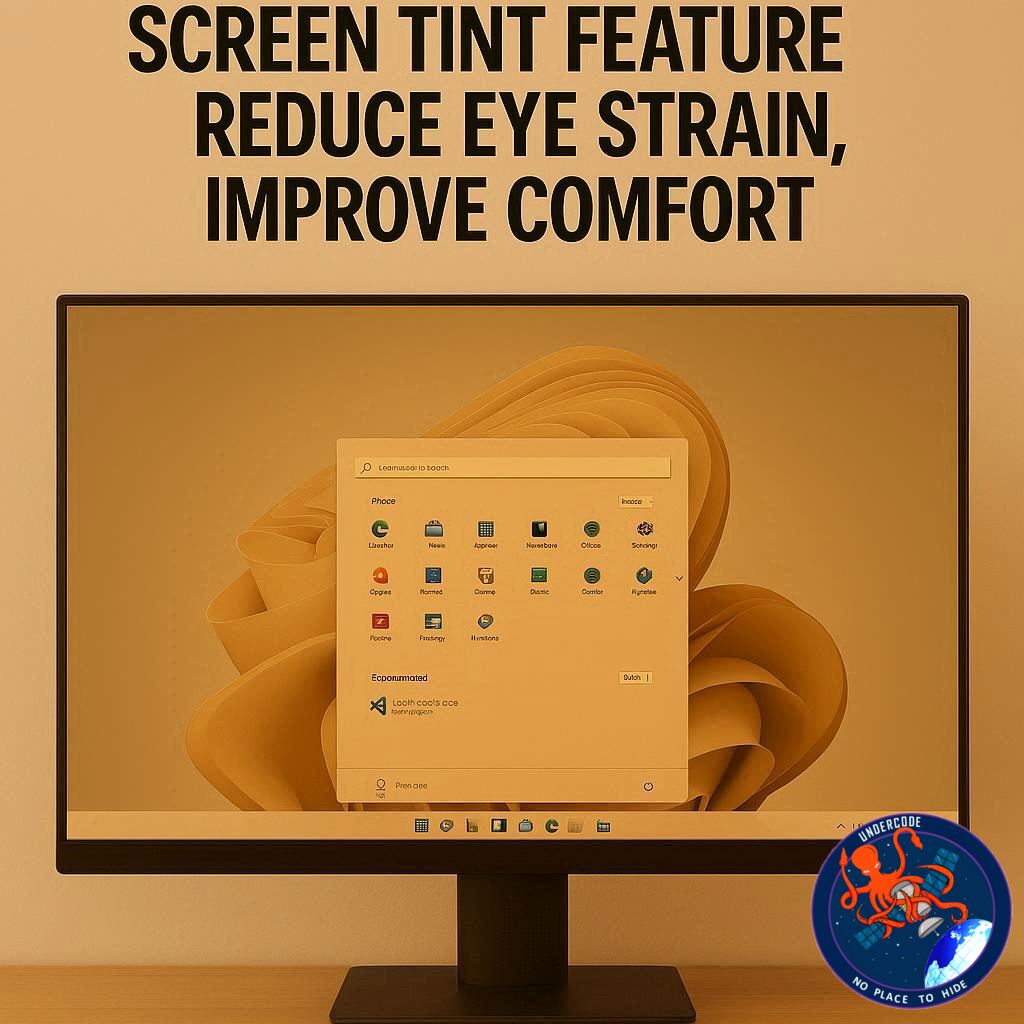
Microsoft appears to be preparing another quality-of-life upgrade for Windows 11 users. A newly discovered feature called Screen Tint is now being tested in preview builds, offering customizable color overlays designed to make displays easier on the eyes. While Microsoft has not officially announced the tool, early testing suggests it could become one of the most practical accessibility additions to Windows in years.
Unlike the current Night Light mode, which mainly reduces blue light during evening hours, Screen Tint seems built for a wider range of comfort needs, including migraines, glare sensitivity, reading fatigue, and visual stress. If fully released, it could give users far more control over how their screen feels during long work sessions.
Microsoft Quietly Adds Screen Tint to Windows 11 Preview Builds
The feature was discovered in Windows 11 Build 26300.8289, where a new settings page titled Screen Tint appears under the Accessibility section. It was first spotted by Phantom on X and later tested by Windows Latest.
At the moment, not every preview user can access it, indicating that Microsoft is still developing the feature internally before a broader rollout.
The addition suggests Microsoft is continuing to invest in accessibility-focused tools rather than only visual redesigns. This is important because many users spend eight or more hours daily in front of screens, and even small comfort improvements can make a major difference.
Six Preset Colors Designed for Specific Needs
One of the most interesting parts of Screen Tint is that it includes several preset overlays, each intended for different viewing conditions or sensitivities.
The Calm Amber mode resembles the existing Night Light feature. It likely reduces harsh tones and creates a warmer display, which can help during extended use.
The Rose tint is especially notable because it is reportedly aimed at people dealing with migraines, headaches, or fluorescent light sensitivity. Pink or rose filters are sometimes discussed in relation to visual comfort, so Microsoft may be exploring that area.
Other colors include:
Soft Yellow for reading discomfort and visual stress
Blue to reduce glare in bright environments
Green for users with photophobia or light sensitivity
Natural Gray for those who find high contrast tiring
This shows that Screen Tint is not just a cosmetic tool. Microsoft seems to be building it around real user discomfort scenarios.
Custom Tint Controls Also in Testing
Beyond presets, Microsoft is also experimenting with a Custom Tint mode. This would let users choose their own preferred overlay color and adjust intensity using a slider.
That could be one of the strongest parts of the feature. Visual sensitivity differs from person to person. A preset that works for one user may feel uncomfortable for another. Custom controls would allow far better personalization.
For professionals, students, gamers, writers, and remote workers, this flexibility could become extremely valuable.
Still Early in Development
Testing reports indicate the feature currently flickers and sometimes fails to apply colors properly. That is common for unfinished preview tools and suggests the feature is still in an internal development stage.
Because of that, there is no confirmed release date. Microsoft may refine it heavily, delay it, or even rename it before launch.
Still, the presence of a dedicated settings page usually means the company has moved beyond simple experimentation.
Night Light Will Remain Separate
Microsoft does not appear to be replacing Night Light. Instead, Screen Tint looks like a more advanced companion feature.
Night Light remains useful for reducing blue light in the evening and helping sleep routines. Screen Tint appears more specialized, aimed at accessibility, visual comfort, and long-term productivity.
That separation makes sense. Casual users can continue using Night Light, while advanced users gain deeper customization tools.
More Changes Coming to Windows 11
The Screen Tint feature is only one part of Microsoft’s broader plans for Windows 11. Reports also mention:
Customizable Quick Settings
Easier dark/light theme switching
A redesigned Run dialog
Multiple major improvements planned through 2026
This suggests Microsoft is focusing on practical polish rather than dramatic redesign alone.
What Undercode Say:
Screen Tint may look like a small feature, but it reflects a much larger trend in computing: comfort is becoming a core part of software design.
For years, operating systems prioritized speed, security, and appearance. But modern users now spend entire workdays in front of displays. Eye fatigue, headaches, dry eyes, and sensory overload are real productivity killers. Microsoft seems to understand that.
The inclusion of migraine-friendly and glare-reduction presets is especially smart. It acknowledges that not every user experiences screens the same way. Accessibility is no longer only about screen readers and font sizes. It now includes sensory comfort.
Another key point is personalization. If Microsoft allows custom tint tuning, Windows 11 could become one of the most adaptable desktop systems for visual comfort. This matters in offices, schools, hospitals, and home setups.
It also helps Microsoft compete with ecosystems where third-party display tools are common. Instead of forcing users to install external apps, Windows could offer native controls that work better and consume fewer resources.
There is also a business angle. Happier users complain less, stay productive longer, and feel the OS is “smarter.” Small quality-of-life features often build stronger loyalty than flashy upgrades.
However, execution matters. If the feature causes flickering, bugs, or color inaccuracies, users may disable it instantly. Microsoft must ensure it works smoothly across monitors, GPUs, laptops, HDR displays, and multi-monitor setups.
The naming also matters. “Screen Tint” sounds simple, but Microsoft may market it under a more wellness-focused brand before public launch.
Long term, this could lead to adaptive displays where Windows changes tint automatically based on time, ambient light, or workload. Imagine coding mode, reading mode, migraine mode, gaming comfort mode, and night focus mode all built into the OS.
That would turn Windows from a passive platform into an active environment that responds to human needs.
Fact Checker Results
✅ Screen Tint has been reported in preview builds of Windows 11, not stable public releases.
✅ Current reports indicate presets and custom tint controls are being tested internally.
✅ Microsoft has not officially confirmed final release timing or exact public rollout plans.
Prediction
🔮 Screen Tint will likely launch first for Insider users before reaching mainstream Windows 11 updates.
🔮 Microsoft may combine it with AI or ambient light sensing for automatic comfort adjustments later.
🔮 If users respond positively, Screen Tint could become one of Windows 11’s most appreciated hidden features.
🕵️📝Let’s dive deep and fact‑check.
References:
Reported By: www.windowslatest.com
Extra Source Hub (Possible Sources for article):
https://www.reddit.com/r/AskReddit
Wikipedia
OpenAi & Undercode AI
Image Source:
Unsplash
Undercode AI DI v2
Bing
🔐JOIN OUR CYBER WORLD [ CVE News • HackMonitor • UndercodeNews ]
📢 Follow UndercodeNews & Stay Tuned:
𝕏 formerly Twitter 🐦 | @ Threads | 🔗 Linkedin | 🦋BlueSky | 🐘Mastodon


