
Listen to this Post
A Fresh Take on Familiar Tools
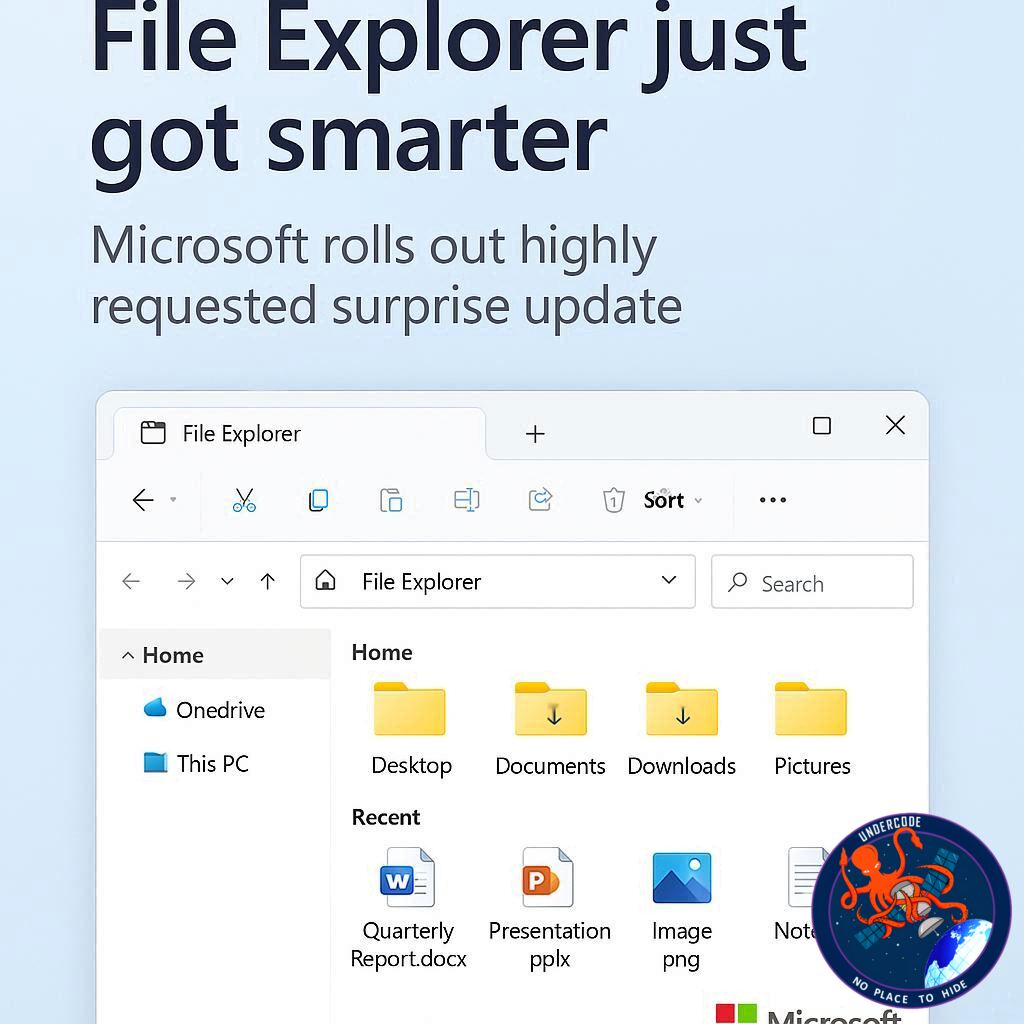
Microsoft continues to push the boundaries of Windows 11’s usability with a series of preview builds that promise better design, smoother performance, and long-awaited customization. This time, the tech giant is refining File Explorer and the taskbar—two of the most heavily used parts of the Windows ecosystem. The latest improvements include enhanced dark mode consistency, faster context menus, and a new way to reposition taskbar flyout panels. While not every user’s dream change has arrived yet, these updates show that Microsoft is at least listening to community feedback and evolving the operating system based on real-world requests.
File Explorer Gets a Visual and Performance Boost
In the newest Dev channel build, Microsoft has finally made Windows 11’s dark mode more complete. It now extends to areas of File Explorer that previously ignored the setting, such as progress dialogs, confirmation pop-ups, and error messages. This ensures a more cohesive and less jarring experience for users who prefer the darker interface.
Tackling Longstanding Performance Complaints
Meanwhile, in the Canary channel build, Microsoft is addressing something that’s been a source of frustration for years: File Explorer’s sluggishness. Context menus—those right-click panels that often lag before appearing—are being optimized. The company has also made backend improvements that speed up launching and syncing cloud files, something crucial for users who work heavily with OneDrive or SharePoint.
The “Highly Requested” Taskbar Surprise
Microsoft has also introduced a new setting that allows users to move hardware indicator flyouts—such as brightness, volume, airplane mode, and virtual desktops—to different areas of the screen. Previously, these always appeared at the bottom center, which often blocked subtitles or captions during media playback. With this update, users can reposition these flyouts to the top-left or top-center of the screen. It’s a small but thoughtful tweak aimed at better personalization.
A Step Forward, But Not the Leap Users Want
While this is a welcome improvement, it’s not the big taskbar overhaul that many have been demanding. For years, users have wanted the ability to move the entire taskbar—just like in Windows 10, where you could dock it to any edge of the screen. In Windows 11, it remains locked to the bottom, a limitation that continues to annoy longtime Windows fans.
Why Some Features Still Haven’t Returned
Microsoft’s decision to restrict the taskbar’s movement might come down to deeper technical reasons tied to Windows 11’s redesigned user interface. However, it’s a sore point for those who see it as an unnecessary limitation. Even as Microsoft touts improved customization, the inability to shift one of the OS’s most iconic elements feels contradictory to that promise.
The Broader Picture: Consistency and Performance
Still, these changes signal Microsoft’s ongoing efforts to make Windows 11 more visually consistent and responsive. The focus on File Explorer speed and dark mode refinement is part of a larger trend toward polishing the OS after its sometimes rocky start. While cosmetic updates grab attention, it’s the subtle performance tweaks that have the biggest long-term impact on user satisfaction.
What Undercode Say:
A Small Win in a Bigger Battle for Optimization
These updates show that Microsoft is not just adding eye candy but genuinely trying to smooth out performance bottlenecks. File Explorer has long been one of Windows’ weakest points—bloated, slow, and inconsistent. By addressing dark mode uniformity and improving context menu loading times, Microsoft is quietly fixing usability gaps that have frustrated users for years.
The Psychology Behind Interface Consistency
A uniform interface reduces cognitive load. When parts of File Explorer remain blindingly white in dark mode, it subconsciously signals poor design continuity. These new changes reflect a maturing design philosophy within Windows 11—a recognition that modern users value aesthetic consistency as much as functionality.
The Taskbar Tug-of-War
The new flyout positioning feature is a clever response to a smaller, yet highly visible pain point. It improves accessibility and convenience during tasks like watching videos or gaming. However, the inability to move the taskbar itself feels like Microsoft fixing the wallpaper while ignoring the cracked wall beneath it. Users have been vocal about this limitation since Windows 11’s launch, yet it remains untouched.
The Technical Trade-Offs
It’s possible that the redesigned Windows shell architecture makes movable taskbars more complex to implement. But from a user experience standpoint, the argument doesn’t hold up—if earlier systems could do it, it’s hard to justify removing that flexibility. It’s reminiscent of Apple’s philosophy: simplify by removing features, even if some power users object.
Cloud File Launch Speed—The Silent Revolution
Behind the scenes, the boost to launching cloud files could be one of the most significant improvements. With modern workflows relying heavily on cloud synchronization, faster access to OneDrive and network-based storage could translate into real productivity gains. It also hints at Microsoft’s broader cloud-first vision for Windows—a desktop OS that’s deeply tied to Azure and online services.
A Broader Trend of Incremental Fixes
Microsoft’s recent updates suggest a pattern: incremental but meaningful changes rolled out through insider builds before public release. Instead of massive overhauls, the company is fine-tuning Windows 11 in smaller, user-friendly increments. This agile approach may be slow, but it’s deliberate—and more stable in the long run.
User Feedback as a Guiding Compass
What’s most notable is how these updates align with community feedback. For years, Microsoft has been accused of ignoring user requests, but these new builds suggest the company is finally listening. The “highly requested” label is not just a marketing line—it’s a subtle acknowledgment that users are being heard.
The Undercode View: Strategic Patience Pays Off
While some may complain about the slow rollout of big changes, there’s strategic wisdom in Microsoft’s pacing. Overhauling core components like File Explorer or the taskbar is risky; breaking legacy compatibility could trigger backlash from enterprise users. By improving performance and consistency first, Microsoft lays the groundwork for larger visual and functional updates in future releases.
The Future of Windows Customization
These updates hint at a slow march toward a more modular and customizable Windows. Eventually, we might see the taskbar regain full mobility, context menus become instant, and the OS adapt more fluidly to user preferences. This gradual evolution—rather than revolutionary redesign—keeps the ecosystem stable while satisfying both casual users and power enthusiasts.
Fact Checker Results
✅ Dark mode consistency improvements are confirmed in the latest Dev build.
✅ Context menu and cloud file performance upgrades are officially listed in Microsoft’s Canary build notes.
❌ Taskbar repositioning is still not available, despite being the most requested feature.
Prediction
Windows 11’s future builds will likely expand customization controls, including full taskbar mobility and layout flexibility. Expect deeper integration with cloud services, improved context responsiveness, and possibly AI-driven interface adjustments that anticipate user behavior. If Microsoft continues this steady refinement path, File Explorer could soon evolve from a long-criticized component into one of Windows 11’s standout strengths.
🕵️📝✔️Let’s dive deep and fact‑check.
References:
Reported By: www.techradar.com
Extra Source Hub:
https://www.facebook.com
Wikipedia
OpenAi & Undercode AI
Image Source:
Unsplash
Undercode AI DI v2
🔐JOIN OUR CYBER WORLD [ CVE News • HackMonitor • UndercodeNews ]
📢 Follow UndercodeNews & Stay Tuned:
𝕏 formerly Twitter 🐦 | @ Threads | 🔗 Linkedin | 🦋BlueSky | 🐘Mastodon


