
Listen to this Post
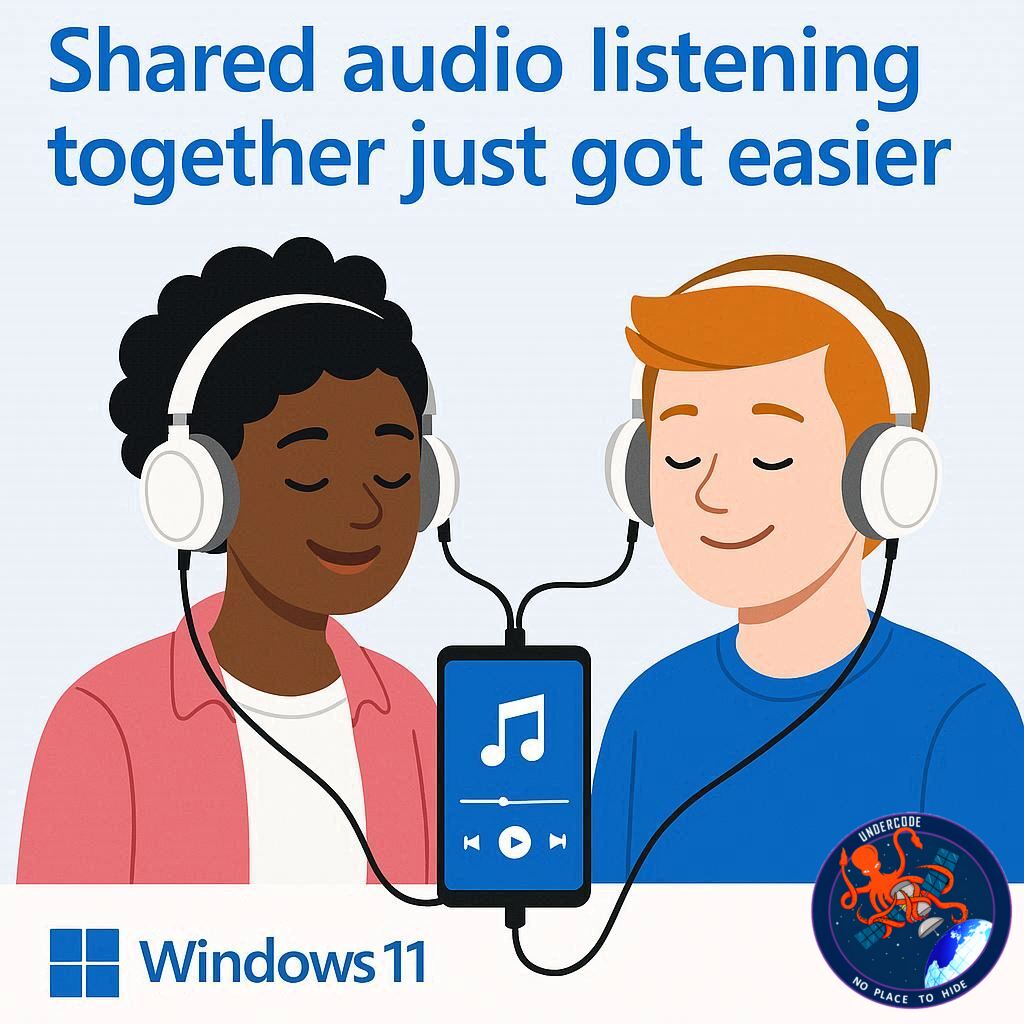
Microsoft is transforming the way we experience shared audio with its latest Windows 11 feature: Shared Audio. Imagine watching a movie or jamming to your favorite playlist with a friend, each using your own headphones, without messy splitters or complicated setups. That’s exactly what Microsoft is bringing to users through the latest Windows 11 Insider Preview Build. By leveraging Bluetooth Low Energy (LE) Audio, this feature allows a single PC to stream sound simultaneously to two compatible devices, promising smoother entertainment, gaming, and study sessions.
Windows 11 Shared Audio: A Deep Dive
The Shared Audio feature enables a compatible Windows 11 PC to broadcast audio to two Bluetooth devices at the same time, whether they are headphones, earbuds, or speakers. This innovation eliminates the need for extra hardware or cables, simplifying shared listening experiences in both casual and professional settings. Whether it’s streaming music, watching a film, or collaborating on multimedia projects, users can enjoy individual audio without disrupting others.
Technically, the feature relies on Bluetooth LE Audio, which brings several benefits: lower power consumption, reduced latency, and enhanced battery life for compatible devices. This is a significant upgrade from traditional Bluetooth audio, which often struggles with lag or high energy use when connecting multiple devices. Users can start experimenting with Shared Audio by confirming that their system supports Bluetooth LE Audio, then enrolling their Copilot+-capable PC in the Windows Insider Program via the Dev or Beta channel. Once updated to Build 26220.7051, two LE Audio-enabled devices can be connected, and the Shared Audio shortcut in the quick settings menu can be activated.
Currently, the rollout has strict hardware requirements. Only certain devices, such as Surface laptops and Snapdragon X models of Surface Pro, support Copilot+. Additionally, older Bluetooth devices will not be compatible until Microsoft expands support for more hardware in the general release. Despite these limitations, the feature marks a significant step forward for shared digital experiences.
Beyond personal use, Shared Audio has clear applications for gaming, remote learning, and workplace collaboration. Players can share immersive game soundtracks without disturbing others, study groups can listen to the same lecture without needing physical proximity, and multimedia editors can test outputs on multiple devices simultaneously. The simplicity and efficiency of this feature may also set a precedent for future Windows updates, emphasizing convenience and seamless device integration.
What Undercode Say:
Shared Audio represents a strategic move by Microsoft to redefine user interaction with audio on Windows 11. While the concept of simultaneous Bluetooth streaming isn’t entirely new—some mobile devices already support similar features—Microsoft’s integration into the desktop ecosystem is both timely and innovative. The adoption of Bluetooth LE Audio is particularly notable. It addresses the long-standing challenges of power inefficiency and latency in dual-device audio transmission, making it suitable for longer sessions without battery drain.
However, the initial rollout highlights a common tension in technology adoption: hardware limitations vs. software capability. By restricting the feature to Copilot+-capable PCs and modern LE Audio devices, Microsoft ensures a stable user experience but risks slowing adoption. Many users may own high-end devices but lack compatible audio accessories, which could generate frustration. The real test will come when support expands to older or mid-tier devices—a move that could significantly boost Windows 11’s appeal in shared entertainment and remote collaboration markets.
Strategically, this feature aligns with Microsoft’s broader push toward immersive, collaborative computing experiences. Shared Audio complements tools like Teams, Edge, and Xbox integration, creating an ecosystem where a single device serves multiple users simultaneously. There is also an undercurrent of potential for accessibility: users with different hearing requirements could individually adjust audio levels while listening to the same source.
From a technological perspective, the use of Bluetooth LE Audio may accelerate adoption of newer wireless standards, encouraging hardware manufacturers to upgrade devices. Moreover, it reflects Microsoft’s understanding of user behavior trends—the rise of remote collaboration, shared streaming, and multiplayer gaming experiences. These are environments where traditional single-device audio no longer meets demand, and Shared Audio offers a practical solution.
Looking ahead, Microsoft could expand this feature to support more than two devices, introduce spatial audio for shared listening, or integrate AI-powered audio enhancements for group activities. The combination of software ingenuity and strategic hardware partnerships positions Windows 11 as a platform that doesn’t just run applications, but actively enhances collaborative experiences.
Fact Checker Results:
✅ Shared Audio allows streaming to two Bluetooth devices simultaneously.
✅ Requires Bluetooth LE Audio and Copilot+-capable PCs.
❌ Older Bluetooth devices are not currently supported.
Prediction 📊
Shared Audio is likely to drive greater adoption of Bluetooth LE Audio devices, pushing manufacturers to produce compatible headphones and earbuds. Within a year, we may see expanded device support and potential integration into gaming and streaming platforms. Users could soon enjoy multi-device shared listening as a standard feature across Windows, creating new social and collaborative possibilities.
🕵️📝✔️Let’s dive deep and fact‑check.
References:
Reported By: timesofindia.indiatimes.com
Extra Source Hub (Possible Sources for article):
https://www.quora.com
Wikipedia
OpenAi & Undercode AI
Image Source:
Unsplash
Undercode AI DI v2
Bing
🔐JOIN OUR CYBER WORLD [ CVE News • HackMonitor • UndercodeNews ]
📢 Follow UndercodeNews & Stay Tuned:
𝕏 formerly Twitter 🐦 | @ Threads | 🔗 Linkedin | 🦋BlueSky | 🐘Mastodon


