
Listen to this Post
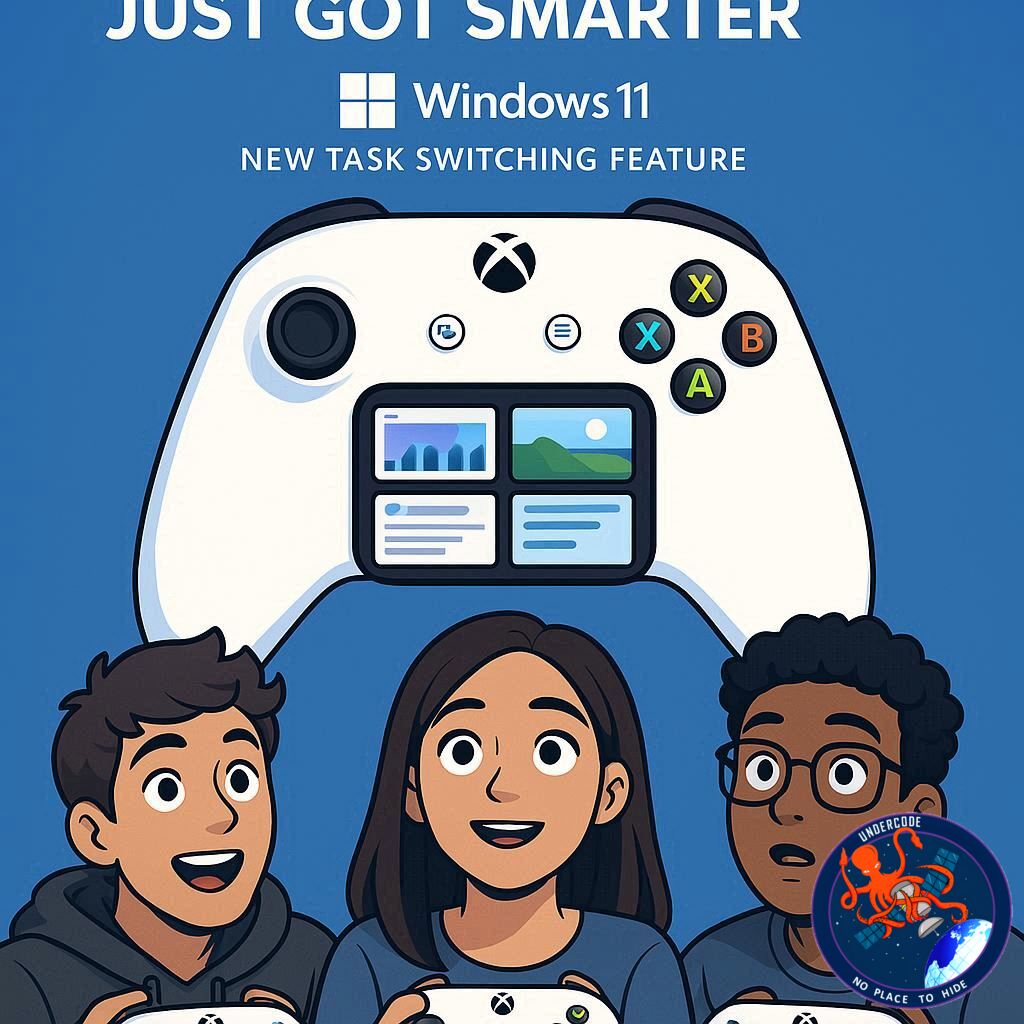
Microsoft is once again trying to close the gap between console gaming and PC gaming with a feature that could change how players multitask on Windows 11. The tech giant has introduced a new way to switch between applications directly through the Xbox controller, aiming to make gaming on PC feel as seamless as it does on an Xbox console. For years, gamers have complained about the clunky nature of the Xbox Game Bar and the limitations of the Windows taskbar during gaming sessions. Now, this update could finally deliver the fluidity players have been demanding.
The New Feature in Detail
Microsoft is rolling out a new full-screen experience for the Xbox PC app, which allows gamers to use a long press on the Xbox button to activate a redesigned Task View. Instead of juggling the Windows key or struggling with the sometimes buggy Game Bar, players can now switch between applications instantly.
The feature is currently available for Windows 11 Insider program users and is part of Microsoft’s timed exclusive for the upcoming ROG Xbox Ally, developed in partnership with Asus. This integration mimics the console-like navigation system, where holding down the home button brings up the dashboard or home screen.
The move is being praised as a step toward building a console-inspired PC gaming experience. For desktop players, especially those tired of delays and unresponsiveness from the existing Game Bar, this feels like a long-overdue improvement.
Why It Matters for Gamers
It eliminates the need for clunky taskbar navigation during gaming sessions.
It provides a smoother, console-like feel for PC players.
It could mark the beginning of deeper changes in how Windows 11 handles games.
Still, some concerns remain. Critics point out that Microsoft often focuses on features instead of addressing core performance issues. SteamOS, for instance, continues to outperform Windows 11 in many benchmarks, raising questions about whether a slick interface alone will be enough to keep PC gamers loyal to Microsoft’s platform.
The Bigger Picture
While the feature is exciting, the underlying issue remains performance optimization. Windows 11 is notorious for background processes draining system resources, creating an uneven gaming experience compared to competitors like Valve’s SteamOS. Many users already rely on stripped-down versions of Windows, like Tiny11, to improve frame rates.
This new full-screen Xbox experience could serve as a testing ground for a broader reimagining of gaming on Windows—one that’s less bloated, faster, and designed to keep pace with dedicated gaming OS alternatives.
What Undercode Say:
Microsoft’s decision to repurpose the Xbox button into a multitasking tool is clever, but it also highlights a deeper strategic move: blurring the line between console and PC gaming ecosystems.
On one side, Valve has been rapidly evolving SteamOS, pushing performance improvements and optimizing for handhelds like the Steam Deck. On the other, Microsoft is finally realizing that gamers don’t just want raw power; they want ease, flow, and efficiency—features consoles have perfected for decades.
This feature could have significant implications:
- Accessibility Upgrade – Many PC gamers don’t like leaving a game mid-session to mess with the taskbar. This addition makes switching games or apps less intrusive.
-
Standardization of Experience – The fact that this feels “console-like” is no coincidence. Microsoft is clearly aiming to unify the Xbox and PC user experience. If the full rollout happens as expected, the Xbox app could become the central hub for PC gaming, rivaling Steam’s dominance.
-
Performance Overshadowing UI – Still, the big elephant in the room is performance. Even if the interface becomes buttery smooth, gamers will not tolerate frame drops, input lag, or resource-hungry services eating into CPU and GPU power. Microsoft must tackle these issues before players see the Xbox PC app as a true competitor.
-
Strategic Timing with ROG Ally – Asus’ handheld is not just hardware—it’s part of Microsoft’s plan to anchor the Xbox ecosystem on portable gaming. If the Xbox app’s new experience launches successfully on it, we may see a new wave of handhelds optimized for Windows gaming.
-
Healthy Competition – Valve and Microsoft competing head-to-head could be the best thing to happen for PC gamers in years. Instead of complacency, both companies are now forced to innovate—Valve with better frame rates and UI overhauls, Microsoft with integration and ecosystem power.
Looking ahead, the question isn’t whether this feature is useful (it absolutely is), but whether Microsoft can capitalize on it as part of a broader gaming strategy. If it remains just a “neat trick,” it will be forgotten in a year. But if paired with performance optimizations and stronger Xbox-PC synergy, it could be the beginning of something much bigger.
🔍 Fact Checker Results
✅ Microsoft has confirmed the Xbox button long-press feature for Windows 11 Insider builds.
✅ The feature is tied to the new Xbox PC app full-screen experience.
❌ It is not yet confirmed for all Windows 11 users outside the Insider program.
📊 Prediction
By mid-2026, Microsoft will likely roll out this feature to all Windows 11 gaming PCs, not just the ROG Ally. Expect this to evolve into a dedicated gaming mode, designed to reduce background services and optimize frame rates. If successful, it could finally give Windows the edge against SteamOS in performance parity—while keeping its advantage in ecosystem integration.
🕵️📝✔️Let’s dive deep and fact‑check.
References:
Reported By: www.techradar.com
Extra Source Hub:
https://stackoverflow.com
Wikipedia
OpenAi & Undercode AI
Image Source:
Unsplash
Undercode AI DI v2
🔐JOIN OUR CYBER WORLD [ CVE News • HackMonitor • UndercodeNews ]
📢 Follow UndercodeNews & Stay Tuned:
𝕏 formerly Twitter 🐦 | @ Threads | 🔗 Linkedin | 🦋BlueSky | 🐘Mastodon


