
Listen to this Post
Why Your Samsung Phone Feels Cluttered
Samsung Galaxy smartphones are admired worldwide for their powerful hardware and the feature-packed One UI interface. However, along with all the innovation comes a problem many users know too well: bloatware. Preinstalled apps, often unnecessary for the average user, take up storage space, drain battery life, and clutter the home screen. While Samsung’s own apps like Wallet and Wearable genuinely serve a purpose within the ecosystem, several others hardly get used, leaving users wondering why they can’t start fresh with a leaner device.
The good news is that many of these apps can either be uninstalled or at least disabled, giving users more control over their devices. Let’s break down the five most commonly preinstalled Samsung apps that are better off removed from your Galaxy phone.
Global Goals – A Noble Idea That Few Will Use
The Global Goals app was designed with good intentions. It aims to raise awareness and support for the United Nations’ Sustainable Development Goals by letting users watch ads or donate directly through the app. While the mission sounds commendable, not everyone wants a built-in donation platform on their device. For users uninterested in charitable micro-donations or global sustainability updates, this app simply becomes dead weight.
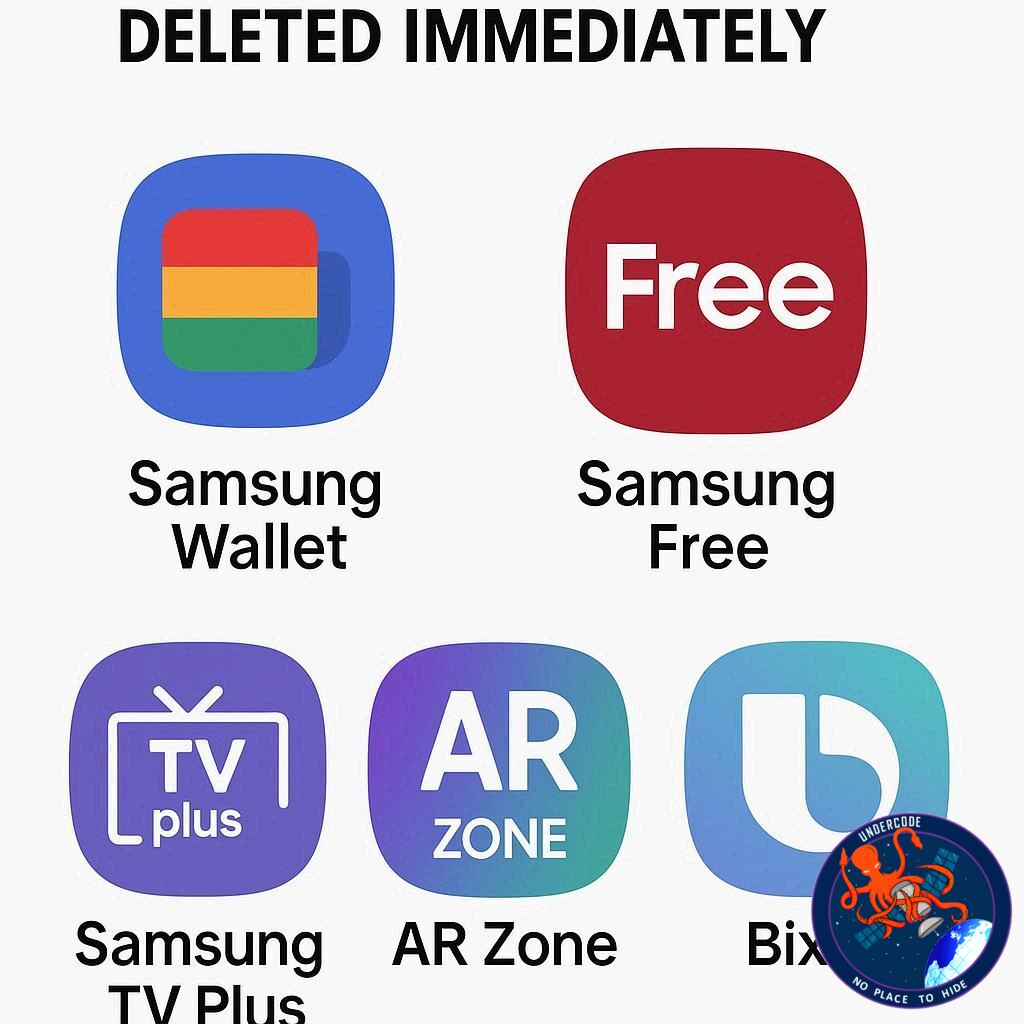
Samsung Free – An Overlap That Adds No Value
Samsung Free tries to be everything at once. It combines live TV, trending news, gaming, and even some elements of Samsung TV Plus into one hub. The problem is that it doesn’t bring anything new to the table. If you already use streaming services or news apps you prefer, Samsung Free ends up being redundant. Many users find it unnecessary and uninstall it early on.
Samsung TV Plus – Free But Forgettable
Samsung TV Plus provides over 1,200 ad-supported channels across multiple countries. While free streaming might sound attractive, it rarely competes with paid platforms like Netflix or HBO Max in terms of quality or originality. Since Samsung doesn’t produce original content, this service largely relies on syndicated programming. For most users who already subscribe to premium platforms, Samsung TV Plus sits unused in the app drawer, consuming resources without adding value.
Samsung Shop – A Store You Didn’t Ask For
Samsung Shop is essentially the company’s retail app, showcasing exclusive offers, product recommendations, and promotions. While iPhone users may be familiar with Apple’s equivalent, Samsung’s version often floods the device with notifications and pop-ups. For those who prefer browsing deals online when they actually need them, Samsung Shop is an unnecessary layer of clutter that disrupts the One UI’s otherwise clean interface.
Samsung Kids – Useful For Some, Irrelevant For Many
Samsung Kids is built as a safe, controlled environment for children. It offers apps and content designed to help kids learn digital responsibility in a secure space. But here’s the catch: not all users have children, making the app irrelevant to a large portion of Galaxy owners. For child-free users, Samsung Kids becomes another unnecessary app taking up space and occasionally sending notifications when mistakenly enabled.
Why These Apps Matter Less Than You Think
The truth is, none of these apps are inherently bad. They each serve a purpose for specific users. But when preinstalled on every Samsung device, they often become unused clutter. The impact is not just aesthetic: background processes, storage use, and system notifications collectively slow down performance. By uninstalling or disabling apps that don’t fit your usage style, you free up resources, improve battery life, and make your phone feel truly yours.
What Undercode Say:
Samsung’s long-standing reputation for loading its phones with extra software highlights a bigger issue in the smartphone industry: control. Device makers and carriers push apps for advertising, ecosystem lock-in, or data collection, leaving the user with little say during the initial setup. While Samsung has improved in giving more uninstall and disable options, the presence of bloatware remains frustrating for advanced users who want full autonomy over their devices.
From an analytical perspective, these apps represent different motivations from Samsung:
Global Goals reflects branding and corporate responsibility. It shows Samsung cares about sustainability but forces an agenda onto every user.
Samsung Free is a clear attempt at keeping users inside the Samsung content ecosystem, even if overlapping with existing services.
Samsung TV Plus monetizes free streaming with ads while boosting engagement, but it fails to offer unique or original content that could actually hook people.
Samsung Shop pushes direct sales channels on users, leveraging device ownership as a marketing tool.
Samsung Kids addresses the family market, but its universal installation highlights Samsung’s one-size-fits-all approach.
The deeper concern is how these apps signal the company’s strategy. Samsung’s ecosystem relies not only on hardware sales but also on services that collect data, drive engagement, and push users toward additional purchases. While Google itself preloads Android phones with Gmail, YouTube, Drive, and more, Samsung piles on its own layer—leading to duplication, confusion, and fatigue.
This also ties into the performance of devices. The average Galaxy phone, especially mid-range models, has limited storage and RAM compared to flagships. Every preinstalled app that runs in the background contributes to battery drain and lag. Users may not notice this immediately, but over time, the clutter adds up. A Galaxy device with fewer unnecessary apps would likely enjoy longer performance longevity.
Looking at market psychology, bloatware also affects brand trust. Some users feel annoyed when they discover apps they never wanted sending alerts or updates. While tech-savvy users quickly disable or uninstall them, casual users often endure the frustration, assuming it’s “normal” smartphone behavior. This perception can harm customer satisfaction in the long term.
Another layer of analysis concerns digital well-being. Apps like Samsung Free or TV Plus encourage passive consumption, which contradicts the productivity-focused image Samsung tries to portray with devices like the Galaxy Z Fold or Galaxy Note series. Meanwhile, Samsung Kids tries to encourage healthy habits, but ironically, its forced installation could be seen as undermining user choice.
The overall message here is control. The power to choose what apps stay or go should rest entirely with the user. Samsung’s habit of bundling unnecessary apps reveals a tension between user freedom and corporate strategy. While many users never notice or care, those who do are left with a sense of digital clutter that feels out of place in an otherwise premium smartphone experience.
In conclusion, bloatware removal is not about hating Samsung apps. It’s about making your device reflect your lifestyle, not Samsung’s agenda. Disabling or uninstalling unused apps is the simplest step toward reclaiming control and ensuring your phone runs at its best. The more users push back on forced preinstalls, the closer we get to truly customizable smartphones.
Fact Checker Results
✅ Yes, Samsung does preinstall these apps on most Galaxy phones.
❌ No, you cannot always uninstall all of them, but disabling works in most cases.
✅ Removing or disabling unused apps does improve performance and save battery.
Prediction
In the next few years, Samsung is likely to reduce forced bloatware as consumer pressure grows and regulatory scrutiny around preinstalled apps increases. However, don’t expect them to abandon the strategy entirely—service revenue is too important. What we may see instead is Samsung offering clearer uninstall options during setup, making it easier for users to take control without feeling forced into the company’s ecosystem.
🕵️📝✔️Let’s dive deep and fact‑check.
References:
Reported By: www.zdnet.com
Extra Source Hub:
https://www.reddit.com/r/AskReddit
Wikipedia
OpenAi & Undercode AI
Image Source:
Unsplash
Undercode AI DI v2
🔐JOIN OUR CYBER WORLD [ CVE News • HackMonitor • UndercodeNews ]
📢 Follow UndercodeNews & Stay Tuned:
𝕏 formerly Twitter 🐦 | @ Threads | 🔗 Linkedin | 🦋BlueSky | 🐘Mastodon


