
Listen to this Post
🎯 Introduction
Google Pixel phones have always been praised for their clean Android experience, powerful AI features, and deep integration with Google services. Yet many users never experience the full potential of their devices. The reason is simple: some of the most impactful Pixel features are quietly buried inside settings menus, disabled by default. Rather than upgrading to a new phone, optimizing what you already own can deliver smoother performance, longer battery life, better privacy, and smarter everyday interactions. This article explores how a carefully chosen set of Pixel settings can transform the overall experience, based on real-world use on a Pixel 9a running Android 15 and 16, with most options available across recent Pixel generations.
📌 Main Summary
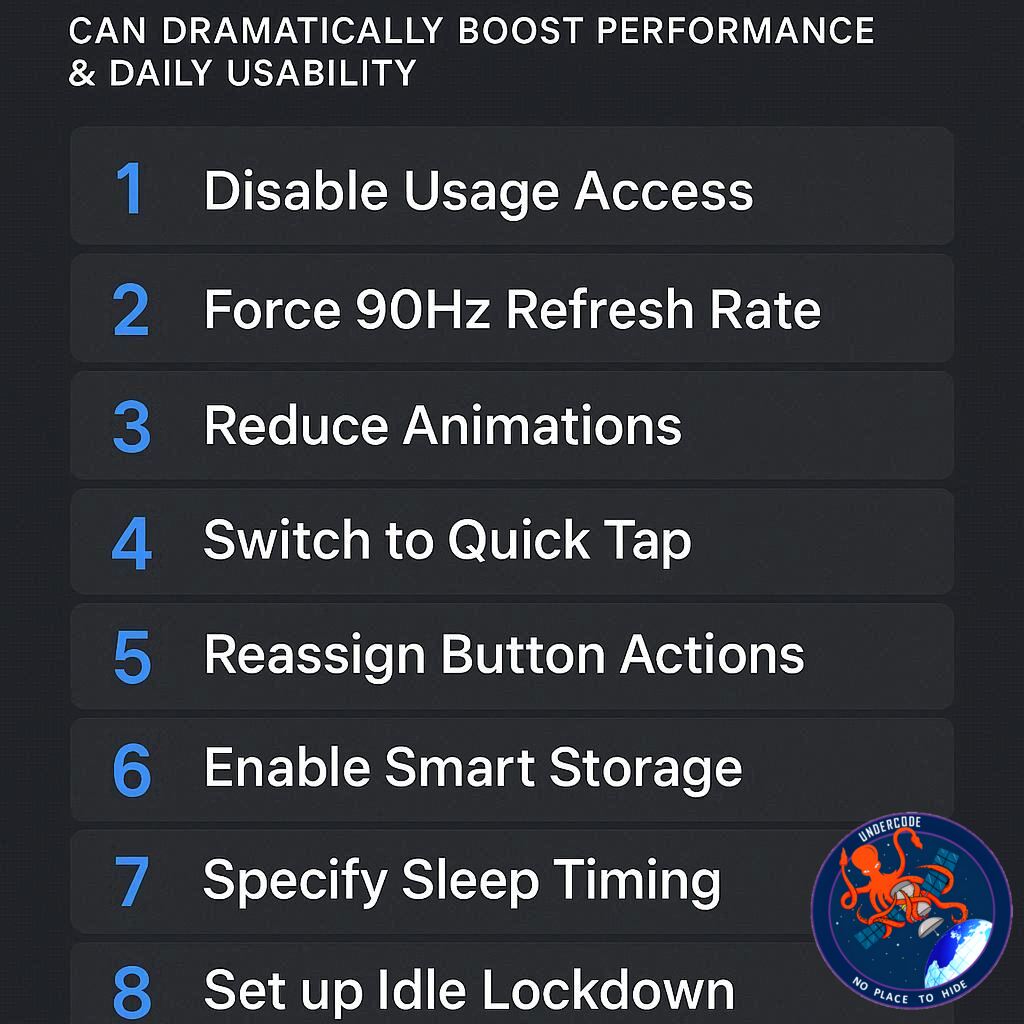
Google Pixel phones ship with powerful hardware and intelligent software, but much of that power remains untapped unless users actively enable it. One of the most noticeable upgrades comes from activating Smooth Display, which unlocks the phone’s full 120Hz refresh rate, delivering fluid scrolling and responsive animations that immediately change how the device feels in hand. Gesture-based controls are another underused strength, particularly Quick Tap, which allows users to trigger actions like screenshots or flashlight toggles by simply tapping the back of the phone.
Battery optimization is another area where Pixels quietly excel. Adaptive Battery uses machine learning to prioritize frequently used apps while limiting background activity from others, and Extreme Battery Saver can dramatically extend usage during emergencies by restricting non-essential processes. Together, these features can make an aging Pixel feel dependable again.
Customization also plays a major role in daily usability. The At a Glance feature turns the lock screen and home screen into an intelligent dashboard, surfacing relevant information such as travel updates, weather alerts, and upcoming events without manual interaction. Music lovers benefit from enhancements to Now Playing, which can identify nearby songs offline and fall back on Google Search when the on-device database comes up short.
The Pixel Launcher adds another layer of intelligence through app suggestions, dynamically surfacing apps based on time, location, and habits. For multilingual users, Live Translate and Interpreter Mode unlock powerful offline translation tools, making communication smoother across languages. Privacy controls allow users to hide sensitive notification content on the lock screen, while caller ID and spam filtering reduce interruptions from unwanted calls.
Finally, for users invested in the Pixel ecosystem, syncing notification dismissals across multiple Pixel devices prevents duplicate alerts and streamlines daily workflows. Each individual tweak may seem small, but together they create a faster, smarter, and more personalized Pixel experience that rivals upgrading to a brand-new device.
🧠 What Undercode Say:
What stands out most about these settings is not their technical complexity, but how intentionally Google hides them. Pixel phones are designed around subtle intelligence rather than loud features, which creates a gap between what the device can do and what most users actually experience. Smooth Display alone changes the perception of performance, proving that software defaults often prioritize battery metrics over user delight.
From an analytical standpoint, Google’s strategy is clear. The company assumes a wide spectrum of users, from casual to power users, and ships devices in a conservative state to avoid overwhelming the average buyer. However, this conservative approach unintentionally undervalues the hardware, especially on devices with high-refresh-rate displays and Tensor-powered AI features.
Battery optimization tools like Adaptive Battery and Extreme Saver highlight Google’s long-term vision. Instead of pushing users toward constant upgrades, Pixel phones are quietly engineered to age gracefully. Machine learning-driven power management is more sustainable than raw battery capacity increases, and it reflects Google’s broader software-first philosophy.
The At a Glance system is another example of understated innovation. Rather than relying on widgets that demand attention, it integrates context-aware information directly into the UI. This aligns with Google’s belief that the best technology fades into the background, offering value without friction.
Features like Live Translate and Now Playing demonstrate how on-device AI is becoming central to the Pixel identity. Offline functionality is especially important, reducing dependency on constant internet access and reinforcing privacy. This is where Pixel differentiates itself from many competitors who still rely heavily on cloud-based processing.
What is equally important is ecosystem thinking. Notification syncing across Pixel devices may sound niche, but it signals Google’s intent to build continuity similar to what Apple offers, but with more flexibility. As Pixel tablets, watches, and foldables grow more common, these small ecosystem features will become essential rather than optional.
Overall, these settings reveal a deeper truth: Pixel phones are not meant to impress in a store demo. They are designed to reward curiosity. Users who take time to explore and customize are effectively unlocking a second version of their device, one that feels faster, smarter, and more personal than what comes out of the box.
🔍 Fact Checker Results
✅ Pixel phones do ship with 120Hz displays often limited by default settings
✅ Adaptive Battery and Extreme Battery Saver are standard Pixel features
❌ Some advanced features may vary slightly depending on region and model
📊 Prediction
📈 Google will continue hiding advanced features behind default-off settings to balance simplicity and power
🤖 On-device AI features like Live Translate and Now Playing will expand significantly in future Pixel updates
📱 Pixel ecosystem continuity features will grow as Google pushes deeper into multi-device experiences
▶️ Related Video (82% Match):
🕵️📝✔️Let’s dive deep and fact‑check.
References:
Reported By: www.zdnet.com
Extra Source Hub (Possible Sources for article):
https://www.instagram.com
Wikipedia
OpenAi & Undercode AI
Image Source:
Unsplash
Undercode AI DI v2
Bing
🔐JOIN OUR CYBER WORLD [ CVE News • HackMonitor • UndercodeNews ]
📢 Follow UndercodeNews & Stay Tuned:
𝕏 formerly Twitter 🐦 | @ Threads | 🔗 Linkedin | 🦋BlueSky | 🐘Mastodon


