
Listen to this Post
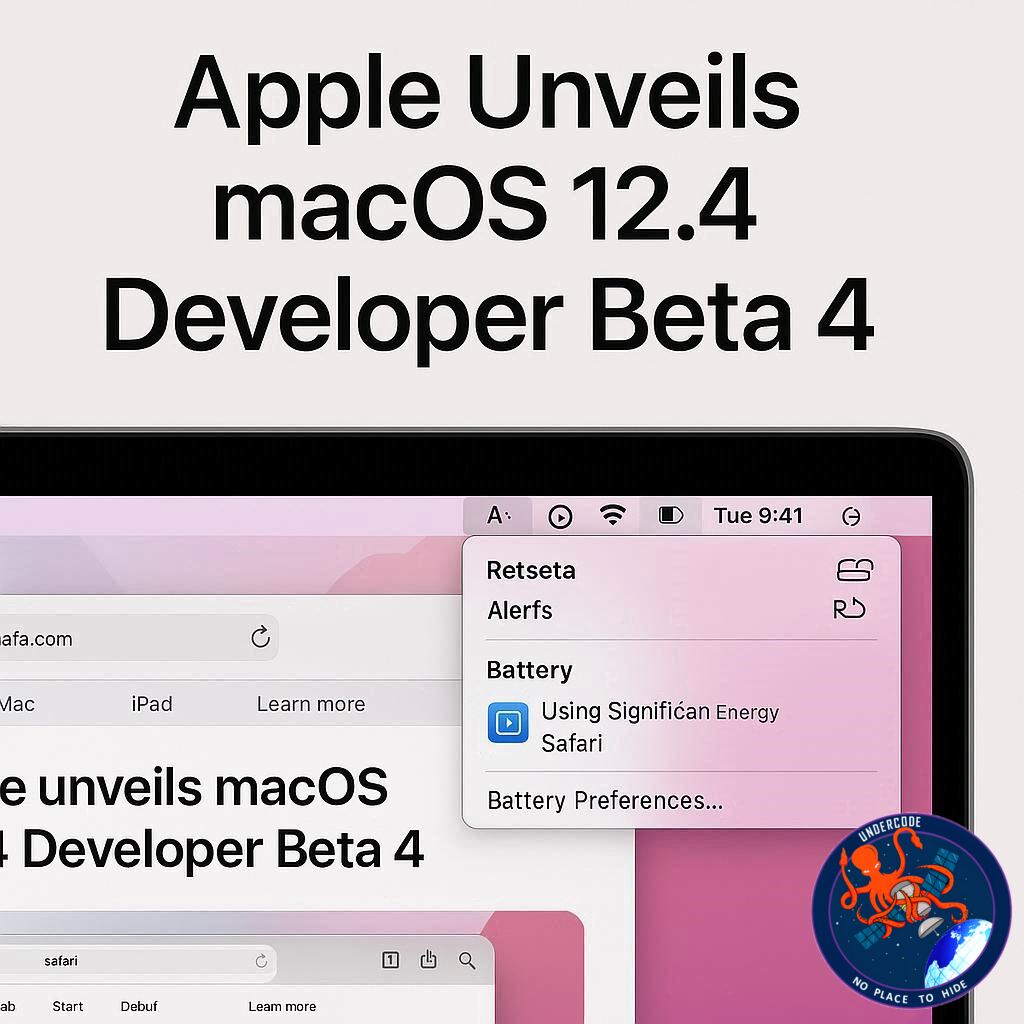
Apple has just released the macOS 26.4 developer beta 4, signaling exciting updates for Mac users and developers ahead of the official rollout. This update promises several notable improvements, including the return of Safari’s compact tabs, fixes for long-standing bugs, and new features designed to enhance battery health and app compatibility. Here’s a detailed breakdown of what this beta brings and what it could mean for users moving forward.
Safari’s Compact Tabs Make a Comeback
After being removed in macOS 26, Safari’s compact tab view is set to return. Beta tests suggest that Apple has listened to user feedback, reinstating this popular feature that streamlines browsing by making tabs smaller and more efficient. This change is expected to improve navigation for users who juggle multiple open tabs daily.
Window Resize Pointer Bug Finally Fixed
A persistent issue with window resizing has plagued users since macOS 26. The pointer often failed to follow the actual shape of a window’s corner, causing frustration. While Apple initially claimed it was fixed in macOS 26.3, the problem persisted until now. Beta 4 appears to have resolved this, offering smoother and more precise window management.
Charge Limit Feature Goes Native
macOS 26.4 introduces a native “Charge Limit” option, inspired by popular third-party apps. This setting allows users to cap battery charging between 80% and 100%, helping prolong battery lifespan. With Apple embracing this feature, MacBook owners gain an integrated way to optimize battery health without relying on external software.
Rosetta 2 Alerts Begin
As Apple continues its gradual phase-out of Rosetta 2, macOS 26.4 beta 4 begins warning users when they launch apps that rely on the translation layer. This proactive measure signals Apple’s push toward a fully Apple Silicon-optimized ecosystem and encourages developers to transition apps ahead of macOS 27.
How to Install macOS 26.4 Developer Beta 4
Installing the beta is straightforward but requires caution:
Backup your Mac
Open System Settings
Navigate to General → Software Update
Click the ‘i’ icon next to Beta Updates
Select macOS Developer Tahoe Beta from the dropdown
Hit Done
These steps ensure a smooth installation while protecting your data.
Accessory Deals to Enhance Your Mac Experience
Apple accessory deals are available, including AirPods Pro 3, AirTag (2nd Generation) 4-pack, Apple Watch Series 11, Wireless CarPlay adapters, and Logitech MX Master 4. These accessories complement macOS upgrades and improve daily productivity.
What Undercode Says:
Safari Tab Management Enhances Productivity
The return of compact tabs isn’t just cosmetic—it significantly impacts workflow efficiency. Users who manage multiple tabs will benefit from clearer navigation and reduced screen clutter, boosting productivity. Apple seems committed to addressing user experience complaints, signaling a more flexible approach to interface design.
System Stability Improvements
The window resize pointer fix is a subtle yet impactful quality-of-life improvement. Small bugs like this affect overall system fluidity, and resolving them demonstrates Apple’s dedication to refining even minor frustrations. Over time, these adjustments reinforce macOS’s reputation for smooth performance and reliability.
Battery Health Focus
The native Charge Limit feature aligns with Apple’s broader strategy to extend device longevity. By integrating features previously available only through third-party apps, Apple empowers users to manage their hardware proactively, reducing the risk of battery degradation. This could become a standard expectation for future macOS updates.
Preparing for Apple Silicon Transition
Rosetta 2 alerts reflect Apple’s clear roadmap toward exclusive Apple Silicon support. Developers and users alike are being nudged to adapt, which could accelerate the adoption of native apps optimized for performance and energy efficiency. This strategic phase-out indicates Apple’s confidence in the maturity of its silicon ecosystem.
Developer Insights and Beta Testing
Beta 4’s release underscores Apple’s iterative approach to software development. Developers gain early access to test and adapt apps, while users experience incremental improvements. This collaborative feedback loop ensures that macOS 26.4 will launch more polished and stable than previous updates.
Predictable Feature Evolution
The reintroduction of Safari’s compact tabs illustrates a pattern: Apple listens, adjusts, and sometimes reverts decisions based on user sentiment. This update could serve as a model for how Apple balances innovation with familiarity, ensuring that updates enhance functionality without alienating long-time users.
Integration of Popular Third-Party Features
The Charge Limit setting exemplifies Apple’s strategy to absorb popular third-party innovations, providing a seamless native experience. This trend may continue, reducing reliance on external apps and consolidating user tools within the macOS ecosystem.
Security and Compatibility Enhancements
Rosetta warnings are not merely a heads-up—they also protect users from running outdated or unsupported software unknowingly. This transparency strengthens macOS security and ensures that apps remain compatible with evolving hardware standards.
User Experience Refinement
From UI tweaks to pointer fixes, macOS 26.4 beta 4 prioritizes small but meaningful refinements. Each update addresses friction points, demonstrating Apple’s incremental yet user-focused approach to system design.
Anticipated Developer Reactions
Developers will likely appreciate the early visibility of changes, particularly the Rosetta alerts. These warnings allow developers to preemptively optimize apps, reducing potential disruption when macOS 27 officially eliminates Rosetta 2 support.
System Performance and Efficiency
Native features like Charge Limit and tab management improvements contribute to both performance and user satisfaction. Apple’s integration strategy reflects a shift toward more intelligent, resource-conscious system design.
Compatibility Across Devices
With macOS updates, Apple continues to ensure backward compatibility while preparing users for future hardware transitions. This balance maintains ecosystem cohesion and encourages gradual adoption of newer technologies.
Encouraging Long-Term User Engagement
Small but impactful changes like battery management tools enhance the user experience over time, encouraging continued engagement with Apple’s ecosystem. By empowering users to optimize devices themselves, Apple strengthens brand loyalty.
Streamlined Beta Feedback
The developer beta serves as a testing ground for Apple’s roadmap. Active beta testers provide feedback that informs final releases, reducing bugs and unexpected behaviors while reinforcing Apple’s iterative approach.
Design Philosophy: Listening to Users
The return of compact tabs and other refinements highlights a responsive design philosophy. Apple demonstrates that listening to user feedback is not just a marketing strategy—it’s a practical method to improve retention and satisfaction.
Subtle But Important Interface Tweaks
Pointer fixes and improved tab layouts may seem minor but cumulatively enhance the sense of precision and polish in macOS. These refinements reinforce Apple’s reputation for meticulous interface design.
Streamlining Device Health Management
By offering native Charge Limit settings, Apple simplifies user control over battery longevity. This proactive health management encourages sustainable device use and enhances long-term satisfaction.
Preparing for a Rosetta-Free Future
Warnings for Rosetta-based apps indicate Apple’s commitment to a seamless transition to native Apple Silicon applications. This preparation minimizes disruption for both users and developers.
Accessory Ecosystem Support
The highlighted accessory deals complement the macOS update, suggesting Apple’s strategy to integrate software and hardware improvements seamlessly, ensuring that upgrades feel complete and connected.
Incremental Yet Meaningful Updates
Beta 4’s combination of bug fixes, feature reintroductions, and system warnings demonstrates Apple’s approach: incremental updates with tangible user benefits rather than flashy, superficial changes.
Optimizing Workflow Efficiency
Improvements in tab management, pointer behavior, and system warnings collectively enhance user productivity. Apple ensures that updates provide measurable benefits to everyday workflows.
Ecosystem Cohesion
macOS 26.4 reflects Apple’s broader strategy of ecosystem cohesion: native features, hardware optimizations, and accessory integration all work together for a unified experience.
Reinforcing User Trust
Transparency with Rosetta warnings and feature updates reinforces trust. Users feel informed and empowered, reducing frustration with deprecated or unsupported software.
Predictable Update Patterns
The patterns in these beta updates suggest Apple is learning from previous missteps, favoring stability and incremental refinement over radical change.
Supporting Developer Transition
Early beta access allows developers to adapt apps ahead of major OS shifts, ensuring continuity and reducing potential disruptions when Rosetta is fully phased out.
Continuous System Optimization
Pointer fixes, tab management, and battery features indicate ongoing optimization rather than reactive patching. Apple is proactively improving macOS performance and usability.
Strategic Integration of Third-Party Ideas
Charge Limit as a native feature exemplifies Apple’s strategy to selectively adopt proven third-party innovations, enhancing the built-in feature set.
Simplifying User Decisions
By warning about Rosetta-dependent apps and offering charge management tools, Apple reduces the guesswork for users, simplifying everyday decisions about software and hardware maintenance.
Long-Term User Experience Vision
macOS 26.4 reflects Apple’s commitment to sustainable, efficient, and user-centered computing experiences that anticipate future device trends and user needs.
🔍 Fact Checker Results
✅ Safari compact tabs were removed in macOS 26 and are returning in beta 4.
✅ Pointer bug related to window resizing is reportedly fixed.
✅ Native Charge Limit settings are included to enhance battery health.
📊 Prediction
macOS 26.4 signals a transitional phase for Apple: a focus on user-centered improvements, proactive hardware management, and preparation for a Rosetta-free Apple Silicon ecosystem. Users can expect a smoother, more efficient browsing experience, longer battery longevity, and early notifications about app compatibility. This approach may set the tone for macOS 27, where Apple could fully retire Rosetta 2 and standardize battery and interface features across all devices. Overall, macOS 26.4 is likely to improve workflow efficiency while aligning users with Apple’s long-term ecosystem strategy.
🕵️📝✔️Let’s dive deep and fact‑check.
References:
Reported By: 9to5mac.com
Extra Source Hub (Possible Sources for article):
https://www.linkedin.com
Wikipedia
OpenAi & Undercode AI
Image Source:
Unsplash
Undercode AI DI v2
Bing
🔐JOIN OUR CYBER WORLD [ CVE News • HackMonitor • UndercodeNews ]
📢 Follow UndercodeNews & Stay Tuned:
𝕏 formerly Twitter 🐦 | @ Threads | 🔗 Linkedin | 🦋BlueSky | 🐘Mastodon


