
Listen to this Post
Introduction
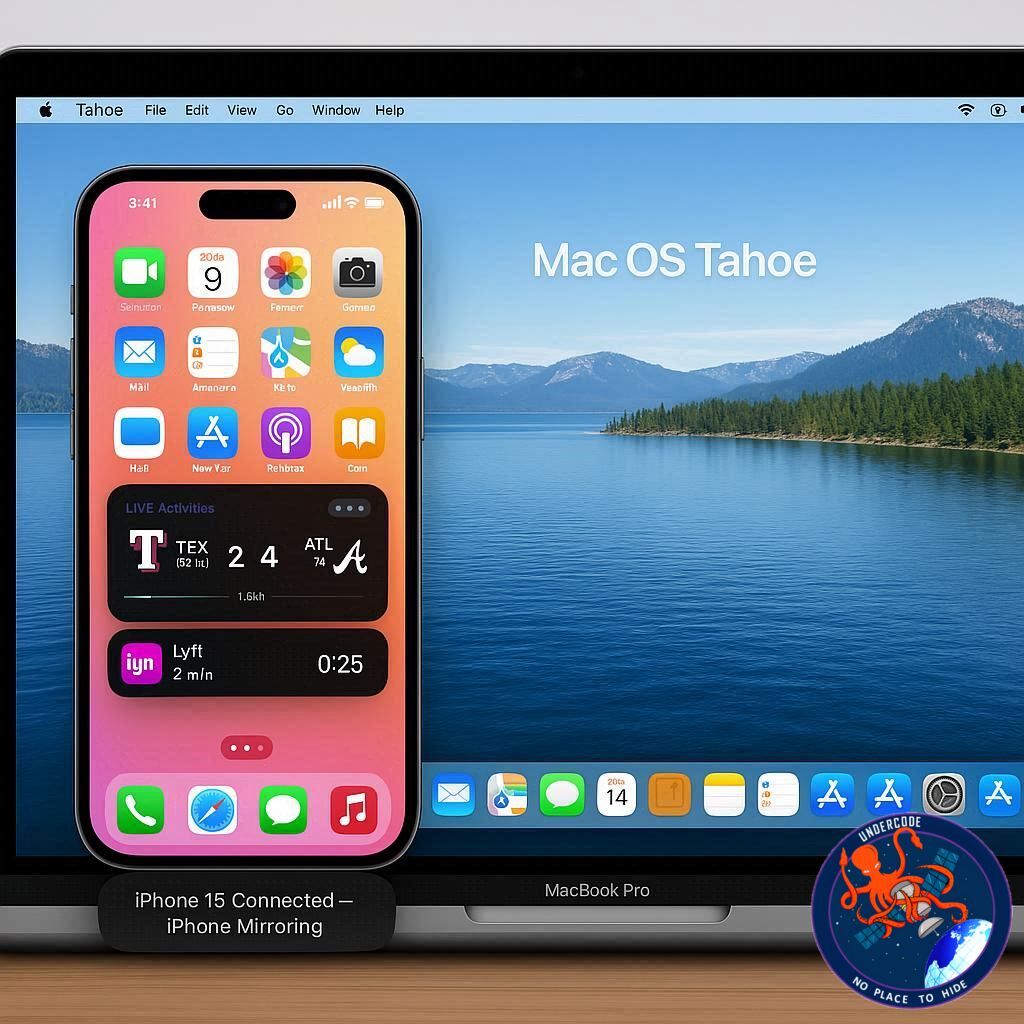
Apple continues to blur the lines between its devices, offering users a seamless digital lifestyle where the iPhone and Mac act as one. With macOS Tahoe, Apple takes iPhone Mirroring to a new level by integrating Live Activities directly into the Mac’s menu bar. This evolution of Continuity highlights Apple’s strategy: not just building powerful devices, but building an interconnected ecosystem that feels natural, fluid, and indispensable.
iPhone Mirroring and Live Activities Explained
iPhone Mirroring, first introduced in macOS Sequoia, allowed users to access and control their iPhone directly from their Mac. It was a breakthrough feature that saved time, boosted productivity, and enhanced Apple’s reputation for ecosystem synergy.
Now, macOS Tahoe enhances this by bringing Live Activities into the mix. Live Activities, initially designed to provide real-time updates on the iPhone lock screen, now show up on the Mac menu bar. This means:
You’ll see a compact version of a Live Activity (like a sports score, food delivery status, or ride-share update) right in your Mac’s menu bar.
Clicking the icon expands the Live Activity with full details, mirroring the iPhone’s behavior.
Double-clicking opens the activity’s source app via iPhone Mirroring, just as if you tapped it directly on your iPhone.
This automatic synchronization is designed to be frictionless, ensuring that users don’t need to toggle settings or perform extra steps. Apple has made it so simple that Live Activities just appear, extending the iPhone’s usefulness without pulling the device out of your pocket.
The update is more than just convenience—it’s about time efficiency and immersive experience. For instance:
Track a DoorDash order without unlocking your iPhone.
Follow your Uber driver’s arrival while working on your Mac.
Stay updated on sports scores without interrupting a workflow.
This feature perfectly reflects Apple’s Continuity philosophy, which unites iPhone, iPad, Apple Watch, and Mac into a single living, breathing digital experience.
What Undercode Say:
Apple’s approach with iPhone Mirroring in macOS Tahoe is not only about convenience—it’s about dominance in the productivity ecosystem. Let’s break down the strategic and analytical impact of this move:
1. The Future of Cross-Device Integration
Apple is doubling down on its belief that users should own multiple Apple devices. By making features like Live Activities exclusive to its ecosystem, Apple ensures that customers remain deeply locked in.
2. Psychology of Seamlessness
Humans naturally value efficiency. Apple’s ability to let users perform micro-tasks without interruptions creates subconscious satisfaction, leading to stronger brand loyalty.
3. Competitive Advantage Over Windows
While Windows attempts phone integration via apps like Phone Link, Apple’s iPhone Mirroring feels more polished, intuitive, and hardware-level integrated. This sets macOS apart as a productivity powerhouse.
4. Impact on Business Users
Professionals can now manage workflows without device-hopping. For example, a stock trader tracking market alerts or a project manager following Slack updates gains uninterrupted focus.
5. Shift in Consumer Expectations
Users will begin to expect all devices to “talk” to each other as Apple’s ecosystem does. This may force competitors like Samsung, Google, and Microsoft to rethink cross-device strategies.
6. Potential Future Evolutions
Widgets from iPhone appearing on Mac desktops.
iPhone-only apps becoming usable natively on macOS via mirroring.
Deeper Apple Watch integrations feeding data to Macs in real time.
7. Market Adoption Challenge
While Apple fans will embrace this, casual Mac users who don’t often explore settings might underutilize it. Apple’s challenge is to surface these features without overwhelming less technical users.
8. Accessory Ecosystem Growth
With more users relying on Macs for extended tasks, demand for docks, stands, chargers, and accessories will naturally rise. Apple benefits indirectly through its vast partner ecosystem.
In short, Apple’s execution here is about creating habit-forming technology. Once you’ve used Live Activities on macOS Tahoe, going back feels primitive.
✅ Fact Checker Results
Apple officially confirmed Live Activities integration with iPhone Mirroring in macOS Tahoe. The feature works automatically from the Mac’s menu bar, providing expandable updates, exactly as described.
🔮 Prediction
Looking forward, Apple is likely to expand this concept beyond Live Activities. Expect a future where iPhone apps run seamlessly on Mac via Mirroring, bridging the final gap between macOS and iOS. The company could also integrate AI-driven contextual alerts, meaning your Mac will know when to surface important updates automatically—without you ever needing to look at your iPhone.
🕵️📝✔️Let’s dive deep and fact‑check.
References:
Reported By: 9to5mac.com
Extra Source Hub:
https://www.facebook.com
Wikipedia
OpenAi & Undercode AI
Image Source:
Unsplash
Undercode AI DI v2
🔐JOIN OUR CYBER WORLD [ CVE News • HackMonitor • UndercodeNews ]
📢 Follow UndercodeNews & Stay Tuned:
𝕏 formerly Twitter 🐦 | @ Threads | 🔗 Linkedin | 🦋BlueSky | 🐘Mastodon


