Listen to this Post
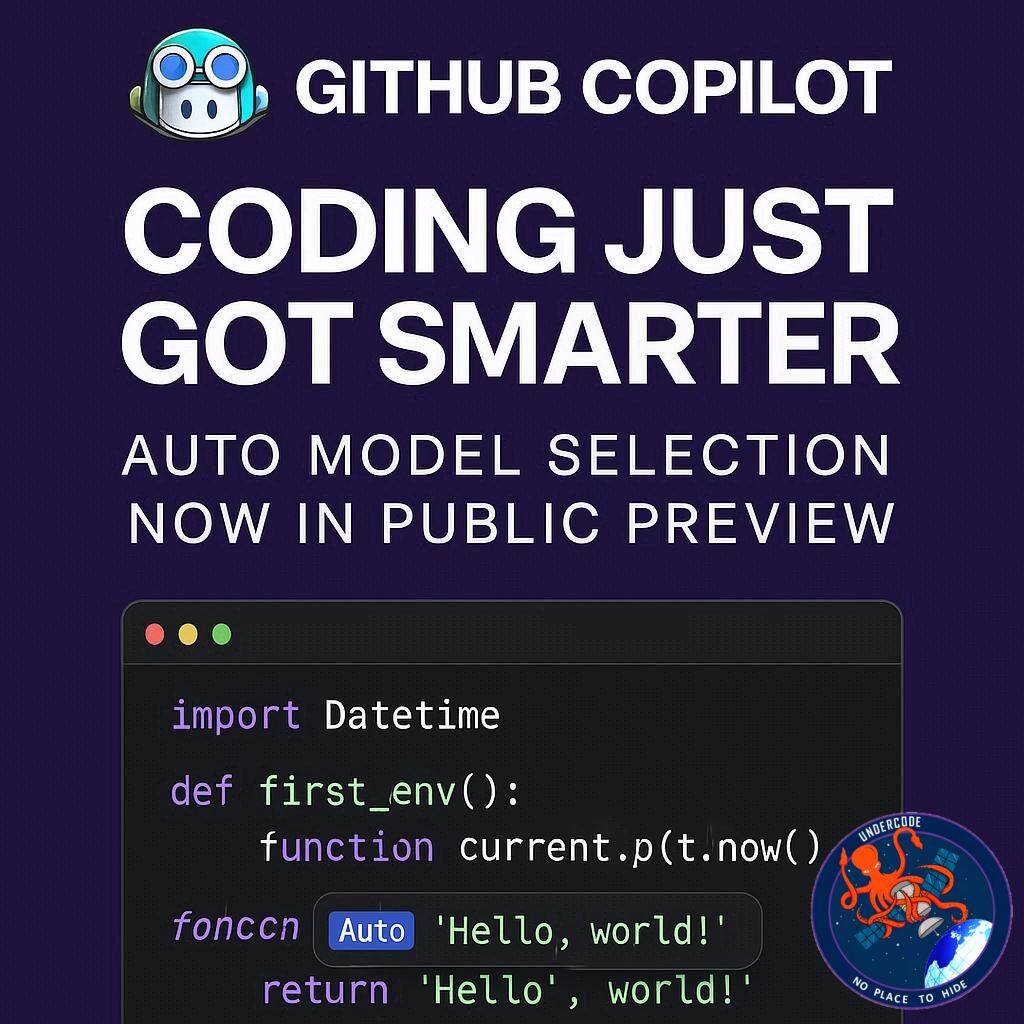
Introduction: Smarter AI at Your Fingertips
GitHub Copilot continues to revolutionize the way developers code, and its latest public preview introduces an exciting Auto model selection feature in Visual Studio Code. This new capability automatically selects the most suitable AI model for your coding needs, streamlining your workflow and enhancing productivity. Whether you’re a beginner or a seasoned developer, this update promises smarter assistance, faster responses, and optimized usage of Copilot’s advanced AI models.
Auto Model Selection: How It Works
The Auto option in GitHub Copilot is now available for Free, Pro, and Pro+ subscriptions, with Enterprise and Business plans coming soon. By selecting Auto from the model picker, the system intelligently routes your requests to the best available model. Current options include GPT-5, GPT-5 mini, GPT-4.1, Sonnet 4, and Sonnet 3.5, with more models expected in the future.
Transparency is key: hover over a model response to see which model Copilot used. You can always switch between Auto and a specific model, ensuring you remain in full control of your coding environment. Auto also respects all user-defined model settings, maintaining compliance with your policies.
Premium Request Usage Explained
Premium request consumption in Auto mode depends on the selected model. Currently, models have multipliers ranging from 0x to 1x. Pro and Pro+ subscribers enjoy a 10% discount on this multiplier, meaning that a model with a 1x multiplier will only use 0.9 premium requests. This system ensures cost-effective and efficient AI assistance.
Getting Started: Easy Setup in VS Code
To try Auto, simply head to Copilot Chat in Visual Studio Code and select Auto in your model picker. Detailed documentation is available to guide users through the setup process and maximize the feature’s potential.
What’s Next: Continuous Improvement
This public preview focuses on model availability, but future updates will make Auto even smarter by adapting to your specific tasks. Feedback from users during this phase will directly influence upcoming enhancements, ensuring Copilot evolves in ways that matter most to developers.
What Undercode Say: In-Depth Analysis 💡
The Auto model selection represents a significant step forward in AI-assisted development. By dynamically choosing the most appropriate model, it reduces friction for developers, allowing them to focus more on coding and less on model management. This feature enhances workflow efficiency, especially for teams juggling multiple projects or technologies.
Copilot’s transparency features foster trust, as users can verify which AI model is generating responses. This mitigates concerns about unexpected outputs or overreliance on a single model. Moreover, the ability to toggle between Auto and manual selection provides flexibility, making the feature suitable for both casual coding and critical enterprise applications.
From an analytical perspective, Auto can drive adoption of higher-tier AI models without increasing user friction. By offering discounted premium request usage for Pro and Pro+ subscribers, GitHub encourages more frequent engagement with Copilot while keeping costs predictable. This pricing strategy could become a model for subscription-based AI tools in the broader market.
The preview also signals GitHub’s commitment to iterative development. User feedback will directly shape improvements, ensuring that Auto evolves to understand task complexity and user intent more accurately. As AI models continue to advance, Copilot may eventually predict the optimal model based on coding context, complexity, and even personal coding style, creating a truly adaptive AI coding assistant.
Security and policy compliance are also noteworthy. By respecting user-defined model settings, Auto ensures that enterprise and individual preferences are upheld. This feature could be especially important for organizations with strict data governance or coding standards, reinforcing Copilot as a reliable and compliant tool in professional environments.
Overall, Auto in Copilot positions GitHub at the forefront of AI coding assistants, blending convenience, intelligence, and adaptability into one streamlined feature. As the tool evolves, developers can expect a more intuitive, cost-efficient, and productive coding experience.
✅ Fact Checker Results
Auto model selection is currently available for Free, Pro, and Pro+ subscriptions. ✅
Premium request discount applies only to Pro and Pro+ subscribers. ✅
Future updates will aim to optimize Auto based on task context. ✅
🔮 Prediction: The Future of Copilot Auto
The Auto feature is likely just the beginning. As AI models advance, GitHub Copilot could become an entirely adaptive assistant, predicting your coding needs in real-time, selecting the most efficient model, and even offering context-aware suggestions before you finish typing. Developers might soon experience a near-seamless collaboration with AI, transforming VS Code into a highly intelligent coding partner. Expect efficiency, reduced manual configuration, and a smarter AI workflow to become the standard for modern software development. 🚀
🕵️📝✔️Let’s dive deep and fact‑check.
References:
Reported By: github.blog
Extra Source Hub:
https://www.twitter.com
Wikipedia
OpenAi & Undercode AI
Image Source:
Unsplash
Undercode AI DI v2
🔐JOIN OUR CYBER WORLD [ CVE News • HackMonitor • UndercodeNews ]
📢 Follow UndercodeNews & Stay Tuned:
𝕏 formerly Twitter 🐦 | @ Threads | 🔗 Linkedin | 🦋BlueSky | 🐘Mastodon