
Listen to this Post
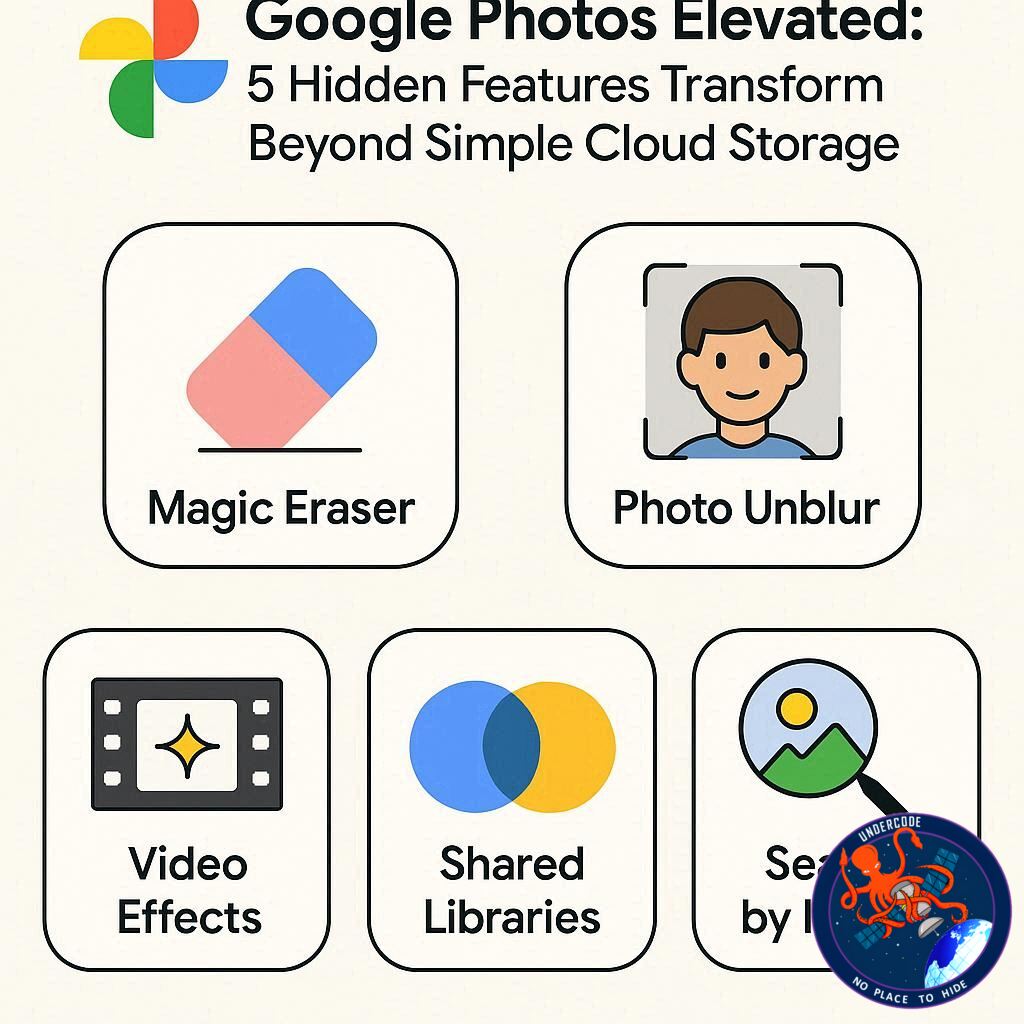
Introduction: From Passive Storage to Intelligent Creativity Hub
For years, Google Photos has been treated as nothing more than a convenient place to dump images and free up device storage. Quietly running in the background, it became a digital attic rather than a creative workspace. But that perception is outdated. Today, Google Photos has evolved into a powerful, AI-driven toolset that not only stores memories but actively enhances how they are created, edited, and shared. Beneath its simple interface lies a collection of features that can rival dedicated editing apps, social media tools, and even productivity utilities. Understanding these capabilities changes the role of the app entirely, turning it from passive storage into an active storytelling platform.
Summary: Unlocking the Hidden Power of Google Photos
Google Photos is no longer just a cloud-based backup solution, especially for Android users who rely heavily on their smartphones for photography. It offers a wide range of built-in tools that go far beyond organizing and searching images. Among its most powerful features is the ability to create short-form videos, similar to social media Reels or Stories. Instead of manually editing clips, users can quickly generate highlight videos by selecting templates, adding photos, and customizing elements like music and text. This dramatically reduces the time and effort needed to produce engaging content.
Another standout feature is AI-powered sticker creation. Users can extract specific objects from photos simply by long-pressing on them. This allows for instant creation of personalized stickers that can be shared across messaging apps or social platforms. The process is seamless and intuitive, showcasing how artificial intelligence is simplifying creative tasks that once required specialized software.
Sharing photo albums has also been reimagined. Instead of sending multiple links or inviting users manually, Google Photos now allows albums to be shared via QR codes. This makes it incredibly easy to distribute collections of images, whether for events, travel memories, or collaborative projects. However, this convenience also introduces considerations around privacy, especially when QR codes are shared publicly.
A particularly impressive feature is the ability to convert handwritten notes into digital text. By using built-in AI tools, users can scan an image of handwritten content and transform it into editable text. This function proves especially useful for students, professionals, or anyone dealing with physical notes. It also demonstrates how Google Photos is expanding into productivity territory, blurring the line between media management and practical utility.
Finally, the app allows users to add music to videos directly within the platform. This feature enhances silent clips, making them more engaging and shareable. Users can select songs, adjust timing, and create polished videos without leaving the app. While this functionality is currently more robust on Android, it reflects Google’s ongoing push to integrate creative tools directly into everyday applications.
Together, these five features reveal a larger shift in how Google Photos is positioned. It is no longer just a repository but a dynamic environment for content creation, editing, and sharing. The integration of AI across these tools simplifies complex tasks, making advanced capabilities accessible to everyday users. This evolution signals a broader trend where traditional apps are becoming multifunctional ecosystems, reducing the need for multiple third-party tools.
What Undercode Say: The Strategic Shift Behind Google Photos’ Evolution
What stands out most is not just the features themselves, but the direction they point toward. Google Photos is quietly transforming into a hybrid platform that merges storage, creativity, and AI-driven productivity. This is not accidental. It reflects a larger strategy where tech companies aim to keep users within their ecosystem for as many tasks as possible.
The introduction of tools like AI sticker generation and handwritten text conversion indicates a deeper integration of machine learning into everyday workflows. These are not gimmicks; they reduce friction in real-world scenarios. Extracting objects from images once required design software. Transcribing notes required separate apps. Now, both happen instantly inside a photo gallery.
There is also a clear influence from social media trends. The ability to create Reels-like videos directly within Google Photos shows how the platform is adapting to short-form content consumption. Instead of competing with social apps directly, Google is positioning itself as the preparation layer, where content is created before being distributed elsewhere. This is a subtle but powerful move.
The QR code album sharing feature highlights another important trend: frictionless connectivity. By removing barriers to sharing, Google increases user engagement and encourages collaborative content experiences. However, this convenience comes with risks. Easy sharing can lead to unintended access if users are not careful, especially when QR codes are widely distributed.
From a competitive standpoint, Google Photos is also challenging specialized apps. Video editors, note-taking tools, and even messaging platforms are being partially replaced by features within a single application. This consolidation is appealing to users who prefer simplicity, but it also raises questions about dependency on a single ecosystem.
The limitation of certain features to Android devices further reveals Google’s platform strategy. By offering more advanced capabilities on its own ecosystem, Google creates an incentive for users to stay within or switch to Android. This is a classic example of ecosystem lock-in, where the best experience is reserved for those fully integrated into the platform.
Another critical aspect is the role of AI branding. Features powered by advanced models are increasingly becoming the centerpiece of user experience. Instead of marketing storage capacity, Google is now marketing intelligence. The app doesn’t just hold your memories, it understands and enhances them.
In the long term, this evolution could redefine what users expect from a photo app. The baseline is shifting from storage and organization to creation and automation. As competitors respond, we may see a new generation of apps that prioritize AI-driven functionality over traditional features.
Fact Checker Results
✅ Google Photos includes built-in tools for video creation, sticker generation, and text extraction.
✅ QR code sharing for albums is a real feature but requires careful privacy handling.
❌ Not all features are equally available across Android and iOS platforms.
Prediction
📊 AI integration in photo apps will become the primary competitive factor within the next two years.
📊 Google Photos is likely to expand further into productivity and content creation tools.
📊 Traditional standalone editing apps may lose relevance as all-in-one platforms dominate.
🕵️📝✔️Let’s dive deep and fact‑check.
References:
Reported By: www.zdnet.com
Extra Source Hub (Possible Sources for article):
https://www.stackexchange.com
Wikipedia
OpenAi & Undercode AI
Image Source:
Unsplash
Undercode AI DI v2
Bing
🔐JOIN OUR CYBER WORLD [ CVE News • HackMonitor • UndercodeNews ]
📢 Follow UndercodeNews & Stay Tuned:
𝕏 formerly Twitter 🐦 | @ Threads | 🔗 Linkedin | 🦋BlueSky | 🐘Mastodon


