
Listen to this Post
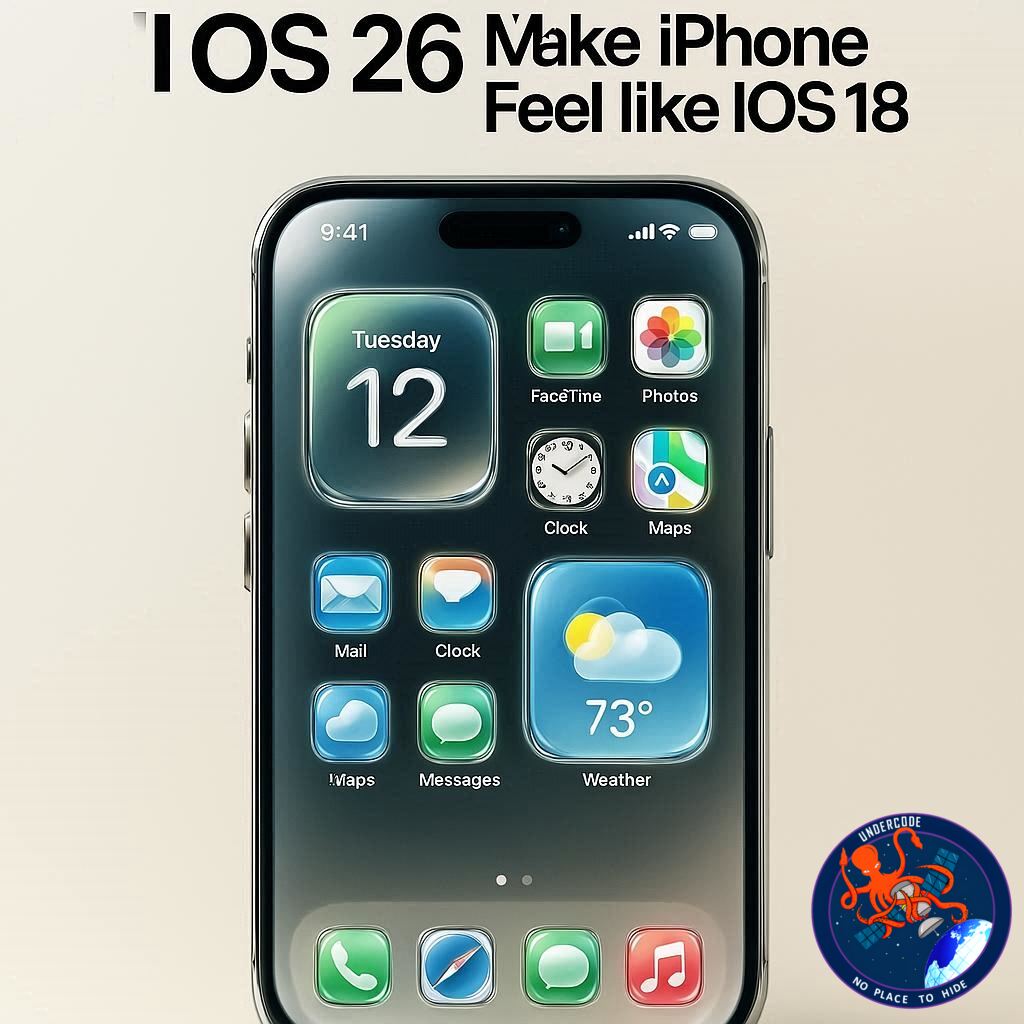
Introduction: A Bold New Era for iPhone Design ✨
Apple has once again shaken up the iPhone experience with iOS 26, introducing the striking Liquid Glass design. This new visual overhaul brings glossy, translucent elements that give your device a futuristic feel. However, not every user is thrilled with the change. Many are seeking ways to retain the familiarity and comfort of previous iOS versions, especially iOS 18. If you’re among them, there’s a simple tweak that can help bridge the gap between cutting-edge style and practical usability.
iOS 26 and Liquid Glass: What’s New? 💎
iOS 26 centers around Liquid Glass, a design language that emphasizes translucency, blur effects, and dynamic layering. The update applies across all compatible iPhone devices, offering a visually immersive interface. From app backgrounds to menus, Liquid Glass creates a sense of depth and fluidity, but this bold change has received mixed feedback on social media. Some users love the futuristic aesthetics, while others struggle with readability or simply prefer the classic iOS look.
How to Tone Down Liquid Glass in iOS 26 🛠️
Apple has made it possible to reduce the intensity of Liquid Glass, though you cannot fully disable it. By using the Reduce Transparency toggle in Settings, users can restore higher contrast and improve text legibility. Here’s how:
1. Open the Settings app on your iPhone.
2. Navigate to Accessibility.
3. Tap Display & Text Size.
4. Toggle on Reduce Transparency.
Activating this setting “de-liquifies” many UI elements, making your iPhone feel closer to iOS 18 while retaining some of iOS 26’s enhancements. The interface looks cleaner, text becomes easier to read, and the overall experience is less visually overwhelming.
User Reactions: Mixed Reviews Across Social Media 📱
Early responses to Liquid Glass are varied:
Positive: Users appreciate the modern, futuristic look.
Negative: Some find the design too flashy or challenging for daily use.
Neutral: Others are indifferent, focusing more on functionality than aesthetics.
Best Accessories for iPhone Users 🔌
Enhance your iPhone experience with:
AirPods Pro 3 for superior audio.
MagSafe Car Mount for hands-free convenience.
HomeKit Smart Plug 4-pack for home automation.
AirTag battery case 2-pack for long-lasting tracking.
100W USB-C fast charger for rapid power boosts.
What Undercode Say: iOS 26 Analysis and Insights 🔍
iOS 26 represents Apple’s boldest interface experiment in years. Liquid Glass is visually stunning, but it also highlights the challenge of balancing style with usability. Users who value clarity and readability may find the default settings overwhelming. By enabling Reduce Transparency, iOS 26 adapts to a broader range of user preferences, showing that Apple is listening to accessibility concerns.
Beyond aesthetics, iOS 26 introduces performance optimizations and under-the-hood improvements that maintain smooth operation even on older iPhone models. These enhancements, coupled with subtle UI refinements, reinforce Apple’s strategy to merge form and function seamlessly.
From a usability perspective, Liquid Glass can be polarizing. For some, the blur and transparency elevate the overall visual experience, creating a more immersive feel. For others, especially those with visual impairments or smaller screens, the design can hinder productivity. Apple’s accessibility toggle demonstrates a thoughtful compromise, allowing users to tailor their experience without losing core features.
iOS 26 also signals Apple’s ongoing commitment to ecosystem integration. From AirPods connectivity to HomeKit controls, the update improves interactions between devices, making daily tasks smoother. This approach emphasizes the company’s vision of a connected, intuitive digital lifestyle.
Interestingly, social media sentiment analysis indicates that while early adopters praise the futuristic look, many longtime iPhone users are reverting to Reduce Transparency, highlighting the tension between innovation and user comfort. This feedback loop may influence Apple’s design choices in future updates, possibly leading to more customization options for interface design.
Overall, iOS 26 is a testament to Apple’s philosophy of pushing boundaries while maintaining flexibility. The Liquid Glass design, though divisive, is a bold step forward in redefining mobile aesthetics. Users can now balance modern design with classic usability, ensuring that iOS remains both functional and visually appealing.
Fact Checker Results ✅❌
✅ iOS 26 introduces the Liquid Glass design with transparency and blur effects.
✅ The Reduce Transparency toggle improves text legibility and contrast.
❌ Liquid Glass cannot be fully disabled; only reduced in intensity.
Prediction 🔮
Liquid Glass may continue to evolve in future iOS releases, possibly offering greater customization to satisfy both design enthusiasts and users who prioritize readability. User feedback will likely drive Apple to expand accessibility options, ensuring that aesthetic innovation does not compromise usability. Over time, iOS could achieve a perfect balance between futuristic visuals and practical interface design, making iPhones more versatile than ever.
🕵️📝✔️Let’s dive deep and fact‑check.
References:
Reported By: 9to5mac.com
Extra Source Hub:
https://www.reddit.com/r/AskReddit
Wikipedia
OpenAi & Undercode AI
Image Source:
Unsplash
Undercode AI DI v2
🔐JOIN OUR CYBER WORLD [ CVE News • HackMonitor • UndercodeNews ]
📢 Follow UndercodeNews & Stay Tuned:
𝕏 formerly Twitter 🐦 | @ Threads | 🔗 Linkedin | 🦋BlueSky | 🐘Mastodon


