
Listen to this Post
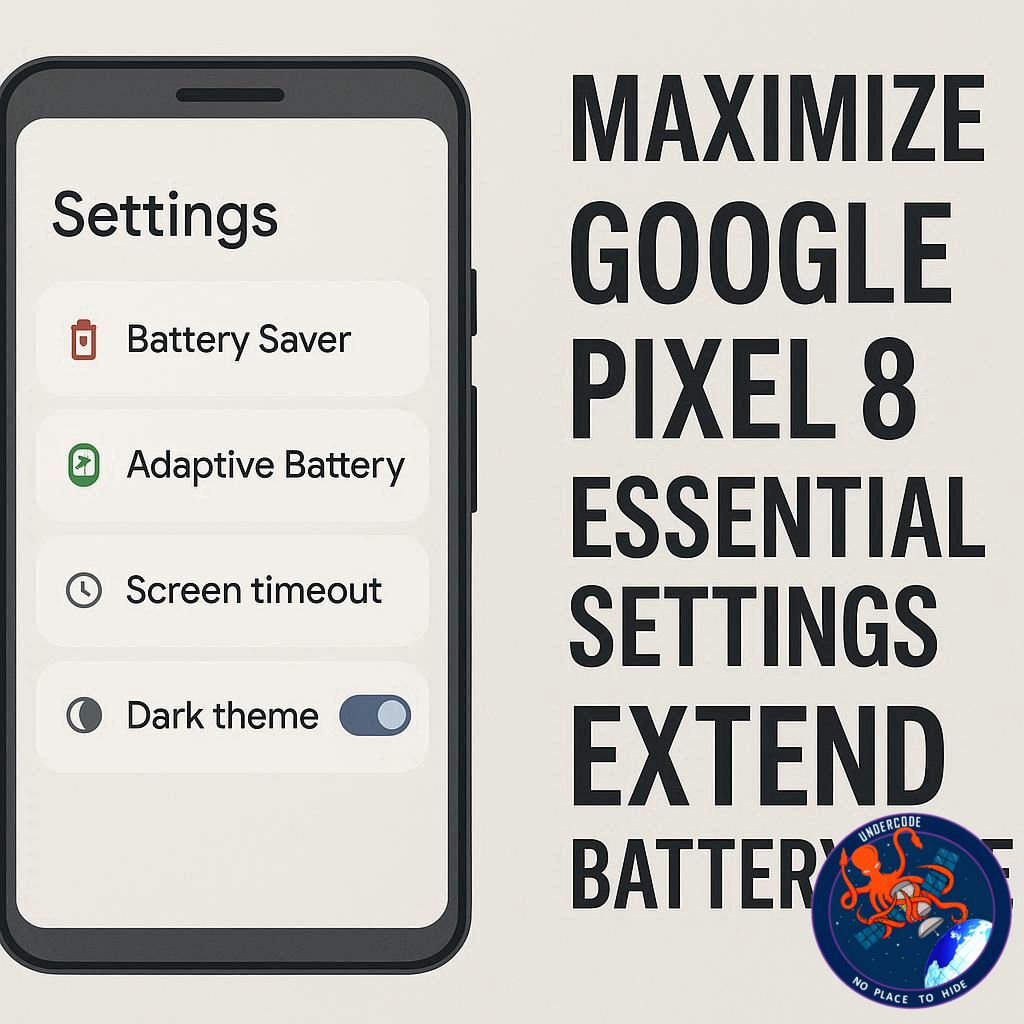
Google Pixel phones are celebrated for their intelligent software, sleek design, and cutting-edge features, yet battery life has long been a sticking point for users. Fortunately, Google’s smart software also offers powerful tools to extend both daily usage and long-term battery longevity—but many of these are not optimized by default. With a few simple tweaks, you can dramatically improve your Pixel’s endurance and keep it running efficiently for years.
Summary: 8 Settings That Transform Your Pixel’s Battery Life
Battery Saver & Extreme Battery Saver
Pixel’s built-in Battery Saver limits background activity, switches on Dark theme, and reduces animations to save power. Extreme Battery Saver takes it further, pausing most apps and notifications, potentially extending battery life for days. You can toggle these modes in Settings > Battery > Battery Saver and even schedule activation at specific battery percentages.
Adaptive Battery
Using machine learning, Adaptive Battery predicts which apps you use most and reduces power to less important apps. Over time, it adds hours to daily battery life. Enable it via Settings > Battery > Battery Saver and allow it a few weeks to learn your habits.
Adaptive Brightness
Screens are among the biggest battery drains. Adaptive Brightness automatically adjusts your display based on your environment and usage habits. Turn it on in Settings > Display > Adaptive Brightness to save energy without sacrificing visibility.
Adaptive Connectivity
For 5G Pixels, Adaptive Connectivity intelligently switches between 5G and 4G LTE based on usage. This keeps your connection fast when needed but reduces battery drain during low-demand tasks. Enable it via Settings > Network & Internet > Adaptive Connectivity.
Bedtime Mode
Digital Wellbeing’s Bedtime Mode reduces overnight battery drain by dimming the screen, turning on Do Not Disturb, and deactivating Always-On Display. Customize schedules in Settings > Digital Wellbeing & Parental Controls > Bedtime Mode.
Disable Mobile Data Always Active
By default, Android keeps mobile data active even when on Wi-Fi, which consumes extra battery. Turn this off in Developer Options (Settings > System > Developer Options > Mobile data always active) to improve standby battery life.
Adaptive Charging
Adaptive Charging protects long-term battery health by learning your charging habits. It quickly charges to 80% and completes charging just before your typical wake-up time, reducing battery wear. Enable it in Settings > Battery > Charging Optimization > Adaptive Charging.
Battery Health Assistance
On Pixel 9a and newer devices, Battery Health Assistance manages maximum voltage over hundreds of charge cycles to slow battery aging and preserve capacity. This feature runs automatically in the background.
Implementing these settings can add significant hours to your daily battery life while protecting the health of your Pixel over time.
What Undercode Say: The Real Impact of Battery Optimization
Google has engineered its Pixel phones to prioritize smart software over brute hardware solutions. Features like Adaptive Battery and Adaptive Brightness are essentially AI-powered guardians of energy, learning patterns in your usage to reduce unnecessary drain. These systems illustrate a shift in mobile technology: longevity now depends more on intelligent optimization than on battery size alone.
Battery Saver modes, while effective in emergencies, are blunt tools compared to Adaptive Battery and Adaptive Connectivity. Extreme Battery Saver, for instance, is ideal when you know you won’t have access to a charger, but regular use of adaptive tools creates sustained efficiency. Scheduling Battery Saver or Bedtime Mode not only extends battery hours but subtly trains users to manage energy consciously, a behavioral nudge toward longer device life.
Adaptive Charging and Battery Health Assistance show that Google is thinking beyond a single day. Modern lithium-ion batteries degrade fastest when held at high voltage for long periods; limiting full-charge time and managing voltage cycles extends the practical lifespan of your phone. This is a silent yet critical innovation, especially as flagship devices are expected to last multiple years.
Disabling Mobile Data Always Active is a small but impactful tweak, demonstrating that even convenience features come with trade-offs. While you might sacrifice seamless Wi-Fi-to-cellular transitions, the cumulative battery savings across weeks are significant.
Adaptive Connectivity is another nuanced feature—users often overlook the cost of 5G. By intelligently switching to LTE when high speeds aren’t required, Pixels maintain connectivity without draining the battery unnecessarily, a strategy that blends performance with efficiency.
Overall, these settings are not just about survival; they are about optimization. Users who ignore these tools may experience shorter daily usage and faster battery degradation. Google’s approach is a lesson in harmonizing software intelligence with hardware constraints, turning a potential pain point into a quiet advantage for those willing to engage with the settings.
For enthusiasts, leveraging these features also opens analytical opportunities. Monitoring how Adaptive Battery allocates resources can reveal hidden patterns in app usage and productivity habits. Bedtime Mode, beyond saving energy, fosters healthier device interaction, encouraging less screen exposure during sleep hours.
Long-term, these features redefine what “battery life” means. It’s no longer just hours between charges; it’s sustainable efficiency, device longevity, and conscious energy management. Users who embrace these tweaks can expect not only extended daily runtime but also a device that maintains peak performance for years, reducing frustration and the need for premature replacements.
Fact Checker Results
✅ Google Pixel phones have advanced battery-saving features.
✅ Adaptive Battery and Adaptive Connectivity effectively extend daily usage.
❌ Extreme Battery Saver does not “pause everything forever” but selectively restricts apps.
Prediction
📊 With increasing reliance on AI-driven energy management, future Pixel models are likely to further automate battery conservation, potentially integrating predictive analytics for location-based optimization and smart notifications. This could result in a standard 20–30% increase in daily battery life without any user intervention, making long-term battery health and efficiency even more seamless.
🕵️📝✔️Let’s dive deep and fact‑check.
References:
Reported By: www.zdnet.com
Extra Source Hub (Possible Sources for article):
https://www.reddit.com/r/AskReddit
Wikipedia
OpenAi & Undercode AI
Image Source:
Unsplash
Undercode AI DI v2
Bing
🔐JOIN OUR CYBER WORLD [ CVE News • HackMonitor • UndercodeNews ]
📢 Follow UndercodeNews & Stay Tuned:
𝕏 formerly Twitter 🐦 | @ Threads | 🔗 Linkedin | 🦋BlueSky | 🐘Mastodon


