
Listen to this Post
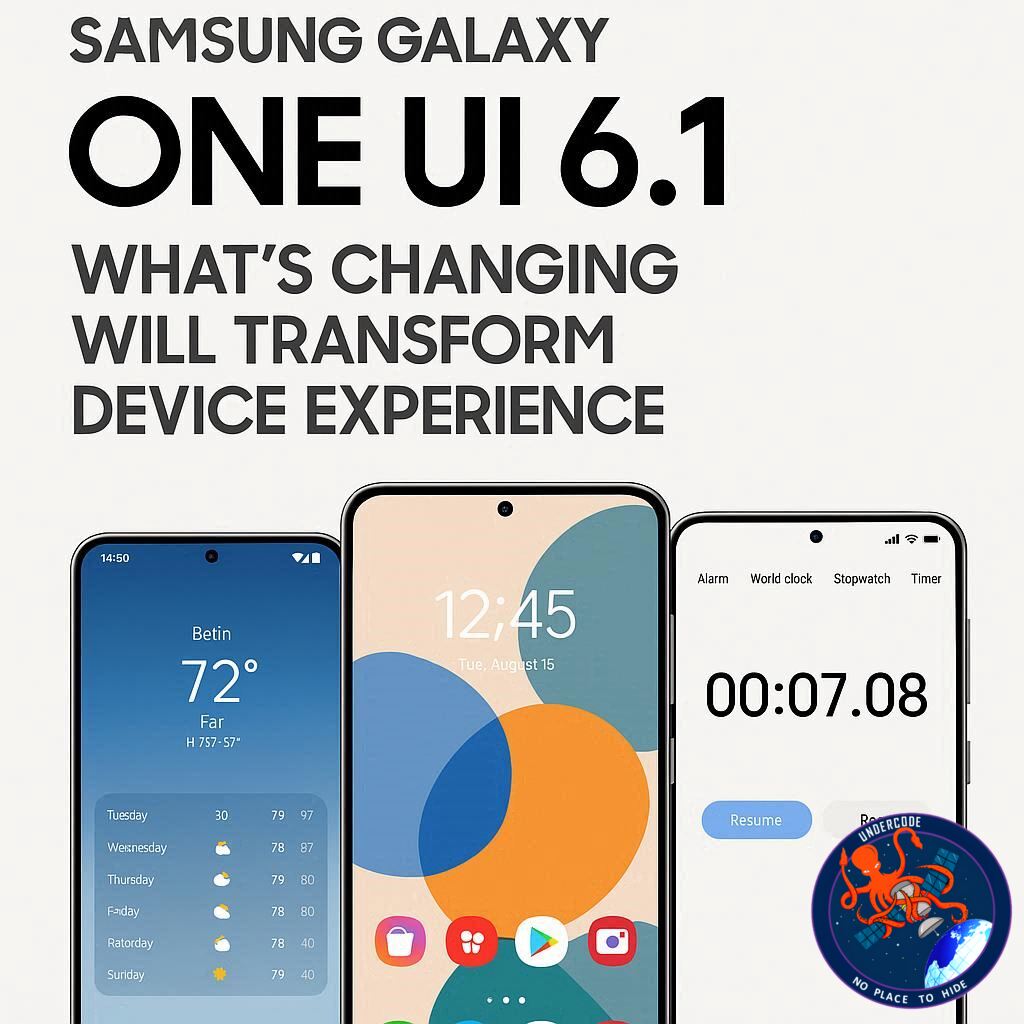
Introduction: The Next Big Leap in Samsung UI
Samsung’s Galaxy devices have always been at the forefront of smartphone innovation, but the upcoming One UI 8.5 promises to take user experience to a whole new level. With subtle yet impactful design updates, Samsung is tailoring its interface to match how users actually interact with their devices. From smarter search functions to simplified navigation, One UI 8.5 is not just an upgrade—it’s a rethinking of the Galaxy experience.
One UI 8.5: A Quick the Leaks 📝
Even as One UI 8.0 is still rolling out across Galaxy devices, leaks of One UI 8.5 have already surfaced. The most noticeable change is the repositioned search bar in the Settings app, now appearing prominently at the bottom of the screen. This mirrors Samsung’s earlier move in One UI 7, which relocated the app drawer search bar for easier access.
Younger users, in particular, have shown a preference for the search function rather than manually navigating the Settings menu. Recognizing this, Samsung seems to be redesigning its UI around real-world usage patterns. This shift not only enhances usability but also simplifies interactions for all users.
The implications extend beyond UI aesthetics. SamMobile has announced that its how-to guides and tips articles will evolve alongside One UI 8.5. The new articles will focus on encouraging users to leverage the search bar, streamlining tutorials and reducing frustration for those unfamiliar with Samsung’s extensive settings menus.
One UI 8.5 is expected to launch alongside the Galaxy S26 series early next year. Fans can anticipate a more intuitive, user-focused experience that reduces the learning curve while maintaining Samsung’s hallmark customization capabilities.
What Undercode Say: Deep Analysis of One UI 8.5 🔍
One UI 8.5 is more than a cosmetic refresh—it’s a strategic move. By studying usage patterns, Samsung is addressing a longstanding friction point: complex navigation. The repositioned search bar is likely just the start. Samsung may also introduce smarter predictive settings, adaptive menus, and context-aware suggestions to streamline common tasks.
From a UX perspective, placing the search bar at the bottom improves thumb reachability, a subtle but powerful ergonomic enhancement. This mirrors trends in mobile UX design, where accessibility and speed are increasingly prioritized over static layouts.
The implications for developers and content creators are equally significant. Tutorials, tips, and troubleshooting guides will need to pivot from linear step-by-step instructions to a search-driven, query-focused format. This aligns perfectly with modern user behavior, where instant search trumps menu exploration.
Analytically, this could also signal Samsung’s push toward a more intelligent AI-driven interface, potentially laying the groundwork for predictive personalization. The integration of search-based navigation could support contextual recommendations—like adjusting display settings based on usage time or suggesting battery optimizations proactively.
From a competitive standpoint, this design evolution may place Samsung ahead of Android peers who still rely on traditional navigation models. By leveraging actual user habits, Samsung is not only enhancing usability but also reinforcing brand loyalty through convenience and subtle sophistication.
For enterprise users, these changes could streamline device management, reducing the learning curve for IT support teams. Meanwhile, casual users benefit from a more intuitive experience that minimizes confusion while maximizing device potential.
Gamers, productivity enthusiasts, and content creators alike will find that navigating device settings becomes quicker, reducing downtime and friction in everyday use. The update may also pave the way for more granular customization without overwhelming the user, balancing simplicity and control.
Socially, these changes could encourage more Samsung users to engage with their devices creatively, exploring features they might have ignored in earlier iterations. Predictive search could surface hidden functionalities, enhancing overall satisfaction and device longevity.
Financially, this approach is smart: by improving user experience, Samsung can reduce support costs, increase adoption of premium features, and create a more compelling case for device upgrades. The ripple effect touches marketing, design, and customer retention strategies.
In summary, One UI 8.5’s subtle changes are poised to have broad, multi-layered impacts—from UX and accessibility to developer practices, consumer satisfaction, and corporate efficiency. Samsung’s user-first philosophy is evident, reflecting a careful balance of innovation, ergonomics, and practical utility.
Fact Checker Results ✅❌
✅ One UI 8.5 is expected to launch with the Galaxy S26 series.
✅ The search bar in the Settings app is being moved to the bottom for easier access.
❌ There is no official confirmation of AI-driven predictive personalization—this is speculation based on usage patterns.
Prediction 🔮
Samsung’s One UI 8.5 is likely to set a new standard for user-friendly smartphone interfaces. We anticipate that future updates will further enhance search-based navigation, integrate smarter recommendations, and offer a more personalized experience for Galaxy users. This could lead to a higher adoption rate, stronger brand loyalty, and a smoother learning curve for new Samsung owners. The era of fully intuitive, search-driven interfaces may soon be here.
🕵️📝✔️Let’s dive deep and fact‑check.
References:
Reported By: www.sammobile.com
Extra Source Hub:
https://www.medium.com
Wikipedia
OpenAi & Undercode AI
Image Source:
Unsplash
Undercode AI DI v2
🔐JOIN OUR CYBER WORLD [ CVE News • HackMonitor • UndercodeNews ]
📢 Follow UndercodeNews & Stay Tuned:
𝕏 formerly Twitter 🐦 | @ Threads | 🔗 Linkedin | 🦋BlueSky | 🐘Mastodon


