
Listen to this Post
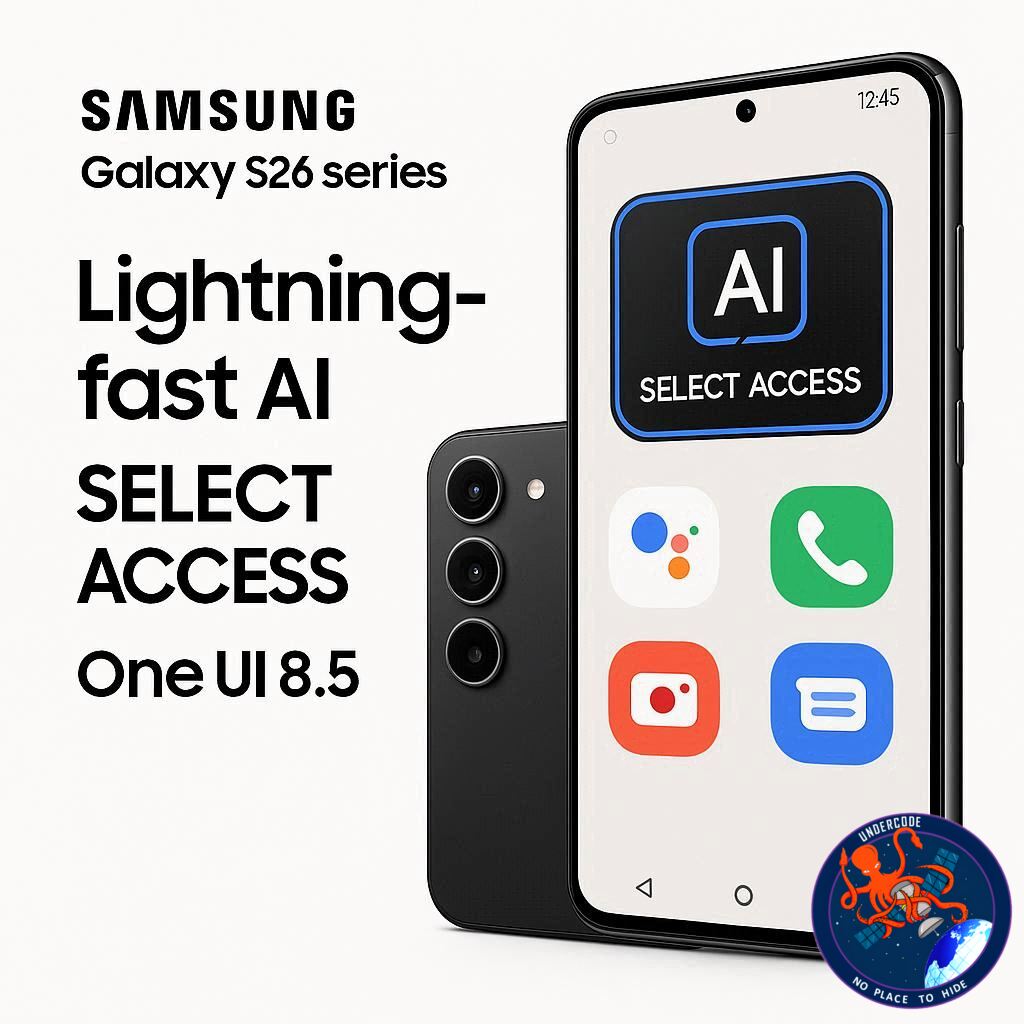
Samsung is taking a bold step forward in mobile AI convenience with the release of the Galaxy S26 series and its updated One UI 8.5. The highlight? A dramatically improved AI Select tool that now launches faster and feels more integrated into the system than ever. For tech enthusiasts and everyday users alike, this change could redefine how we interact with AI-powered features on smartphones.
Seamless AI Access in One UI 8.5
With the launch of One UI 8.5 on the Galaxy S26 series, Samsung has introduced a new shortcut to activate AI Select instantly. Previously, users had to open the Edge panel and tap the AI Select icon, a minor but noticeable extra step. Now, by simply pressing and holding the Edge pull tab, AI Select launches almost immediately. This streamlined gesture aligns closely with other system-wide gestures, like Circle to Search, providing a consistent and intuitive user experience.
Optimized One-Handed Operation
The updated gesture design is especially convenient for one-handed use. Users can position the Edge pull tab lower on the display, allowing AI Select to feel like a natural, integrated system action rather than a tucked-away utility. This improvement enhances accessibility and reduces friction for quick AI-powered actions.
Evolution from Customization to Built-In Convenience
Samsung had previously offered a workaround through the One Hand Operation+ module in the Good Lock app, allowing AI Select activation via custom gestures. While functional, that approach required extra apps and setup. One UI 8.5 eliminates the need for customization by embedding the gesture directly into the system, making the AI Select tool accessible to users right out of the box. This move is expected to extend to other eligible Galaxy devices once they receive the One UI 8.5 update.
AI Select Capabilities Remain Robust
Functionally, AI Select hasn’t changed. Users can still tap or draw around content to trigger contextual actions such as translation, Drawing Assist, Generative Edit, GIF creation, and more, depending on device support. The focus of this update is purely on accessibility and speed, not altering the tool’s existing capabilities.
Pre-Order and Early Access Perks
For early adopters, the Galaxy S26 series is available for pre-order until March 11, 2026, offering a suite of exclusive perks. This makes now an ideal time for tech enthusiasts to experience Samsung’s latest innovations firsthand.
What Undercode Says:
Streamlined User Experience
By integrating the press-and-hold gesture for AI Select, Samsung reduces friction in daily interactions, a move that reflects the growing importance of AI in mobile user interfaces. Streamlined gestures create a feeling of fluidity, encouraging users to explore AI features they may have previously ignored due to cumbersome access methods.
One-Handed Operation Enhances Practicality
The new design specifically improves one-handed usability, a critical factor for modern smartphones with larger displays. Positioning the Edge pull tab strategically allows users to operate AI Select without adjusting their grip, making the feature more practical for on-the-go scenarios.
Consistency with Existing Gestures
Samsung’s gesture design philosophy emphasizes consistency. AI Select now mirrors familiar navigation gestures, reducing the learning curve and reinforcing a cohesive One UI ecosystem. This alignment signals a broader strategy to make AI tools feel like native system functions rather than optional add-ons.
Moving AI From Optional to Essential
With easier accessibility, AI Select may transition from a niche feature to a core part of daily smartphone interactions. Tasks like translations, generative edits, and content creation become just a press-and-hold away, hinting at a future where AI assistance is seamlessly woven into all mobile workflows.
Reducing Dependence on Additional Apps
The previous Good Lock workaround, while functional, added friction by requiring extra apps. One UI 8.5’s built-in gesture reduces reliance on additional software, streamlining the experience and lowering barriers for mainstream users to adopt AI-powered features.
Potential Rollout to Older Devices
Samsung’s decision to embed AI Select gestures at the system level suggests it will likely extend to other Galaxy smartphones and tablets with One UI 8.5 updates. This could standardize AI accessibility across a wider device range, creating a more unified user experience.
Encouraging Exploration of AI Features
As AI Select becomes more accessible, users are more likely to experiment with features like GIF creation and generative edits. Increased engagement with AI tools could, in turn, provide Samsung with valuable insights into user behavior, influencing future AI enhancements.
Competitive Advantage in AI Integration
This move positions Samsung ahead of competitors who have yet to fully integrate AI into everyday system interactions. By reducing steps and emphasizing one-handed operation, Samsung elevates the perceived value of its AI ecosystem, differentiating the Galaxy lineup in a crowded market.
User Retention Through Utility
Features that are easy to access and genuinely useful improve user retention. By making AI Select almost instantaneous, Samsung strengthens the likelihood that users will incorporate AI into their regular routines rather than ignoring it.
Implications for Mobile Productivity
Faster access to AI Select could have broader productivity implications. Whether for quick translations, drawing annotations, or content edits, these streamlined tools empower users to accomplish tasks more efficiently, potentially reducing the need for third-party apps.
Future of System-Wide AI Gestures
Samsung’s approach may hint at a future where more AI functionalities are integrated with native gestures. One UI 8.5 could represent the first step in a larger movement toward gesture-based AI accessibility across multiple applications and services.
Enhancing Perceived Value of Devices
Such user-friendly AI features increase the perceived sophistication of Samsung devices. Consumers evaluating high-end phones may now consider AI accessibility and convenience as key differentiators, boosting the Galaxy S26 series’ market appeal.
Encouraging Pre-Order Engagement
The pre-order campaign with exclusive perks not only drives early sales but also introduces users to One UI 8.5 innovations. Early adoption often accelerates feedback loops, allowing Samsung to fine-tune the system for wider rollouts.
Balancing Simplicity and Power
The press-and-hold gesture exemplifies a balance between simplicity and AI power. Users gain quick access without needing to navigate complex menus, marrying functional sophistication with intuitive design.
Alignment With Broader AI Trends
This update mirrors broader industry trends where AI is moving from optional add-ons to integral features. Smartphones are increasingly becoming AI-first devices, and Samsung’s gesture-based integration reinforces this evolution.
Enhancing Accessibility Across Demographics
Simpler gestures and reduced steps make AI Select more accessible to older users or those less familiar with tech, widening Samsung’s potential audience.
Positive UX Signaling
The update signals that Samsung values user experience as much as feature count. Streamlined interactions are a subtle but powerful driver of long-term brand loyalty.
Reinforcing the One UI Ecosystem
Consistency across gestures strengthens the One UI ecosystem, helping users feel at home whether using navigation tools or AI utilities. This cohesion improves overall satisfaction and reduces frustration.
Potential for Developer Engagement
Easier access to AI Select might encourage third-party developers to create tools that leverage Samsung’s AI features, fostering an ecosystem where native AI capabilities are central to app functionality.
Strategic Timing Before Wider Rollout
Launching these features with the S26 series allows Samsung to showcase innovations on flagship devices before extending to older models, creating aspirational value and early adopter buzz.
Redefining AI Convenience
Overall, One UI 8.5’s gesture improvement redefines convenience in AI interaction, turning what was once a hidden feature into an intuitive part of daily smartphone use.
🔍 Fact Checker Results
✅ AI Select now launches with a press-and-hold gesture on the Edge pull tab in One UI 8.5.
✅ Functionality of AI Select remains unchanged; it still supports translations, Drawing Assist, GIF creation, and Generative Edit.
✅ The pre-order period for the Galaxy S26 series ends March 11, 2026.
📊 Prediction
The new gesture-based AI Select shortcut will likely become a standard across Samsung Galaxy devices with One UI 8.5. User engagement with AI features is expected to rise, influencing future updates to integrate AI more deeply into system-level interactions. Competitors may also follow suit, emphasizing intuitive AI accessibility as a selling point in flagship devices. Over time, Samsung could expand this gesture concept to other AI tools, further embedding artificial intelligence into everyday smartphone usage.
🕵️📝✔️Let’s dive deep and fact‑check.
References:
Reported By: www.sammobile.com
Extra Source Hub (Possible Sources for article):
https://www.digitaltrends.com
Wikipedia
OpenAi & Undercode AI
Image Source:
Unsplash
Undercode AI DI v2
Bing
🔐JOIN OUR CYBER WORLD [ CVE News • HackMonitor • UndercodeNews ]
📢 Follow UndercodeNews & Stay Tuned:
𝕏 formerly Twitter 🐦 | @ Threads | 🔗 Linkedin | 🦋BlueSky | 🐘Mastodon


