
Listen to this Post
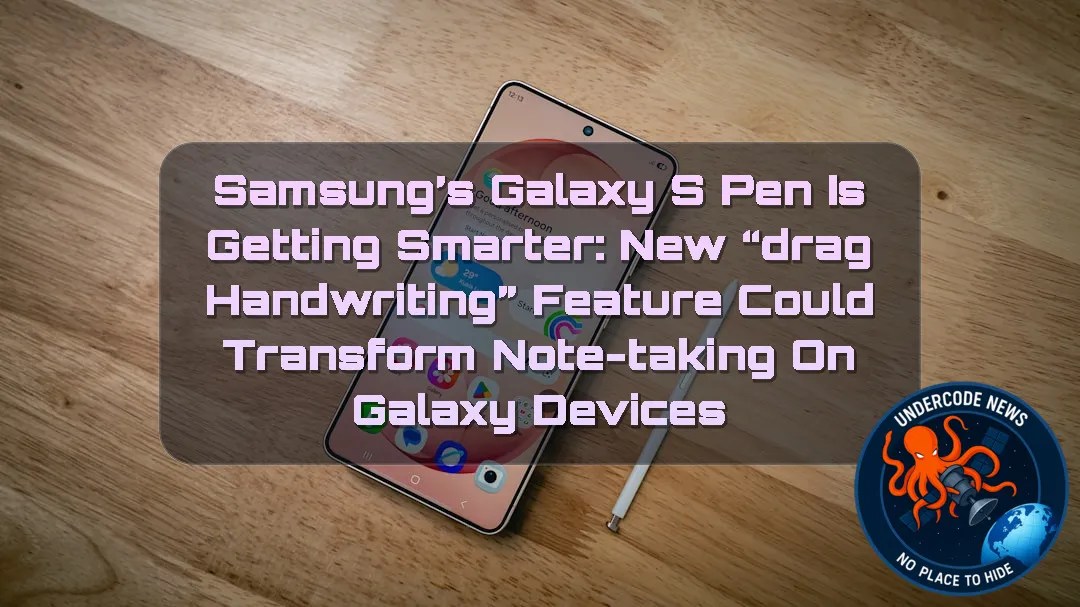 Introduction: A Small Change That Could Make Digital Writing Feel More Natural
Samsung has spent years trying to make digital handwriting feel closer to writing on paper. With the Galaxy Z Fold series, Galaxy Tab lineup, and S Pen ecosystem, the company has positioned handwritten notes as a major productivity feature for students, professionals, designers, and everyday users. Now, Samsung appears ready to remove one of the biggest frustrations in digital note editing: moving handwritten text around.
A newly discovered Samsung Notes feature called “Drag Handwriting” could allow S Pen users to simply press and hold handwritten words before dragging them into a new position. Instead of relying on the traditional Lasso tool, users may soon be able to rearrange notes with a much faster and more intuitive gesture.
While Samsung has not officially announced the feature yet, the discovery suggests that the company is continuing to refine the S Pen experience and make digital handwriting more flexible, intelligent, and user-friendly.
Samsung Notes Continues Its Evolution With a New Handwriting Tool
A Hidden Feature Discovered Inside Samsung Notes
Samsung appears to be testing a new S Pen function called Drag Handwriting, according to code discoveries reported by technology researchers. The feature was found inside the Samsung Notes application, suggesting that the company is actively working on improving how users interact with handwritten content.
The idea behind the feature is simple: instead of selecting handwriting manually, users would be able to touch and hold handwritten text, then move it directly to another area of the page.
This approach mirrors the natural behavior people expect from modern touchscreen devices. When users move images, text boxes, or objects in other applications, they usually expect a direct manipulation system rather than a multi-step selection process.
The Problem With the Current Lasso Tool Method
Editing Handwritten Notes Has Always Required Extra Steps
Currently, Samsung Notes allows users to move handwritten content by using the Lasso tool. The process works, but it is not always convenient.
Users must first activate the Lasso tool, draw a selection around the handwriting they want to move, wait for the selection to complete, and then drag the selected content to a new location.
For people who frequently edit large handwritten documents, organize meeting notes, or rearrange study materials, these additional steps can interrupt workflow.
The Lasso tool is useful for precision editing, but it is not always the fastest solution for simple movements. Samsung’s upcoming feature appears designed to solve exactly this limitation.
Drag Handwriting Could Make Digital Writing More Like Paper
Faster Adjustments and Better Organization
The biggest advantage of Drag Handwriting would be speed. Users could quickly reposition words, sentences, diagrams, or handwritten sections without interrupting their creative process.
For example, a student writing lecture notes could create additional space between paragraphs by simply moving existing handwriting downward. A business professional could reorganize meeting notes without repeatedly selecting areas manually.
The feature could also help users improve the visual appearance of handwritten documents by allowing quick adjustments to spacing, alignment, and structure.
Digital handwriting has always offered advantages over traditional paper because content can theoretically be edited. However, tools like Drag Handwriting could make those advantages feel more immediate and natural.
Samsung’s Focus on AI and Productivity Features
A Step Toward Smarter Note-Taking Experiences
Samsung has increasingly focused on productivity improvements across its devices, especially with the integration of artificial intelligence features into Galaxy smartphones and tablets.
A smarter Samsung Notes application could eventually go beyond simple handwriting movement. Future versions could include automatic organization, handwriting correction, intelligent summaries, and improved search capabilities.
The introduction of Drag Handwriting fits into a broader trend where smartphone manufacturers are attempting to make devices understand user intentions rather than forcing users to interact through complicated menus.
The goal is not only adding new features but reducing friction between humans and technology.
Galaxy Z Fold 8 and S Pen Productivity Vision
Foldable Devices Need Better Creative Tools
Samsung’s Galaxy Z Fold lineup represents the company’s vision of combining smartphone portability with tablet-like productivity. As foldable displays become larger and more capable, advanced note-taking tools become increasingly important.
A device like the Galaxy Z Fold 8 benefits from features that allow users to quickly edit documents, annotate files, and organize information.
The S Pen experience is a key part of Samsung’s argument that foldable phones can replace traditional productivity devices in many situations.
Improvements such as Drag Handwriting could strengthen Samsung’s position among professionals who use mobile devices for creative and business tasks.
The Future of Handwriting on Mobile Devices
Digital Ink Is Becoming More Intelligent
Handwriting has remained popular despite the rise of keyboards and voice input because it offers a unique way of thinking and organizing information.
Researchers and technology companies have continued developing ways to make digital ink more powerful. Features such as handwriting recognition, shape conversion, translation, and AI-assisted editing are changing how people interact with written content.
Samsung’s Drag Handwriting feature may appear small, but small usability improvements often have the biggest impact because they affect everyday actions.
When a task becomes easier hundreds of times a year, the improvement becomes noticeable.
Deep Analysis: Samsung Notes Drag Handwriting Feature Commands
Command 1: Analyze the User Experience Impact
The Drag Handwriting feature addresses a common usability problem: unnecessary complexity during simple actions.
Modern users expect direct interaction. When someone writes on a touchscreen, they naturally expect to move objects by touching them directly.
Removing the dependency on the Lasso tool could make Samsung Notes feel more responsive and closer to physical paper.
Command 2: Evaluate Samsung’s Productivity Strategy
Samsung is clearly building a larger ecosystem around productivity.
The company is not only competing on hardware specifications but also on software experiences that encourage users to stay inside the Galaxy ecosystem.
Features like improved handwriting control create additional value for S Pen devices.
Command 3: Compare With Competitor Approaches
Apple’s iPad ecosystem has heavily promoted Apple Pencil features, including advanced handwriting interaction.
Samsung’s challenge is proving that the S Pen experience can offer equal or better productivity capabilities.
Drag Handwriting could become another step toward closing that gap.
Command 4: Identify Potential Future Improvements
If Samsung expands this technology, future versions of Samsung Notes could include:
AI-powered handwriting organization.
Automatic spacing adjustment.
Intelligent paragraph movement.
Handwriting style recognition.
Automatic note formatting.
Better collaboration features.
The foundation created by Drag Handwriting could support a much larger handwriting intelligence system.
Command 5: Understand the Business Importance
Software features influence device purchases.
Many consumers no longer choose smartphones only based on cameras or processors. Productivity tools, ecosystem integration, and unique experiences increasingly affect buying decisions.
Samsung understands that exclusive S Pen capabilities can encourage customers to choose Galaxy devices over competitors.
Command 6: Consider the Foldable Device Connection
Foldable phones require unique software experiences to justify their higher prices.
A larger screen is valuable only when applications take advantage of it.
Improved handwriting controls make foldable devices more useful for professionals, students, and creators.
What Undercode Say:
Samsung Is Turning Handwriting Into a More Intelligent Interface
The discovery of Drag Handwriting shows that Samsung is focusing on small improvements that can significantly change daily device interactions.
Simplicity Is Becoming the Future of Mobile Software
The best technology features are often those that remove unnecessary steps. Users do not want more buttons; they want faster results.
S Pen Remains a Key Galaxy Advantage
While many smartphone brands focus on cameras and processors, Samsung continues developing specialized productivity features that differentiate Galaxy devices.
Digital Notes Are Becoming More Powerful
The future of note-taking is not just replacing paper. It is creating a smarter workspace where ideas can be moved, organized, and enhanced instantly.
AI Could Make These Features Even More Valuable
Once handwriting tools connect with artificial intelligence, notes could become searchable, editable, and automatically organized.
Small Features Can Create Big Competitive Advantages
A simple gesture like moving handwriting faster could influence how users perceive the entire Samsung Notes experience.
✅ Samsung Notes is receiving ongoing feature improvements: The company regularly updates its Notes application with new functionality, especially around S Pen productivity.
✅ Drag Handwriting was discovered through application code analysis: The feature appears to be based on hidden code references rather than an official Samsung announcement.
❌ The public release date is not confirmed: Samsung has not officially announced when or if Drag Handwriting will become available to users.
Prediction
(+1) Samsung will likely expand S Pen capabilities with more AI-powered editing tools. As competition in tablets and foldable devices increases, smarter handwriting features could become a major selling point for Galaxy products.
(+1) Future Samsung Notes updates may introduce deeper automation. Handwriting movement, organization, and formatting could eventually become AI-assisted processes.
(-1) The feature may remain limited or delayed. Since it was discovered through code analysis, Samsung could still change its plans or decide not to release the feature publicly.
(-1) Software competition will continue increasing. Competitors such as Apple may introduce similar handwriting improvements, reducing the uniqueness of Samsung’s approach.
🕵️📝Let’s dive deep and fact‑check.
🎓 Live Courses & Certifications:
Join Undercode Academy for Verified Certifications
🚀 Request a Custom Project:
Secure, high-velocity infrastructure and disruptive technological engineering. Contact our engineering team for high-tier development and proprietary systems:
[email protected]
💎 Smart Architecture | 🛡️ Secure by Design | ⭐ Trusted by Thousands
References:
Reported By: www.sammobile.com
Extra Source Hub (Possible Sources for article):
https://www.stackexchange.com
Wikipedia
OpenAi & Undercode AI
Image Source:
Unsplash
Undercode AI DI v2
🔐JOIN OUR CYBER WORLD [ CVE News • HackMonitor • UndercodeNews ]
📢 Follow UndercodeNews & Stay Tuned:
𝕏 formerly Twitter 🐦 | @ Threads | 🔗 Linkedin | 🦋BlueSky | 🐘Mastodon | 📺Youtube


