
Listen to this Post
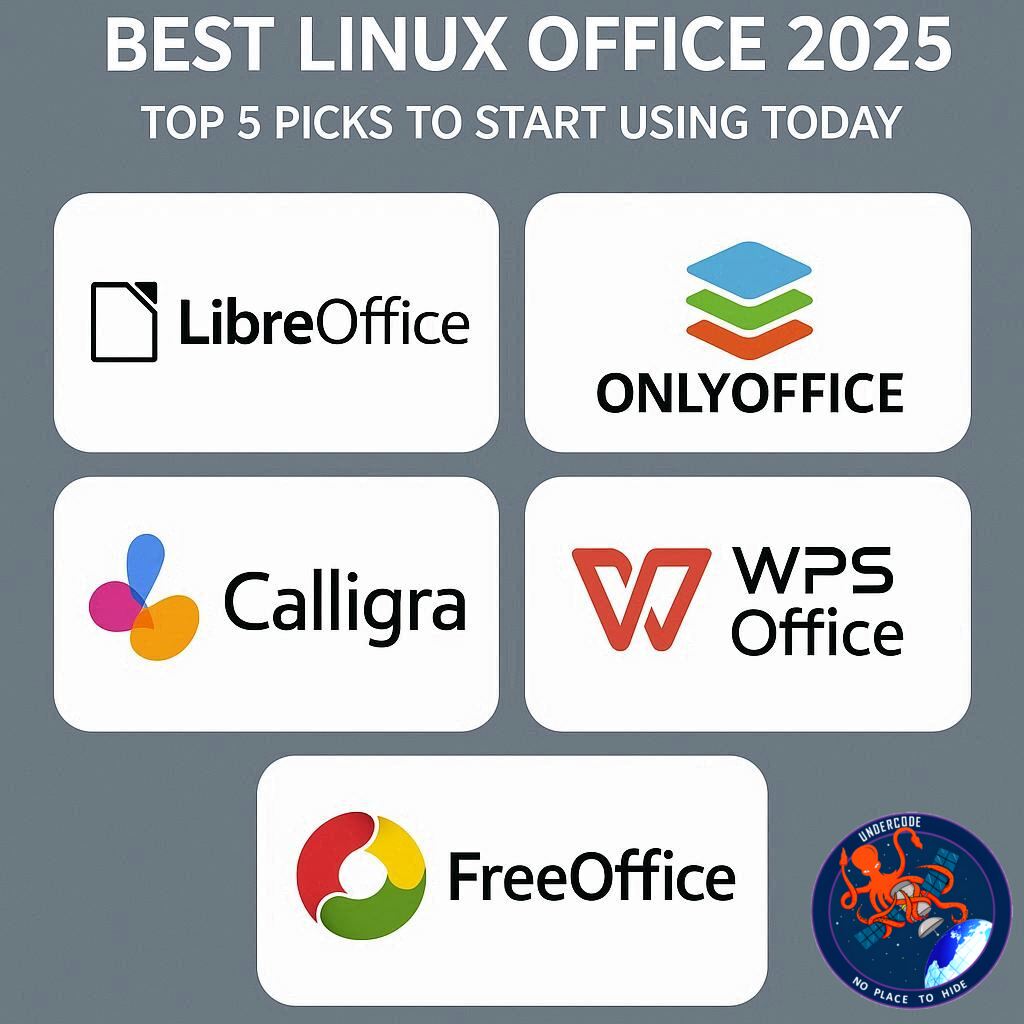
Linux has come a long way since the early days of StarOffice and WordPerfect, offering an array of powerful office tools that rival anything available on Windows or macOS. Today, Linux users don’t have to compromise on productivity, creativity, or collaboration. Whether you’re writing novels, building complex spreadsheets, or collaborating with a remote team, there’s an office suite that fits your workflow—and most of them are free. In this article, we’ll break down the top five Linux office suites that are reshaping how professionals and creators work in 2025.
Linux Office Suites: A Brief Overview
Linux’s office software ecosystem has expanded dramatically over the years. Open-source and proprietary options now coexist, providing users with flexibility, compatibility, and modern interfaces. Many Linux distributions come preloaded with office tools, but exploring the full spectrum of options reveals alternatives that can rival Microsoft Office and Google Workspace. From LibreOffice’s extensive functionality to ONLYOFFICE’s cloud capabilities, these suites cater to both individual and collaborative needs.
1. LibreOffice: The Powerhouse of Open-Source Productivity
LibreOffice remains the most widely used Linux office suite, often preinstalled on many distributions. It includes modules for word processing, spreadsheets, presentations, databases, formulas, and drawings. One of LibreOffice’s greatest strengths is its compatibility with Microsoft Office formats, making file sharing seamless.
Its user interface is highly customizable, allowing users to choose between traditional menus, Microsoft-style ribbons, or a sidebar. Features include password protection, extensions, and document redaction. LibreOffice benefits from a vast community, making support and development robust. Best of all, it’s completely free to install and use on multiple devices.
2. WPS Office: Seamless MS Office Compatibility
WPS Office, developed by Kinsoft Office Corporation, offers excellent compatibility with Microsoft Office formats. It includes tools for documents, spreadsheets, and presentations, with a UI reminiscent of older versions of MS Office. While it doesn’t match LibreOffice in feature depth, it excels in collaboration with MS Office users.
Minor issues, like font rendering on certain Linux desktop environments and occasional untranslated Chinese text, exist but don’t hinder overall usability. WPS Office is free via package managers or Flatpak, making it a solid choice for those who prioritize Microsoft Office compatibility.
3. ONLYOFFICE Desktop Editors: Flexible Local and Remote Work
ONLYOFFICE Desktop Editors have impressed users with their dual capability to operate locally and remotely, enabling seamless collaboration without complex network setups. It supports documents, spreadsheets, presentations, and PDFs, along with AI-enhanced writing tools.
Its flexibility sets it apart, as users can switch between a local instance and a cloud instance effortlessly. While proprietary, ONLYOFFICE offers a modern, streamlined workflow that could challenge LibreOffice as the default Linux office suite for many users. It is free to install across distributions.
4. SoftMaker Office: Microsoft-Like Experience
SoftMaker Office distinguishes itself with a UI similar to Microsoft Office’s ribbon interface. Unlike most Linux suites, it isn’t entirely free—though a trial is available. It includes standard office tools and a touch mode for easier navigation.
SoftMaker Office shines for tasks like mailings and personal productivity, but collaboration features require a paid subscription. The free version, however, is still a compelling introduction for users seeking MS Office-like aesthetics and features on Linux.
5. Calligra Suite: KDE Plasma’s Native Office Solution
Calligra Suite is KDE Plasma’s native office suite, encompassing documents, spreadsheets, presentations, and vector graphics. It offers a unique launcher-based interface and supports a wide variety of file formats, including MS Office, OpenDocument, and eBook formats.
While less feature-rich and visually modern than other options, Calligra integrates well with KDE Plasma, providing a lightweight, functional solution for Linux users committed to the KDE environment. It is free to install and use.
What Undercode Say: A Deeper Dive into Linux Office Suites
Linux users have long faced skepticism about whether the platform can handle serious office work. Historically, the lack of mainstream software was a valid concern. However, modern Linux office suites not only fill this gap but offer unique advantages that Windows or macOS users often miss.
LibreOffice remains the go-to solution for users seeking open-source reliability. Its sheer versatility, extensive format compatibility, and customizable interface make it ideal for writers, analysts, and office workers alike. Its open-source nature ensures that it’s continually improving, backed by a global community.
WPS Office and SoftMaker Office cater to users who need MS Office-like compatibility and aesthetics. They are particularly useful in corporate environments where file format fidelity is critical. While WPS Office is free and effective, SoftMaker Office’s paid collaboration features highlight a trend where Linux is now seeing premium offerings that rival proprietary solutions elsewhere.
ONLYOFFICE introduces a forward-thinking approach with local and cloud integration. In a remote-first work environment, its ability to switch seamlessly between local and remote instances is revolutionary. AI features, while still emerging, point to an exciting future where Linux office suites are not just functional but intelligent.
Calligra Suite, although less prominent, highlights the importance of desktop environment integration. KDE users gain a cohesive experience, emphasizing speed and lightweight operation rather than sheer features. This illustrates a critical point: Linux office suites are not just about replication of Windows tools—they provide tailored solutions optimized for different workflows.
A key takeaway across all suites is that Linux now offers competitive productivity tools for virtually any user. Whether it’s novel writing, spreadsheet crunching, collaborative projects, or even casual office tasks, Linux users no longer face a compromise. This shift in capability is complemented by modern packaging and distribution methods, including Flatpak and Snap, making installation and updates easier than ever.
Moreover, Linux office suites embody the principles of openness and customization. Users can adapt interfaces, extend functionality, and automate workflows without the constraints typical of closed systems. Proprietary options like ONLYOFFICE and SoftMaker offer advanced features and polished UI, providing choices for those willing to invest in premium experiences. This combination of free, open-source flexibility and optional proprietary sophistication defines the current landscape of Linux productivity software.
Fact Checker Results
✅ LibreOffice and Calligra Suite are fully open-source and free.
✅ WPS Office and ONLYOFFICE offer proprietary but free-to-use options with varying MS Office compatibility.
❌ SoftMaker Office requires a subscription for collaboration features beyond the trial version.
Prediction
Linux office suites are poised for even broader adoption as remote work, cross-platform collaboration, and AI-assisted productivity continue to grow. LibreOffice will maintain dominance among open-source purists, while ONLYOFFICE’s hybrid local-cloud model could redefine professional workflows. Proprietary competitors like SoftMaker Office may gain traction in enterprises seeking familiar interfaces. The next five years will likely see Linux emerge not just as a niche alternative but as a fully viable productivity platform for global users.
🕵️📝✔️Let’s dive deep and fact‑check.
References:
Reported By: www.zdnet.com
Extra Source Hub:
https://www.reddit.com/r/AskReddit
Wikipedia
OpenAi & Undercode AI
Image Source:
Unsplash
Undercode AI DI v2
🔐JOIN OUR CYBER WORLD [ CVE News • HackMonitor • UndercodeNews ]
📢 Follow UndercodeNews & Stay Tuned:
𝕏 formerly Twitter 🐦 | @ Threads | 🔗 Linkedin | 🦋BlueSky | 🐘Mastodon


