
Listen to this Post
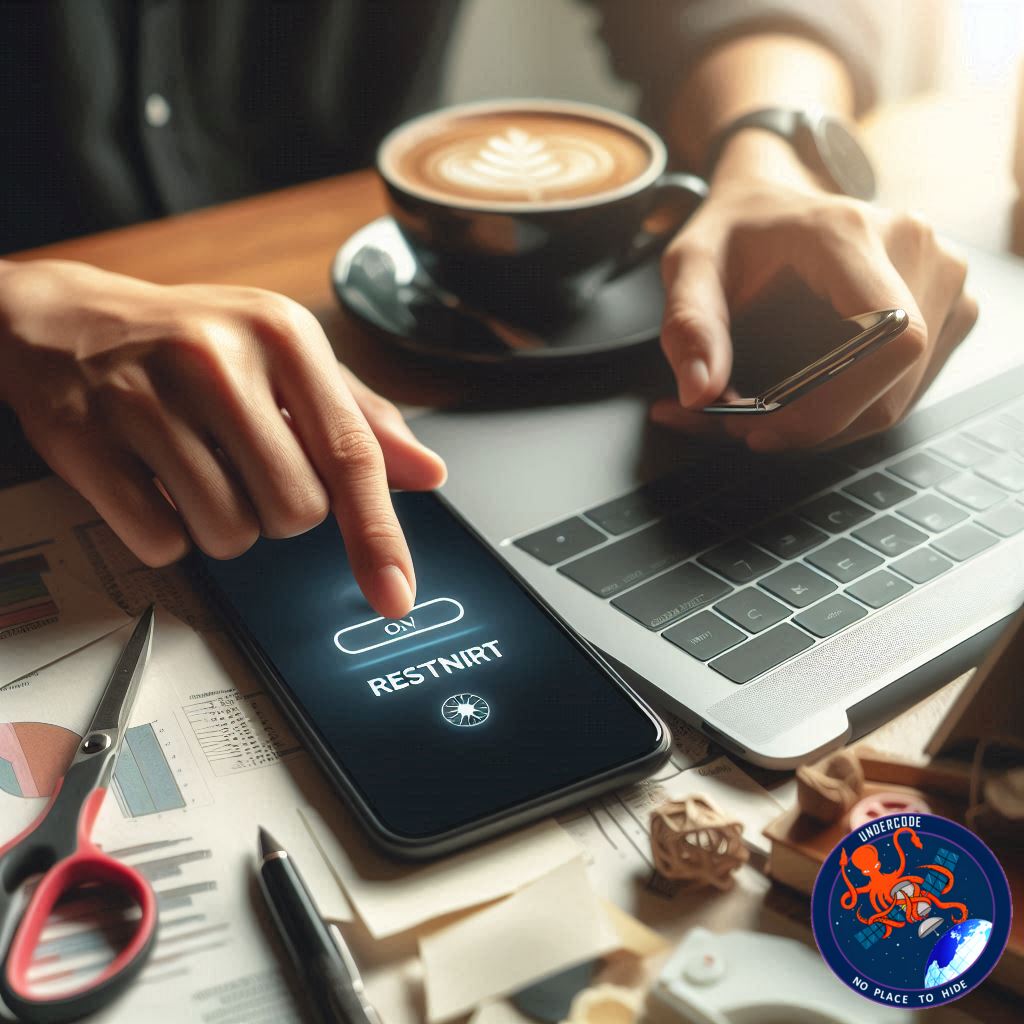
A Fresh Start That Most People Ignore
In a world overflowing with apps, notifications, background processes, and nonstop updates, our devices quietly struggle beneath the weight of constant use. Phones heat up, laptops slow down, and glitches creep in at the worst possible moments. Yet the simplest fix is also the most overlooked: a weekly restart. What feels like a small tap of a button can restore speed, strengthen security, and breathe life back into your tired device.
The Big Picture Summary Of The Original
Why Your Devices Need Breaks Too
Modern phones and laptops juggle countless invisible tasks. Every open app, every notification, every update leaves a tiny footprint on system memory. Over days and weeks, these footprints build into clutter that slows everything down.
Clearing Memory For Faster Performance
A restart sweeps away temporary files and RAM residue. Apps open faster. Multitasking becomes smoother. The device starts to feel new again, even if you haven’t upgraded it in years.
A Quick Fix For Battery And Heating Problems
Background services drain battery power even when you aren’t touching your phone. These constant tasks also heat up your device. Restarting shuts everything down, then restarts only the essentials. The result: better battery life and cooler performance.
Solving Those Annoying Everyday Glitches
WiFi not connecting? Bluetooth won’t pair? Apps freezing? These common issues often come from overloaded system services. Restarting refreshes the network stack and clears stuck processes, solving problems without technical knowledge.
Why It Also Improves Security
Many security patches activate only after a reboot. IT teams emphasize this because some cyberattacks survive inside system memory. Restarting clears memory, applies updates, and closes the door on threats lingering in temporary data.
How To Restart Your Phone Properly
Press and hold the power button (or Power + Volume Down on some Android models) until the restart menu appears. Tap Restart. If frozen, hold the keys for 10–20 seconds to force a reboot.
How To Restart A Windows Laptop The Right Way
Save your work first. Click Start, select the Power icon, and choose Restart. If your system is stuck, use Ctrl + Alt + Delete, click the power icon, and restart from there.
Why A Weekly Restart Is Enough
Most experts recommend restarting at least once a week. This keeps performance smooth, reduces system errors, strengthens security, and helps your devices stay healthy over time.
What Undercode Say: Analytical Deep Dive
Why Restarting Works At A Systems Level
Every device relies on RAM to handle active processes. RAM doesn’t clear itself until the device shuts down or restarts. As apps run, close, and reopen, fragments of data remain in memory. Over time these fragments fill the RAM, slowing down essential tasks. Restarting resets RAM, releasing all temporary allocations and giving the operating system a clean workspace. This is why performance jumps immediately after reboot.
The Hidden Impact Of Background Services
Smartphones today run dozens of invisible services. From push notifications to location tracking to AI optimization engines, each process consumes a slice of your CPU. The moment you restart, the system reloads only the essential services. The unnecessary ones remain inactive until triggered, which is why battery life improves and heating drops after a reboot.
Restarting As A First Response To Network Failures
Network components inside your device operate separately from the main system. When they fail, apps cannot refresh data, WiFi disconnects randomly, and Bluetooth pairing collapses. A restart resets the entire network stack, forcing each service to reload configurations. This explains why technicians always recommend “Try restarting first” before deeper troubleshooting.
Memory-Based Attacks And Security Refresh Effects
Certain cyberattacks live only inside temporary memory. Restarting wipes this memory clean. Although not a full security solution, rebooting acts as a soft defensive barrier against non-persistent threats. It also helps ensure patches install correctly. Many updates wait for a reboot to finalize file replacements, especially on Windows devices. If you never restart, your system may be running outdated components without your knowledge.
Thermal Regulation And Processor Relief
Heat is the silent killer of electronic devices. When background apps push your CPU too hard for too long, internal temperature rises. Restarting turns off all processes at once, giving the processor immediate relief. This lowers thermal stress, protecting long-term battery health and reducing the risk of performance throttling.
Why Weekly Reboots Are The Optimal Balance
Reboot too often and the benefit plateaus. Wait too long and system clutter builds aggressively. Weekly restarts strike the perfect middle ground. The system stays clean, updates apply correctly, and hardware temperatures remain stable without overkill routines.
Where Most Users Go Wrong
People assume restarting is only for emergencies. Some even go months without rebooting their phones. When slowdowns finally hit, they blame the device or consider upgrades. In reality, regular restarts could delay hardware replacement by keeping performance closer to factory condition.
Why Developers And IT Teams Love Reboots
Tech support professionals treat restarts as the universal reset button because they fix issues faster than manual troubleshooting. Instead of checking logs or resetting individual services, a reboot resolves the majority of everyday failures in a single step.
🔍 Fact Checker Results
Restarting clears RAM and temporary files, improving performance. ✅ True
Reboots are unnecessary if the device feels fast. ❌ False
Most security patches activate immediately without restarting. ❌ False
📊 Prediction
In the coming years, mobile operating systems will automate smarter background cleanup routines, reducing the need for manual restarts 📱. Yet weekly reboots will remain a recommended habit for battery preservation and cybersecurity 🔧. Expect future devices to remind users when a restart is overdue to maintain peak performance ⚙️
🕵️📝✔️Let’s dive deep and fact‑check.
References:
Reported By: zeenews.india.com
Extra Source Hub (Possible Sources for article):
https://www.pinterest.com
Wikipedia
OpenAi & Undercode AI
Image Source:
Unsplash
Undercode AI DI v2
Bing
🔐JOIN OUR CYBER WORLD [ CVE News • HackMonitor • UndercodeNews ]
📢 Follow UndercodeNews & Stay Tuned:
𝕏 formerly Twitter 🐦 | @ Threads | 🔗 Linkedin | 🦋BlueSky | 🐘Mastodon


