
Listen to this Post
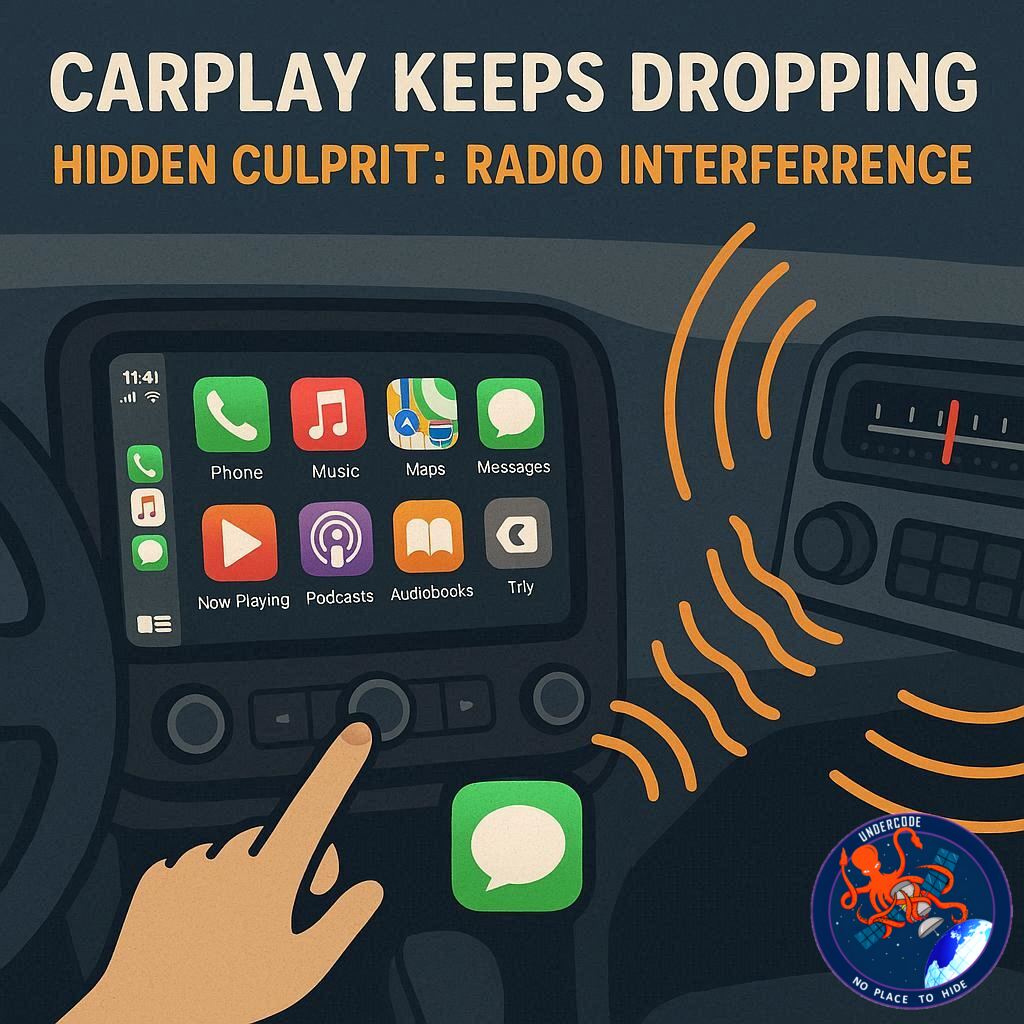
Apple CarPlay promises a seamless connection between your iPhone and your car, letting you navigate, call, and stream music with ease. But for many drivers, that connection mysteriously drops at the worst possible moments—sometimes repeatedly in the same location. Frustratingly, it isn’t always a faulty iPhone, damaged cable, or outdated car system to blame. The real culprit may be something invisible: radio interference.
A recent Axios report highlighted a curious case in Boston where drivers lost CarPlay and Android Auto connections at precisely the same spots. These “dead zones” appear tied to environmental factors rather than user error, suggesting similar issues could exist in other cities but remain unreported. CarPlay doesn’t run GPS navigation independently; instead, it relies on a direct Bluetooth or Wi-Fi link to your iPhone, which pulls GPS and internet data. When that wireless link is disrupted, your navigation and apps falter, causing sudden disconnections.
One Reddit user, Mainframe, shared a striking example from Grapevine, Texas. Between a stretch of road near a petroleum storage facility and a nursing home, every wireless CarPlay system—built-in, aftermarket, or adapter-based—would fail. Some systems recover, some do not, affecting even the latest Mercedes EVs. While these occurrences are rare, they demonstrate how localized interference can render advanced tech unreliable.
Experts suggest that interference in the 2.4GHz band is often the source. In Boston, possible causes include point-to-point microwave links, broadcast antennas, or unlicensed transmitters. Essentially, you could be driving through an invisible “electromagnetic trap” that temporarily severs the link between your iPhone and dashboard. Although such issues are difficult to fix, understanding the root cause can save hours of troubleshooting, avoiding unnecessary service visits or cable replacements.
In short, if your CarPlay frequently disconnects in the same location, radio interference is likely the culprit. While Apple continues to enhance iOS 26 and CarPlay functionality, this invisible problem remains a quirky reminder of how physical environments still affect wireless tech.
What Undercode Says: Understanding the CarPlay Connection Challenge
How Wireless CarPlay Works
Apple CarPlay relies on a direct link—either Wi-Fi or Bluetooth—between your iPhone and your car’s infotainment system. Unlike autonomous GPS devices, the iPhone handles all navigation, mapping, and data transfer. Any interruption in this connection immediately affects functionality, from navigation to music streaming.
The Role of Radio Interference
Dead zones caused by interference often come from sources in the 2.4GHz band, including industrial microwave links, radio towers, or even unlicensed transmitters. When your car passes through these interference hotspots, CarPlay may disconnect, sometimes permanently for the duration of the exposure.
Why It’s Hard to Fix
Unlike software bugs, these disconnections aren’t caused by your iPhone or the car system itself. They are environmental, meaning a firmware update or cable replacement won’t solve the problem. Drivers in affected areas are essentially victims of physics, not faulty technology.
Broader Implications
This issue isn’t isolated. Many cities likely harbor similar dead zones near industrial areas, broadcast towers, or dense wireless networks. It highlights a growing challenge for wireless car technologies: as cars rely more on Wi-Fi and Bluetooth, environmental electromagnetic noise will increasingly affect reliability.
Long-Term Solutions
Future car systems could include smarter reconnection protocols, better interference resistance, or alternative frequency bands. Apple’s software could also implement error correction to maintain the connection during short disruptions. Meanwhile, users can anticipate problem areas and rely on wired CarPlay as a temporary fix.
User Experiences Confirm Patterns
Real-world reports show that some cars recover from interference while others do not. Vehicles with newer or more advanced systems aren’t immune. Drivers often notice repeated disconnections in the same geographic spots, confirming that this is a reproducible environmental problem.
Practical Advice for Drivers
If you notice persistent CarPlay drops, note the location. Avoid expensive diagnostics unless the problem persists outside interference zones. Wired connections may provide a more stable experience in hotspots prone to electromagnetic noise.
🔍 Fact Checker Results
✅ Verified: CarPlay relies on iPhone for GPS and data, not the car itself.
✅ Verified: 2.4GHz radio interference can disrupt wireless connections.
❌ Not verified: Specific industrial sources in Grapevine, TX, are anecdotal but plausible.
📊 Prediction: The Future of Wireless Car Connectivity
Wireless CarPlay and Android Auto will remain vulnerable to interference in dense urban and industrial areas unless Apple and automakers innovate. Expect future infotainment systems to adopt smarter reconnection protocols, multiple frequency bands, or AI-based error correction to minimize drops. For the next five years, wired CarPlay may remain the most reliable solution for drivers frequently traversing interference-prone zones.
If you want, I can also create a visual map of CarPlay “dead zones” across the U.S. to make this issue more tangible for readers. It would be an attention-grabbing addition. Do you want me to do that?
🕵️📝✔️Let’s dive deep and fact‑check.
References:
Reported By: 9to5mac.com
Extra Source Hub (Possible Sources for article):
https://stackoverflow.com
Wikipedia
OpenAi & Undercode AI
Image Source:
Unsplash
Undercode AI DI v2
Bing
🔐JOIN OUR CYBER WORLD [ CVE News • HackMonitor • UndercodeNews ]
📢 Follow UndercodeNews & Stay Tuned:
𝕏 formerly Twitter 🐦 | @ Threads | 🔗 Linkedin | 🦋BlueSky | 🐘Mastodon


