
Listen to this Post
Introduction
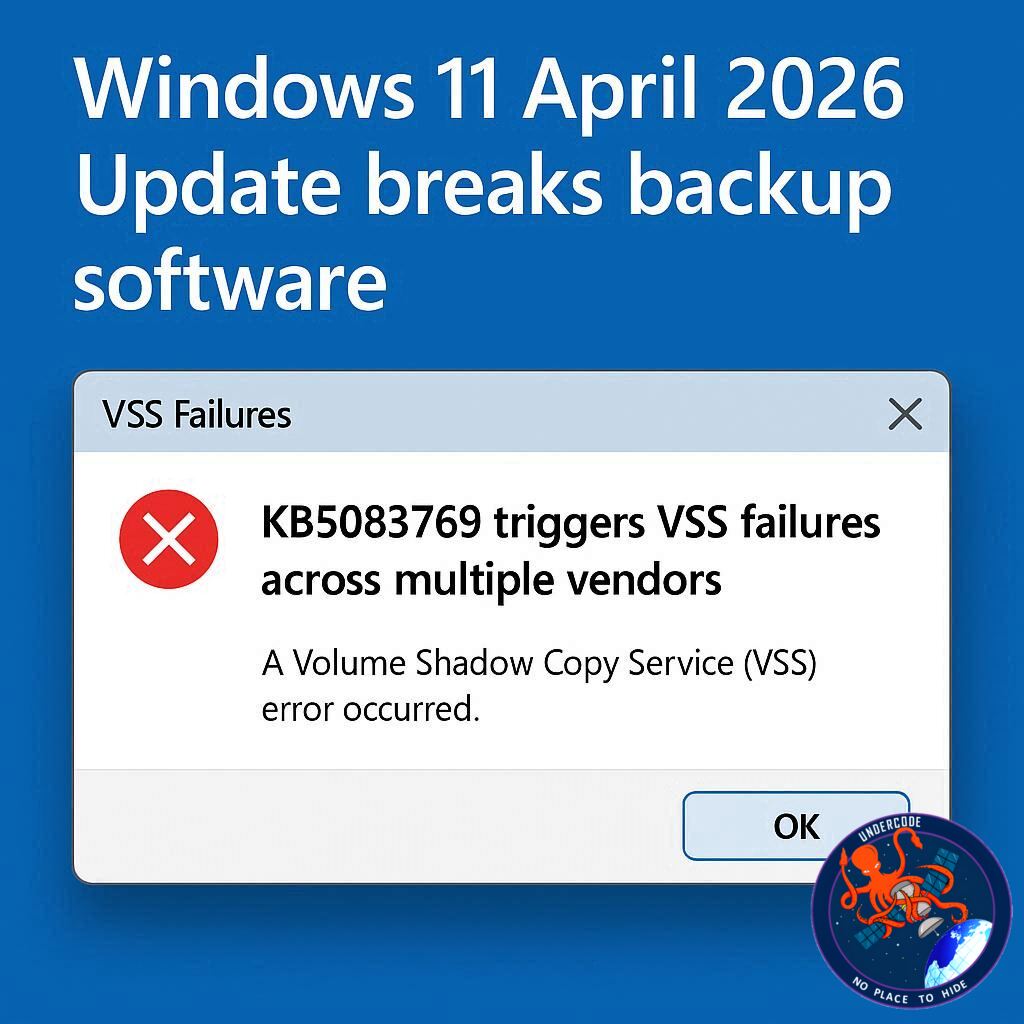
Microsoft’s April 2026 security update for Windows 11, identified as KB5083769, is creating unexpected problems for users who rely on third-party backup software. Reports from administrators and home users indicate that after installing the update, backup jobs begin failing due to issues with Microsoft’s Volume Shadow Copy Service (VSS), a critical Windows component used to create snapshots of files and system states during backup operations.
The problem appears to affect Windows 11 versions 24H2 and 25H2, with several major backup vendors already confirming customer impact. While security updates are meant to protect systems, this case highlights the constant challenge of balancing patching urgency with system stability, especially in environments where backups are mission-critical.
Backup Systems Suddenly Stop Working
According to multiple reports, first highlighted by Microsoft MVP Susan Bradley, the KB5083769 update causes timeout failures in Microsoft VSS. This service has existed since the Windows Server 2003 era and is deeply integrated into enterprise and consumer backup workflows. It allows Windows, applications, and backup tools to safely capture data snapshots even while files are in use.
When VSS fails, many backup programs cannot complete their tasks. Instead of generating a usable recovery image or data copy, the software returns errors and exits. For users who depend on scheduled backups, this means systems may appear protected while no valid backups are actually being created.
Several vendors have been linked to the issue, including Acronis Cyber Protect Cloud, Macrium Reflect, NinjaOne Backup, and UrBackup Server. Since many backup tools rely on the same Windows snapshot mechanism, the impact may extend further than the currently confirmed list.
Acronis Confirms the Issue
Acronis published a support advisory stating that Windows 11 Home and Pro systems can experience failed backups after the update is installed. Users reportedly receive the message:
“The backup has failed because Microsoft VSS has timed out during the snapshot creation.”
The company also warned that in some cases systems may temporarily lose connection with the Acronis cloud management console and appear offline. That adds another layer of concern for managed service providers and IT teams who depend on centralized monitoring.
This kind of failure can be especially dangerous because administrators may first notice the problem only when they attempt a restore or review logs later.
Temporary Fix Available
For now, affected users are being advised to uninstall the KB5083769 update through Windows Update history, then reboot the system. Many are also pausing Windows updates temporarily until Microsoft issues a corrected patch.
While uninstalling a security update is never ideal, organizations with strict backup requirements may see it as the safer short-term option compared with operating without working recovery points.
The challenge is that removing security patches can reopen vulnerabilities, creating a difficult decision between cyber defense and operational resilience.
Microsoft’s Recent Patch Problems Continue
This is not the first April 2026 patching issue for Microsoft. Earlier in the month, emergency out-of-band updates were released to fix restart loops and installation failures on Windows Server systems.
Separately, Microsoft also acknowledged that some Windows Server 2025 devices entered BitLocker recovery mode after installing update KB5082063, requiring users to manually enter recovery keys.
These repeated incidents may increase pressure on Microsoft to strengthen pre-release validation testing, especially across mixed enterprise environments where backup agents, encryption, endpoint tools, and management software all interact.
Why This Matters More Than It Seems
Backups are one of the last lines of defense against ransomware, accidental deletion, hardware failure, and software corruption. When backup systems silently fail after a routine update, the risk multiplies.
Many organizations patch systems automatically each month. If backup failures go unnoticed for days or weeks, they may discover too late that recovery points are missing or incomplete.
That makes this issue more than a software inconvenience. It is a resilience problem.
What Undercode Say:
The KB5083769 incident shows a recurring weakness in modern IT operations: too many critical systems depend on hidden shared services. VSS is one of those invisible layers. Most users never think about it, yet backup platforms, restore tools, and disaster recovery processes depend on it functioning perfectly.
When Microsoft changes something at the operating system level, even a small timeout adjustment or service conflict can ripple outward into an ecosystem of vendors. That means patch validation cannot stop at Windows boot success or application launch testing. It must include backup success, restore success, encryption compatibility, network agent connectivity, and workload continuity.
For enterprises, this event is another reminder that patch management should never be fully blind or fully automated. Staged deployment rings remain essential. Test machines should mirror production systems, including backup agents and security software.
For consumers, the lesson is simpler: never rely on a single backup method. If one software stack breaks, another copy should still exist. Cloud sync is not enough. Full offline or image-based backups matter.
Security teams may also notice the uncomfortable tradeoff here. Remove the patch and regain backups, or keep the patch and risk failed recovery readiness. This is exactly why resilience planning must include decision trees before emergencies happen.
Vendors like Acronis reacting quickly with documentation is a positive sign. Transparent communication often matters more than perfection. Users can tolerate bugs faster than silence.
Microsoft now faces the bigger reputational issue. Monthly updates are supposed to increase trust. If updates repeatedly create outages, restart loops, BitLocker lockouts, or backup failures, organizations may slow patch adoption overall. That delay can indirectly create larger security exposure.
The future likely requires smarter updates: environment-aware patches that detect installed backup software, pause deployment if conflicts exist, or auto-roll back when backup validation fails.
This event also reinforces why ransomware actors often strike backup infrastructure first. If defenders lose confidence in restore systems, attackers gain leverage.
Reliable backups are not optional maintenance tools anymore. They are strategic security assets.
Fact Checker Results
✅ Multiple reports indicate KB5083769 affects Windows 11 24H2 and 25H2 backup workflows using VSS.
✅ Acronis publicly acknowledged failures involving snapshot creation timeouts.
❌ Microsoft had not immediately provided a public detailed response at the time of the original reporting.
Prediction
🔮 Microsoft will likely release an emergency compatibility fix or revised cumulative update soon.
🔮 Backup vendors may introduce temporary detection scripts to warn customers before patch installation.
🔮 Enterprises will increasingly delay broad Patch Tuesday rollouts until backup validation passes.
🕵️📝Let’s dive deep and fact‑check.
References:
Reported By: www.bleepingcomputer.com
Extra Source Hub (Possible Sources for article):
https://www.quora.com
Wikipedia
OpenAi & Undercode AI
Image Source:
Unsplash
Undercode AI DI v2
Bing
🔐JOIN OUR CYBER WORLD [ CVE News • HackMonitor • UndercodeNews ]
📢 Follow UndercodeNews & Stay Tuned:
𝕏 formerly Twitter 🐦 | @ Threads | 🔗 Linkedin | 🦋BlueSky | 🐘Mastodon


