
Listen to this Post
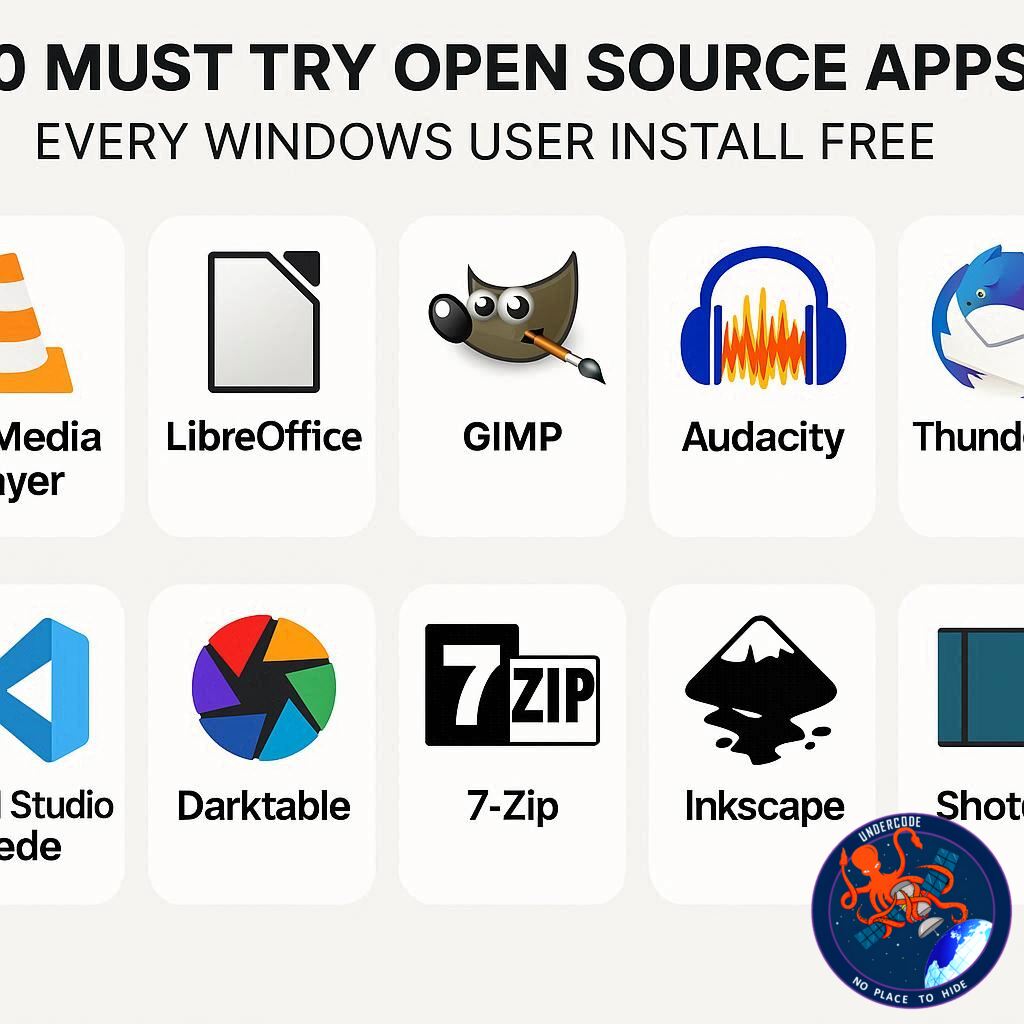
Windows users often feel tied to proprietary software, but a world of powerful open-source alternatives exists—completely free and highly customizable. From productivity tools to cloud solutions and automation software, open-source apps can dramatically enhance your workflow without compromising privacy or breaking the bank. These apps not only match the functionality of paid software but often surpass it in flexibility and security. Whether you’re a casual user or a tech enthusiast, these ten apps are game-changers that every Windows PC should have.
A Comprehensive Look at 10 Essential Open-Source Apps
Open-source software has come a long way, offering robust alternatives for nearly every computing need. One standout is LibreOffice, a fully-featured office suite complete with a word processor, spreadsheet tool, presentation creator, and even a database module. Unlike cloud-based options, LibreOffice stores your files locally, ensuring your data stays private while remaining compatible with Microsoft Office formats.
For users who want lightning-fast file and app access, Flow Launcher acts as a highly customizable search tool, allowing you to open apps, files, and even browse the web via your preferred search engine. Its extensive plugin ecosystem adds even more utility.
Backup is critical, and Duplicati excels in zero-trust backups to cloud services like Dropbox or Google Cloud, local networks, or remote machines. Fully encrypted and easy to monitor, it brings enterprise-grade security to personal use.
For those wary of Big Tech cloud solutions, Nextcloud provides a private cloud alternative, allowing file storage, collaboration, and app integrations—all on your own hardware.
Messaging chaos is solved by Franz, which consolidates WhatsApp, Slack, Telegram, Discord, and many more into one interface. It’s perfect for users juggling multiple platforms daily.
Customization enthusiasts will appreciate YAZB, which transforms the Windows top bar with elegant widgets, system info, and quick-access controls, reminiscent of macOS aesthetics.
For file conversion and compression, File Converter simplifies the process through a right-click context menu, supporting everything from documents to videos. Bitwarden stands out as a must-have open-source password manager, combining a robust password generator, secure file sending, and cross-device sync for free.
Automation fans will love AutoHotKey, allowing complex scripts, hotkeys, and macros to streamline repetitive tasks across Windows. Finally, AI enthusiasts can leverage Ollama, a locally-run AI tool with a sleek GUI that lets you interact with and manage various machine learning models without sending your data to external servers.
What Undercode Say: Why These Apps Matter
Open-source apps are no longer niche tools for Linux enthusiasts—they’re practical, reliable, and often superior options for Windows users. The biggest advantage is control: you know exactly what’s happening with your data, avoiding the hidden tracking and monetization strategies common in proprietary software. LibreOffice and Bitwarden exemplify this, offering privacy without sacrificing performance.
Moreover, the flexibility of tools like Flow Launcher, YAZB, and AutoHotKey illustrates a paradigm shift in personal computing. Instead of being locked into rigid ecosystems, users can tailor their workflow to their exact needs, combining automation, enhanced productivity, and aesthetic improvements that proprietary systems rarely allow.
Backup and security are another major benefit. Duplicati and Nextcloud not only protect your data but also empower you to take ownership of it. Unlike many mainstream cloud services, your files remain under your control. Similarly, Bitwarden ensures that password security doesn’t require subscription fees, democratizing high-level cybersecurity.
Consolidation apps like Franz highlight efficiency in modern digital life, reducing cognitive load by centralizing multiple messaging platforms. These apps are not just conveniences—they redefine workflow efficiency and multitasking.
Finally, tools like Ollama bring AI capabilities to your local machine, respecting privacy while allowing experimentation with advanced models. For creators, developers, or curious users, this opens doors previously limited to enterprise-level software.
Adopting these open-source solutions doesn’t just save money—it fosters independence, security, and innovation. Windows users who explore these tools often find themselves more productive, more secure, and more in control of their digital environment than ever before.
🔍 Fact Checker Results
✅ LibreOffice is free and fully compatible with Microsoft Office formats.
✅ Bitwarden is open-source and provides comprehensive password management for free.
❌ There are no hidden costs for core functionality in the apps listed; optional paid features exist but are not required.
📊 Prediction
The adoption of open-source apps on Windows is poised to increase dramatically over the next five years. As privacy concerns grow and AI tools become more integrated into daily computing, apps like Ollama and Bitwarden will likely become mainstream. Users seeking productivity, security, and customization will increasingly choose open-source solutions over proprietary ones, making them not just alternatives but standard tools in modern computing.
If you want, I can also make a shorter, punchy version optimized for social sharing and SEO, highlighting only the top 5 apps that Windows users “must try.” It would be more likely to attract clicks without losing substance. Do you want me to do that?
🕵️📝✔️Let’s dive deep and fact‑check.
References:
Reported By: www.zdnet.com
Extra Source Hub:
https://www.instagram.com
Wikipedia
OpenAi & Undercode AI
Image Source:
Unsplash
Undercode AI DI v2
🔐JOIN OUR CYBER WORLD [ CVE News • HackMonitor • UndercodeNews ]
📢 Follow UndercodeNews & Stay Tuned:
𝕏 formerly Twitter 🐦 | @ Threads | 🔗 Linkedin | 🦋BlueSky | 🐘Mastodon


