
Listen to this Post
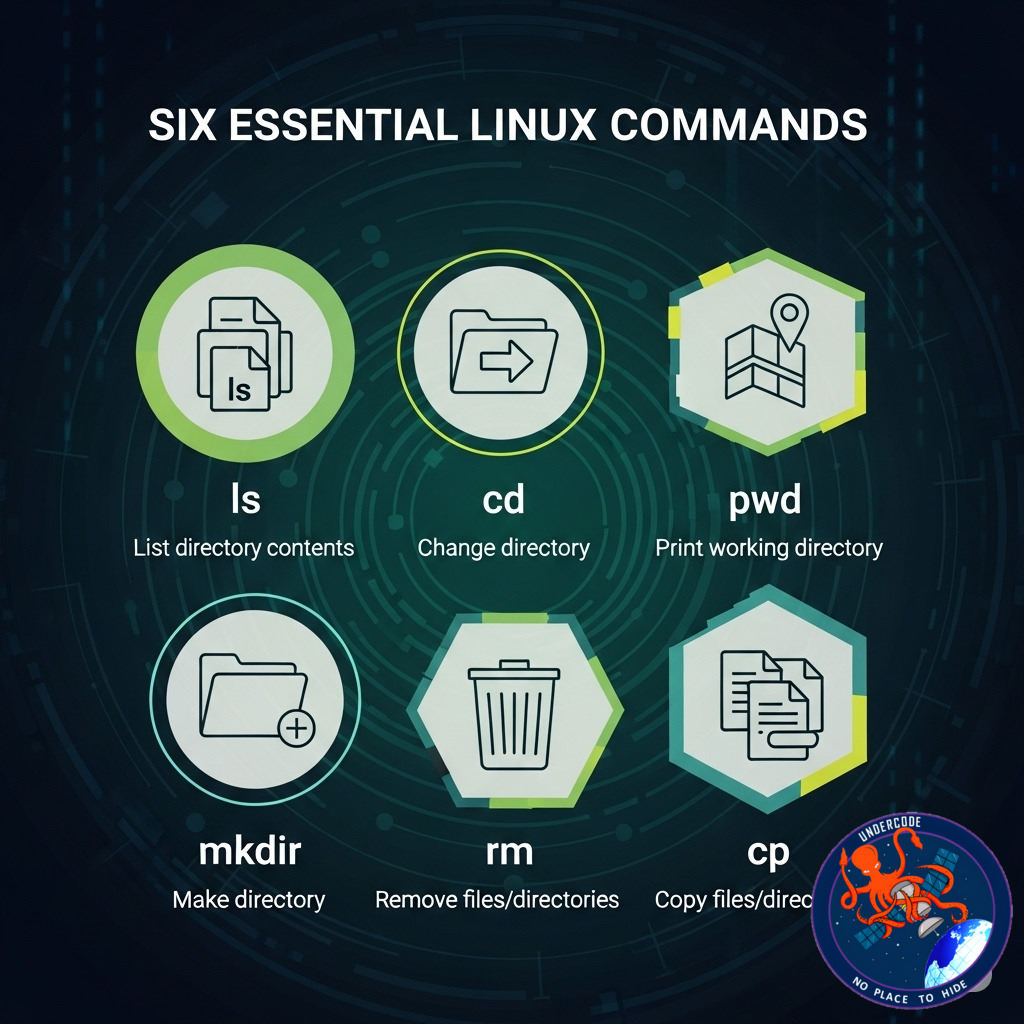
Linux has long been a favorite for tech enthusiasts, system administrators, and developers. While many imagine Linux as a complex beast only tamed by hardcore command line wizards, it’s surprisingly accessible, even for newcomers. Over decades of using Linux, I’ve come to rely heavily on a handful of commands that keep my workflows smooth, efficient, and responsive. These commands cover everything from remote access to file permissions, troubleshooting, and network diagnostics. Whether you’re a beginner dipping your toes or an experienced user wanting to sharpen your toolkit, these six commands are indispensable.
the Essential Linux Commands
The article lays out six core Linux commands that the author considers absolutely vital to daily operations:
- SSH (Secure Shell): The go-to command for accessing and managing remote servers securely. It’s indispensable for system administrators or anyone who needs remote machine access. The author emphasizes its daily use and the impossibility of doing certain tasks without it.
-
chmod: This command manages file permissions, particularly useful for making scripts executable or controlling read/write access in multi-user environments. It’s simpler and faster than relying on GUI file managers.
-
kill/killall: When an application freezes or behaves erratically, these commands terminate problematic processes to prevent system crashes or resource exhaustion. While not daily tools, they are lifesavers during system emergencies.
-
dmesg: Displays kernel messages, crucial for diagnosing hardware problems. It provides a window into system errors related to devices, USB connections, or hardware failures, requiring admin privileges.
-
grep: The command line’s powerful search tool for sifting through text files or logs to find specific strings. It makes navigating lengthy files quick and efficient and is a frequent companion for configuration or troubleshooting tasks.
-
ping: The first diagnostic command to test network connectivity and latency. It’s straightforward and intuitive, helping pinpoint issues with DNS, gateways, or hardware on the local network.
Together, these commands form a robust toolkit, balancing everyday productivity with the ability to troubleshoot and manage systems effectively.
What Undercode Say: Deep Dive Into Linux’s Command Line Essentials
These six commands aren’t just arbitrary picks; they reflect foundational skills that separate casual Linux users from those who truly harness its power. Linux, with its roots in UNIX, thrives on the command line because it offers unmatched control, speed, and scripting capabilities. Here’s why each of these commands matters deeply — not just in theory, but in real-world usage:
SSH: In an era where cloud computing and remote servers dominate IT infrastructure, SSH remains the backbone of secure remote access. Without it, managing servers, deploying updates, or troubleshooting systems remotely would be clunky or outright impossible. For new users, mastering SSH early on paves the way to professional system administration and DevOps.
chmod: Permissions in Linux aren’t just bureaucratic overhead; they’re fundamental to system security and collaboration. Using chmod efficiently protects files and scripts from unauthorized access while empowering users to automate tasks safely. This command embodies Linux’s philosophy of granular control and security.
kill/killall: Every OS faces rogue applications, but Linux’s process management commands provide elegant solutions to regain control without rebooting. While GUI task managers exist, the speed and precision of kill commands in a terminal environment are unmatched—making them essential for power users.
dmesg: Hardware issues are often the most frustrating to diagnose. dmesg gives a raw, unfiltered look into the kernel’s eyes, revealing what’s going wrong under the hood. Its power lies in exposing system-level faults that GUIs usually hide, making it a crucial tool for hardware troubleshooting and diagnostics.
grep: This command exemplifies the power of text processing that defines Linux. Logs, configuration files, and outputs can be overwhelming, but grep cuts through the noise with laser focus. It’s indispensable for anyone diving into system diagnostics or development work, turning mountains of data into actionable insights.
ping: The humble ping command is the first line of defense in network troubleshooting. Its simplicity masks its utility—it quickly confirms whether a connection exists and measures latency, providing clues to deeper issues. For administrators and casual users alike, ping is a quick sanity check that saves hours of frustration.
Together, these commands highlight Linux’s balance of power and simplicity. They’re accessible enough for newcomers to pick up quickly yet robust enough to serve expert users in complex scenarios. Importantly, relying on command line tools doesn’t mean shunning graphical interfaces — it means complementing them with a deeper level of control.
🔍 Fact Checker Results
✅ The commands described are widely regarded as essential by the Linux community and official documentation.
✅ SSH is indeed the standard for remote secure shell access in Linux and other Unix-like systems.
❌ The claim that Linux users can completely avoid the command line is misleading; while possible, command line proficiency unlocks Linux’s full potential.
📊 Prediction: Why Mastering These Commands Will Define Linux Success in 2025 and Beyond
As Linux continues to dominate in cloud environments, edge computing, and IoT, mastering these core commands will remain a key differentiator. The rise of DevOps and infrastructure-as-code means users who know how to script, automate, and troubleshoot via command line tools will enjoy greater career opportunities and operational efficiency. Even as GUI tools improve, the flexibility and power of commands like ssh, chmod, and grep will keep them indispensable.
Furthermore, with increasing cyber threats, understanding file permissions (chmod) and process management (kill) will be critical for system security and stability. Networking diagnostics through ping and kernel insights via dmesg will empower users to maintain uptime and troubleshoot issues proactively.
In short, these six commands aren’t relics of a bygone era—they are the foundation of modern Linux mastery, poised to remain relevant as technology evolves. Investing time in learning them now will pay dividends in career growth, system reliability, and technical confidence.
🕵️📝✔️Let’s dive deep and fact‑check.
References:
Reported By: www.zdnet.com
Extra Source Hub:
https://www.instagram.com
Wikipedia
OpenAi & Undercode AI
Image Source:
Unsplash
Undercode AI DI v2
🔐JOIN OUR CYBER WORLD [ CVE News • HackMonitor • UndercodeNews ]
📢 Follow UndercodeNews & Stay Tuned:
𝕏 formerly Twitter 🐦 | @ Threads | 🔗 Linkedin | 🦋BlueSky | 🐘Mastodon


