
Listen to this Post
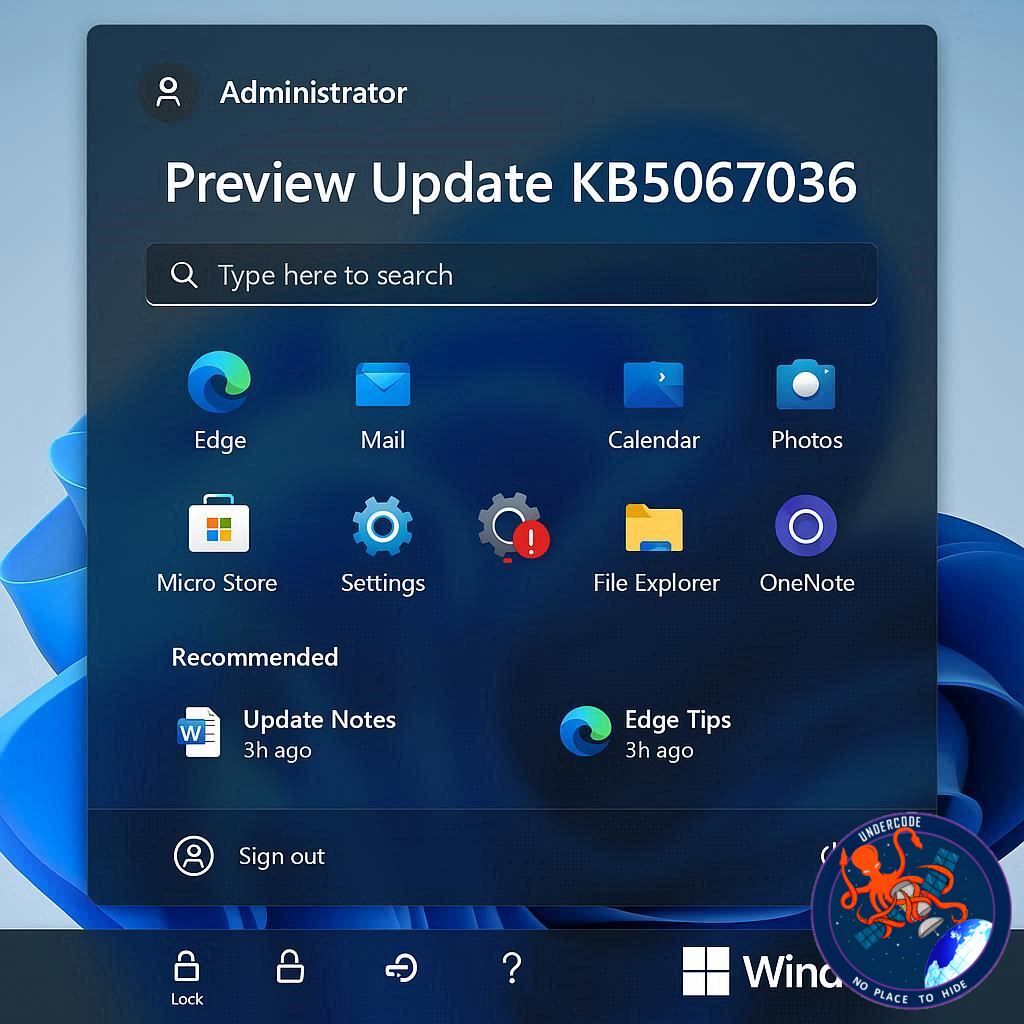
Microsoft has released the preview for Windows 11 KB5067036, a significant update aimed at improving both user experience and security. This update introduces a redesigned Start Menu, a smoother interface, and tighter administrative controls, requiring Windows Hello authentication for administrator-level actions. Alongside these major changes, Microsoft has rolled out various bug fixes and subtle user interface improvements that collectively enhance system stability and user confidence.
The redesigned Start Menu is more intuitive, focusing on accessibility and streamlined navigation. Users can now locate applications and settings faster, with a cleaner visual layout that balances modern aesthetics and functional efficiency. At the same time, Microsoft has reinforced administrator protections, now mandating Windows Hello authentication for all elevated actions. This move is intended to reduce unauthorized changes and strengthen overall system security, particularly in environments where multiple users share devices.
In addition to the Start Menu and security improvements, KB5067036 addresses several minor bugs and performance issues. Users can expect smoother animations, faster system responses, and fewer unexpected crashes or glitches. The update also enhances UI consistency across Windows apps, creating a more polished and unified experience. Microsoft continues to focus on usability, ensuring that the operating system is both secure and enjoyable for everyday tasks.
The update reflects Microsoft’s ongoing commitment to cybersecurity, particularly in protecting administrative privileges and sensitive system settings. By integrating Windows Hello as a requirement for elevated actions, the company is pushing towards a more modern, biometric-first approach to security. This reduces reliance on passwords alone and offers a more robust line of defense against unauthorized access.
Microsoft’s strategy with KB5067036 also signals a broader trend: combining UI improvements with security enhancements rather than treating them as separate priorities. Users no longer have to choose between a visually appealing interface and strong protections; the update merges both, promoting a more seamless digital experience.
Organizations and individual users alike should consider installing the preview update, especially those handling sensitive information or requiring multiple user profiles. The enforced use of Windows Hello for administrative tasks helps mitigate risks posed by weak passwords or careless credential management. This update is particularly relevant for business environments, shared family computers, and any device where security is a top concern.
Overall, KB5067036 strengthens the Windows 11 ecosystem by marrying design refinement with crucial security upgrades. Users are likely to notice subtle but meaningful enhancements in workflow, responsiveness, and access control. For Microsoft, it continues to set a precedent for iterative improvements that respect both aesthetics and functionality.
What Undercode Say:
The Windows 11 KB5067036 preview update is more than a routine patch—it reflects a strategic shift in how Microsoft approaches operating system development. By redesigning the Start Menu, Microsoft addresses long-standing user feedback for a simpler, faster, and more intuitive navigation experience. While some may argue that UI changes are cosmetic, the improved layout reduces friction in daily interactions, indirectly boosting productivity and user satisfaction.
Requiring Windows Hello for administrative actions is a clear statement in favor of biometric security. Passwords alone are increasingly vulnerable, especially with the proliferation of phishing attacks and credential leaks. Integrating biometric authentication for critical actions mitigates risk and encourages users to adopt a more secure posture without sacrificing convenience. It also signals to enterprises that Microsoft prioritizes protecting sensitive administrative operations, a critical concern in hybrid work and shared device scenarios.
The combination of security and usability improvements suggests that Microsoft is moving toward an integrated user experience where protection and design coexist. Previous Windows updates often separated these aspects, sometimes leaving security as a cumbersome afterthought. KB5067036 demonstrates a more cohesive philosophy, which may influence future operating system updates.
Bug fixes and UI consistency improvements may seem minor, but they play a crucial role in user trust. Inconsistent animations, glitches, or sudden crashes can erode confidence, especially in professional environments. By addressing these issues, Microsoft maintains credibility and reinforces the perception of a polished, enterprise-ready platform.
From a broader perspective, this update also hints at Microsoft’s commitment to iterative improvement rather than waiting for large-scale releases. Preview updates like KB5067036 allow users to test and provide feedback, accelerating the company’s ability to refine both design and security in real time. This participatory approach can lead to a more resilient ecosystem, as potential issues are identified and resolved before major public releases.
Ultimately, KB5067036 is an example of how modern operating systems must balance aesthetics, usability, and security. Microsoft is acknowledging that users demand both, and failing to meet either expectation can impact adoption, satisfaction, and trust. This update suggests that future Windows 11 patches may continue to integrate these priorities more seamlessly, shaping a system that feels both safe and modern.
Fact Checker Results:
✅ KB5067036 introduces a redesigned Start Menu and improved UI.
✅ Windows Hello is now required for administrative actions in this update.
❌ No evidence suggests this update adds major system-wide features beyond UI and admin protections.
Prediction:
Expect Microsoft to continue blending usability enhancements with security upgrades in future Windows 11 updates. 🖥️ Users may see more biometric-driven protections, subtle UI refinements, and performance optimizations in preview releases before mainstream rollout. Security-first design is likely to become a standard expectation in enterprise and consumer Windows environments.
🕵️📝✔️Let’s dive deep and fact‑check.
References:
Reported By: x.com
Extra Source Hub (Possible Sources for article):
https://stackoverflow.com
Wikipedia
OpenAi & Undercode AI
Image Source:
Unsplash
Undercode AI DI v2
Bing
🔐JOIN OUR CYBER WORLD [ CVE News • HackMonitor • UndercodeNews ]
📢 Follow UndercodeNews & Stay Tuned:
𝕏 formerly Twitter 🐦 | @ Threads | 🔗 Linkedin | 🦋BlueSky | 🐘Mastodon


